 baty.net
Sometimes it’s fun to throw a roll through the little Olympus Stylus Epic. Mostly self-portraits around the house because I was bored.


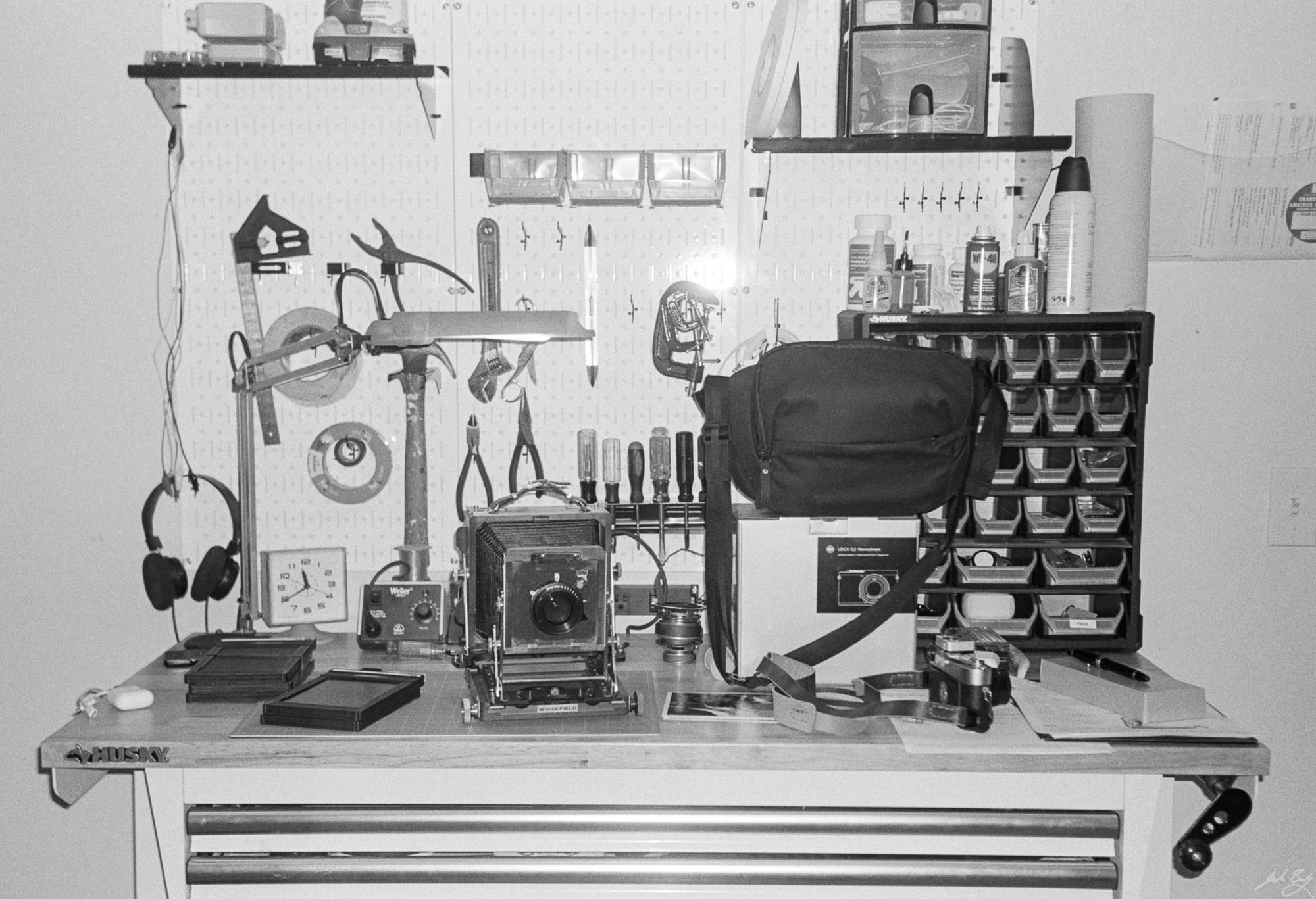
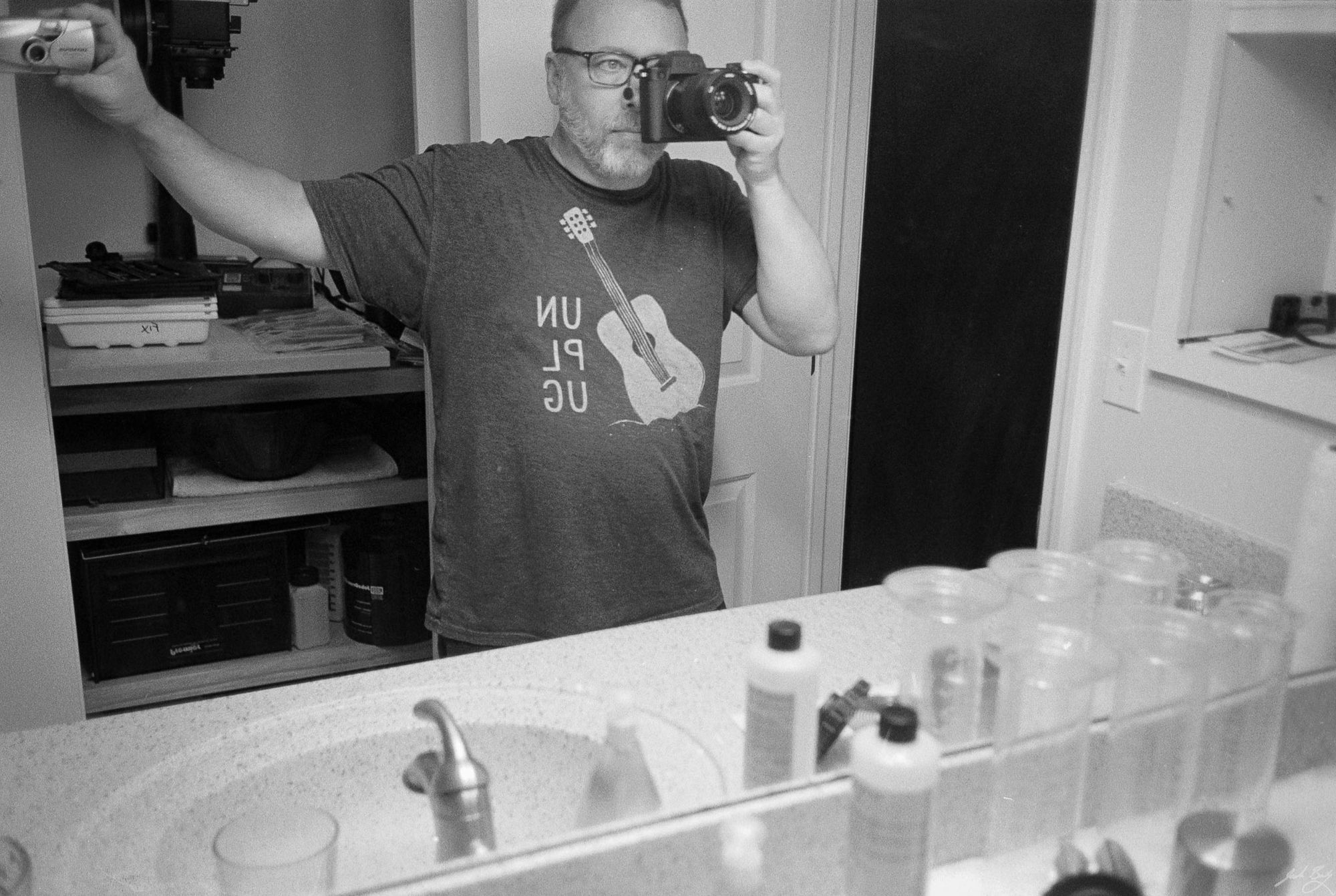
Sometimes it’s fun to throw a roll through the little Olympus Stylus Epic. Mostly self-portraits around the house because I was bored.
Now that I have my dream MP, I should probably sell the M6. If I do, this will have been the last roll I shot with it.
Out with the new MP and a roll of HP5+. I think these are all shot with the 50mm Summilux ASPH
Here are a few from the very first roll through the new Leica MP.
(Sorry, I lost them)
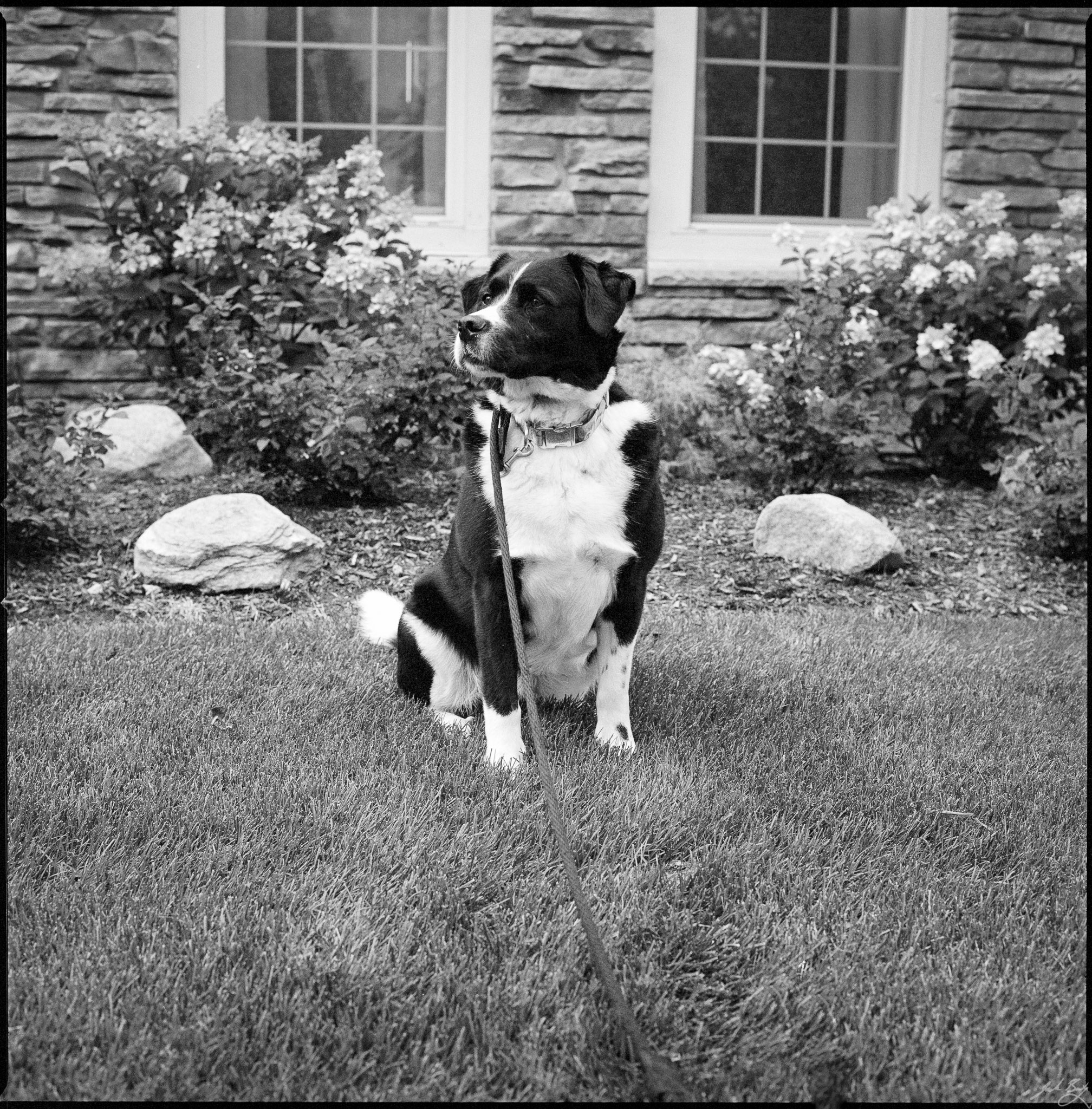
Tri-X in the Hasselblad 500C/M. This was the only shot on the roll that I liked.
If I knew how to take a good picture, I’d do it all the time
Robert Doisneau
I enjoy both film and digital photography, but the pendulum has been swinging toward film recently, and I’ve been having a ball.
I’ve finally dialed in a film processing, scanning, and editing workflow that works and that I don’t hate. What’s more, I’ve been studying my recent film photos and I really like them. I like that they’re not so perfect that zooming in to 100% is useful. I like the defects and unpredictability. I like the process. But most of all, I like the cameras. Specifically, I like Leica rangefinders.
I bought my first Leica M, an M6 TTL back in 2004. From there I’ve had an M3, M4, M6, M7, M8, and M10-P. Eventually, I ended up with a comfortable kit with an M3, M4, and M6 Classic. The M3 is great because it’s the first M, and the .92x finder magnification is perfect for 50mm lenses and makes shooting 90mm lenses feasible. The M4 is a more modern, but still entirely mechanical, non-metered body. And the M6 Classic is newer (still 20+ years old) and is metered.
Each of the M cameras was purchased used (of course). Their resale value has gone through the roof over the past few years. Clean M6 bodies go for twice what I paid for mine. Leica film cameras may not qualify as “investments” but they certainly don’t depreciate. At least they haven’t since I’ve owned them.
What I’ve never done is buy a brand new Leica M film camera, because that would be crazy. Why buy new when I can get something for a third of the price that works great and does basically the same thing? And unlike used bodies, new cameras do depreciate. At least for a minute.
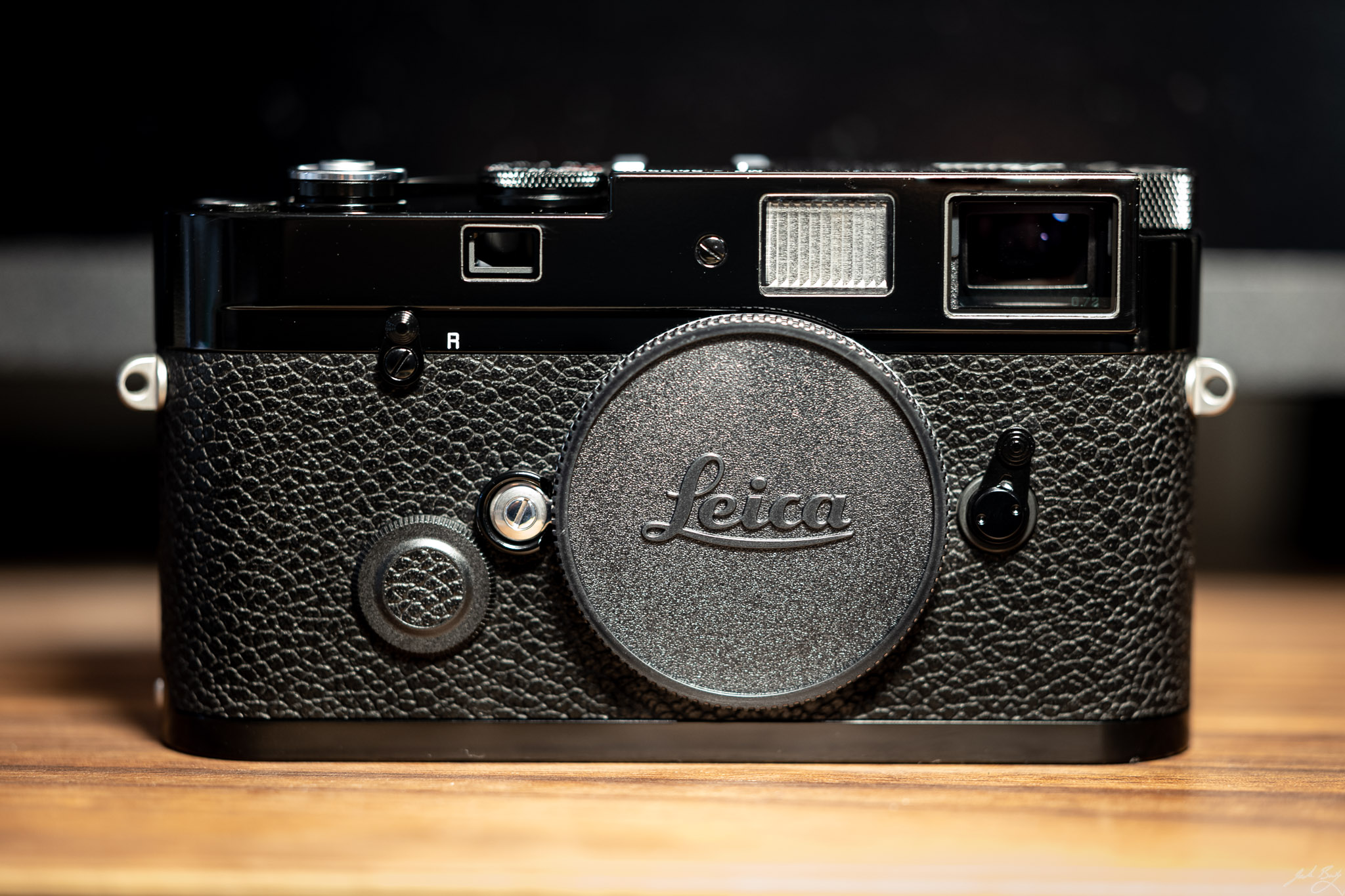
But I must admit to always dreaming of a brand new Leica M film camera. Leica only makes two: The non-metered M-A and the metered MP.
Leica recently announced a special black-paint version of the digital M10-R and I thought it looked beautiful. It got me thinking about other black paint Leica bodies and how much I love that finish. Several of the older models were available with the gorgeous black paint finish, but they fetch even higher prices than the regular chrome and black chrome models.
I couldn’t stop thinking about it and started poking around and learned that the MP happens to be available in black paint. Whaddaya know? Of course they’re always backordered everywhere and I was told the wait time was in months. So much for an impulse purchase. Whew!
So for a few days I put a few rolls through the M3 and M6 and was reminded how much fun it could be. But wouldn’t it be cool to be the original owner of a new Leica M? I’ve been told by people who know me and have been around me that I should “Never sell a Leica!”. What better way to make sure that happens than to have a new one I can call my own forever?
And the rationalizations continued for a week or so while I absorbed every review, forum post, and YouTube video I could find that contained even a whiff of information about the MP.
I love film. I want to always shoot film. So I called Leica Store Miami and put myself on the waiting list for a black paint MP. I was told they only receive new ones every couple of months, and the waiting list is pretty long, so I should settle in for a long wait. And who knows, maybe I’d lose interest in the meantime. It happens. Of course B&H, Leica, and the other usual outlets were backordered as well.
Then, on a whim, I looked for one at Camera West. I’ve purchased from them before and had good luck. You know what happens next, right? They had 2 new black paint MPs in stock. I bought one immediately.
So that happened.
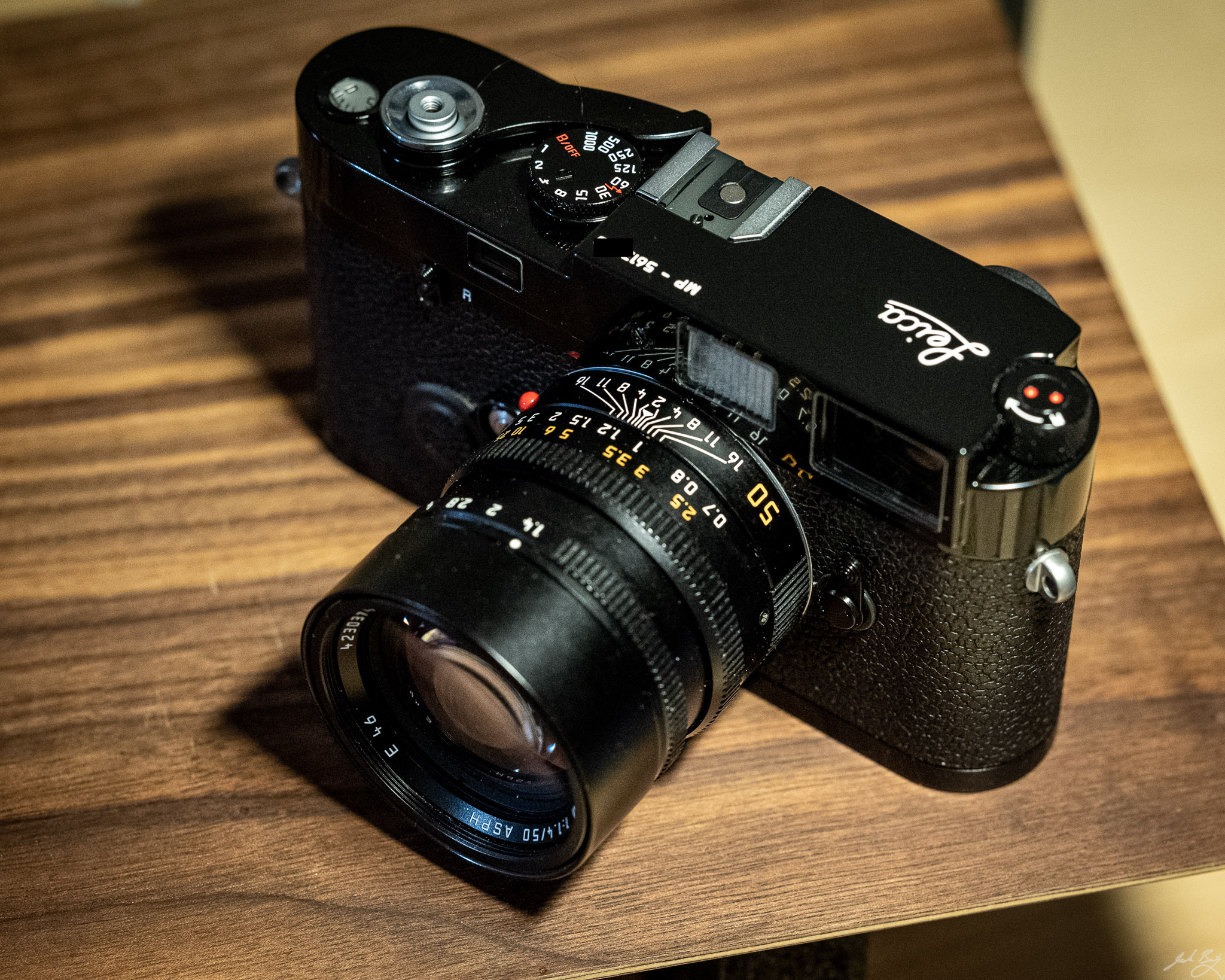
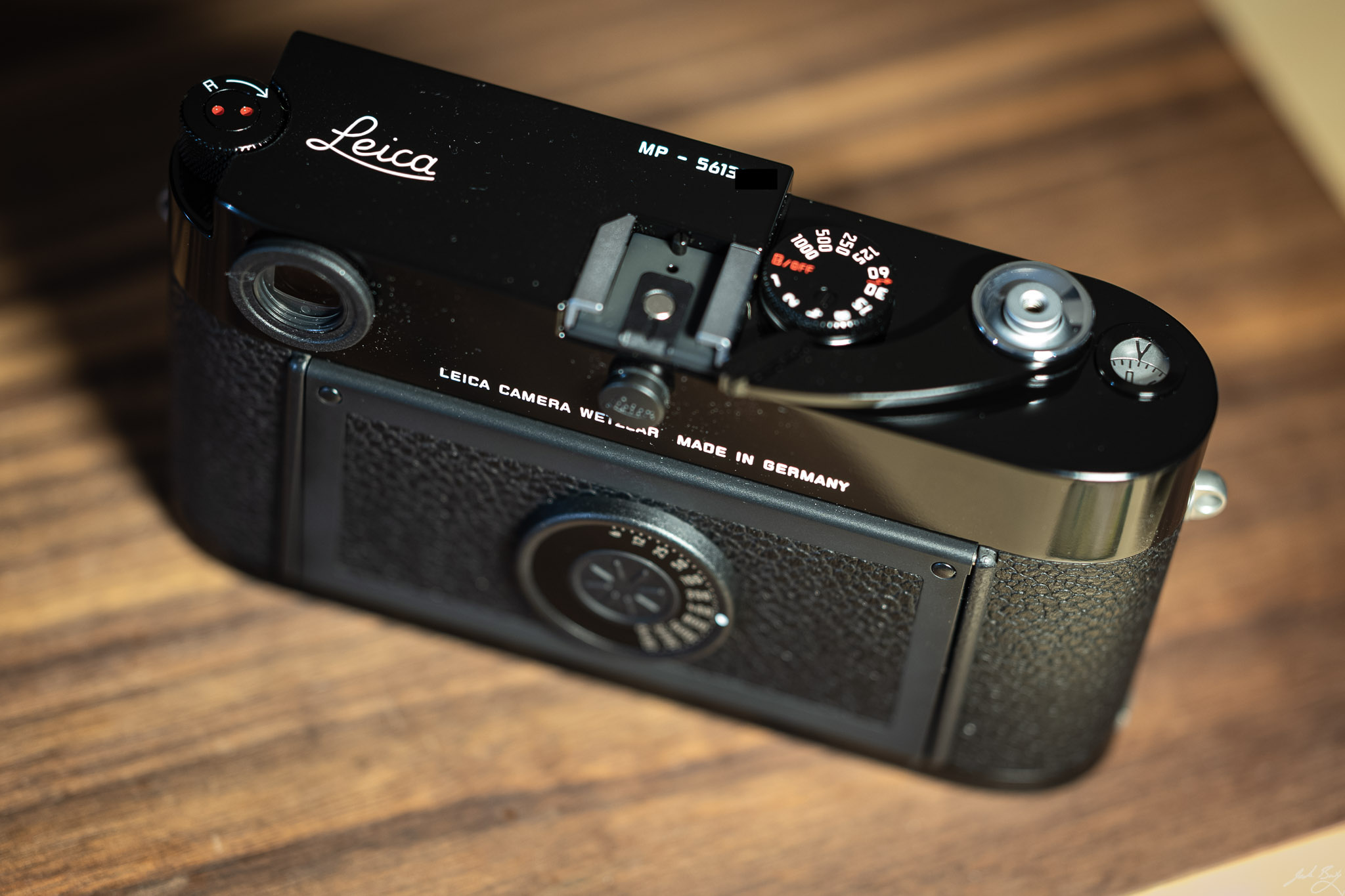
The camera arrived today and I’ve never seen anything so beautiful. It’s perfect. It’s new, warrantied, flawless, and mine. My long bet on film begins today.
These are all taken with the Leica M3 on HP5+ and were processed in HC-110 Dilution B. I’m pretty sure I used the Elmarit-M 90mm f2.8 for the entire roll.
A photograph is a universe of dots. The grain, the halide, the little silver things clumped in the emulsion. Once you get inside a dot, you gain access to hidden information, you slide inside the smallest event. This is what technology does. It peels back the shadows and redeems the dazed and rambling past. It makes reality come true.
Don Delillo, Underworld
Leica M6, HP5+. HC-110 (dilution B). Scanned on V750 with Silverfast. Processed with Negative Lab Pro
My dad (right) stands in front of bar while in the Navy. (France 1963)
I’m trying to stick with the Adobe suite for processing, editing, and managing photos.
I prefer Capture One’s editing process, but Lightroom Classic has everything else going for it, (ecosystem, tooling, ubiquity, etc.) so that’s where I’ve settled for now.
But I’d love to take advantage of Lightroom CC on mobile and my laptop. CC and Classic will sync, but if not handled properly the whole enterprise can quickly turn into a mess. What I was doing is to import into Classic, edit, export, then add the “keepers” to a synced catalog (or “all synched photographs”) so that those photos would be available everywhere. The problem is that this takes diligence and consistency. It takes work. I’m not good at consistency, and I end up frustrated and bailing on the whole thing.
So here’s what I’m trying. I’m reversing the process and importing directly into Lightroom CC instead. I cull and rate the photos there. I do simple edits and enter captions. For any images I’m more “serious” about, I launch Lightroom Classic which automatically syncs all the images from CC. While I’m there I copy the files to my usual places on the filesystem and rename if desired. All this can be done in Classic and the photos still remain synced and available in CC.
One downside is that when syncing from Classic to CC the photos don’t count toward my subscription’s storage, which is nice, but going the other way takes up space. I think this will be OK. If I do come home with cards chock-full of images I’ll just start in Classic instead.
This also means I can enable auto-import from my phone’s library and have everything show up automatically. I have to be careful here, because if I want to keep Apple Photos app as my final library (for sharing, showing people, and ease of OS integration) I can end up with duplicates this way.
Lightroom CC is a more pleasant place to live than Classic, so for 80% of the time it’s good enough. For the other 20% I head over to Classic.
Update July 11, 2021: I’m mostly back to only using Lightroom Classic. Too many moving parts trying to wrangle both.
Yeah, I’d definitely get the black-paint version. The only problem is that kit is around $17,000 as pictured. Still, just look at it.

He’s a good one.

I’m not an iPad person, even though I’ve used one since the day they were released. I just don’t understand how anyone thinks they can be anywhere near as productive on an iPad as on a “real” computer. Stockholm Syndrome or something, I always figured, but smarter people than I are doing it, so who’m I to judge?
I’m drawn to the idea of being forced to do only thing at a time. iOS does that. I’d probably do more than one thing at once if I could, but “multi-tasking” on iOS remains an unusable mystery, so I’m better off leaving it alone. Anyway, you get the idea.
Basically, I’d like a break from tinkering with my system(s) on macOS (hi Emacs!), so I’m going to spend some time living on this 12.9″ (aka “Thirteen-inch”?) iPad with Magic Keyboard.
Challenges:
I’ll be forced to use the baby version of Lightroom. How will I handle exports, sharing, resizing, etc? And I hate that I don’t have control over where files go and what they’re named, but here we are.
Where does one take notes if there’s no Emacs and Org mode? Notes app? Drafts? Craft? Ulysses? Do I really want to venture into that rabbit hole again?
How do I get things from one place to another without easy access to multiple clipboards and my Mac’s desktop? How do I save things for later without Zotero? How do I do nearly anything without Alfred?
And so on.
But, iOS is calmer than macOS, and right now I need a little calm.
UPDATE July 5, 2021: The iPad is a wonderful peripheral
I purchased the Leica Q2 Monochrom (new) from Camera West in February 2021. It’s in like new condition and has fewer than 600 shutter actuations. Price is $5,100 net to me. That’s a savings of $1,000 off the price of a new one.
I adore my Leica Q2 Monochrom, so why am I selling it?
The Q2M is for sale because I miss the M10-P and can’t have both. I bough the Q because sometimes I just want autofocus, close-focus, macro, and the convenience of an EVF. I found that the SL2-S ticks all those boxes, so the Q2M is really just an extravagant extra. As wonderful as it is, I don’t need it. My loss is your gain.
The camera comes with original box, strap, battery, charger, cap, etc. If you want to know more about it, email me.
Update Jan 2022: I bought another Q2M.
Riccardo Mori has a few comments on the beta of Safari 15 showed up. Here’s one:
In other words, what a browser needs is horizontal breathing room, instead we have Apple doing things backwards, sacrificing horizontal space to give us what, 28 more vertical pixels?
I can’t begin to describe how deeply I dislike the new tab handling in Safari 15.
Curio to help manage the project. I opened the Curio project and within thirty seconds of just looking at the workspace I had a handle on the project and easily found an answer to the questions I’d been asked.
Whenever I revisit something that I’d created in TheBrain or a mind map or Curio or Tinderbox, I find the spatial layout of the information to be instantly useful.
And yet I use Org mode in Emacs for nearly everything. You can probably tell that I’m having another one of my moments.
I love plain text. Or maybe it’s more accurate to say that I love the idea of plain text. Nearly all the arguments for using plain text are good arguments, but that doesn’t make plain text any more useful for me.
Plain text’s usefulness depends on what it’s for. As an example, a simple log of things that happen throughout the day makes sense as plain text. It’s almost always going to be accessed via search, and text is made for searching. Journaling can be done in plain text, although it’s made better by including images.
The way text is presented can make all the difference. An example is the display of backlinks in Roam and Logseq. Those tools use a nicely-formatted display, including context. Compare it to something like org-roam, which, as powerful as it is, can’t compete visually. It’s hard to parse backlinks in org-roam just by looking at them. And that’s a problem system wide. A wall of text is less useful than a purposefully-arranged and formatted visual display of that same information.
Anyway, I launched Curio and Tinderbox and TheBrain and now I’m in big trouble.
Last year I bought a license for Iceberg which is a lightweight Gutenberg replacement that feels more “normal”. I stopped using it because there was a kind of uncanny valley effect, but after several frustrating days wrestling Gutenberg, I’m trying Iceberg again. Here’s what this post looks like in Iceberg
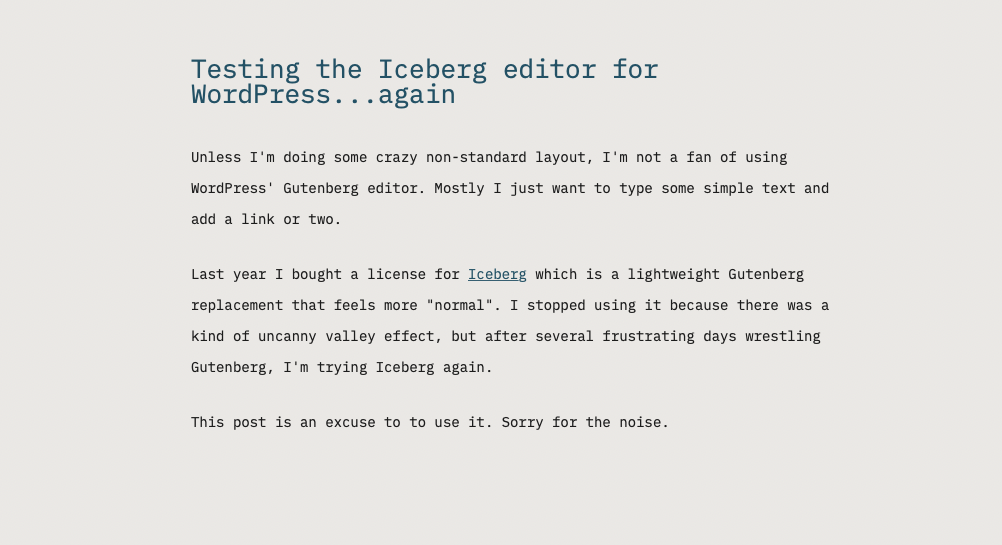
This post is an excuse to to use it. Sorry for the noise.

I'm almost certainly using Zotero wrong.
Instead of for citations and research, I'm using Zotero as a bookmarking tool and read-later service, and it's working really well. Is no one else doing this?
I've used many tools meant for saving links for later, from del.icio.us to Pinboard to Instapaper to Pocket to Raindrop. All of them are fine. Some focus on social bookmarking, some on archiving, some are meant as “read later” services. And all of them are prettier than Zotero. And yet...
I installed Zotero while tinkering with an Org mode note-taking workflow. Soon after, I installed the "Save to Zotero" Safari extension and started using that instead of my usual "Save to Pinboard" bookmarklet, just for something different. I was surprised to find that this has become my default.
For free, I get smart metadata parsing and tagging along with old-school hierarchical organization. I get full-page offline snapshots and sync. I get PDF annotation and storage. Oh, and I get citation management I can use if I ever want to sound smarter than I am.
It's only been a month or two, but it feels like I have a good start on building a nicely-organized reference library as a byproduct of bookmarking things to read later.