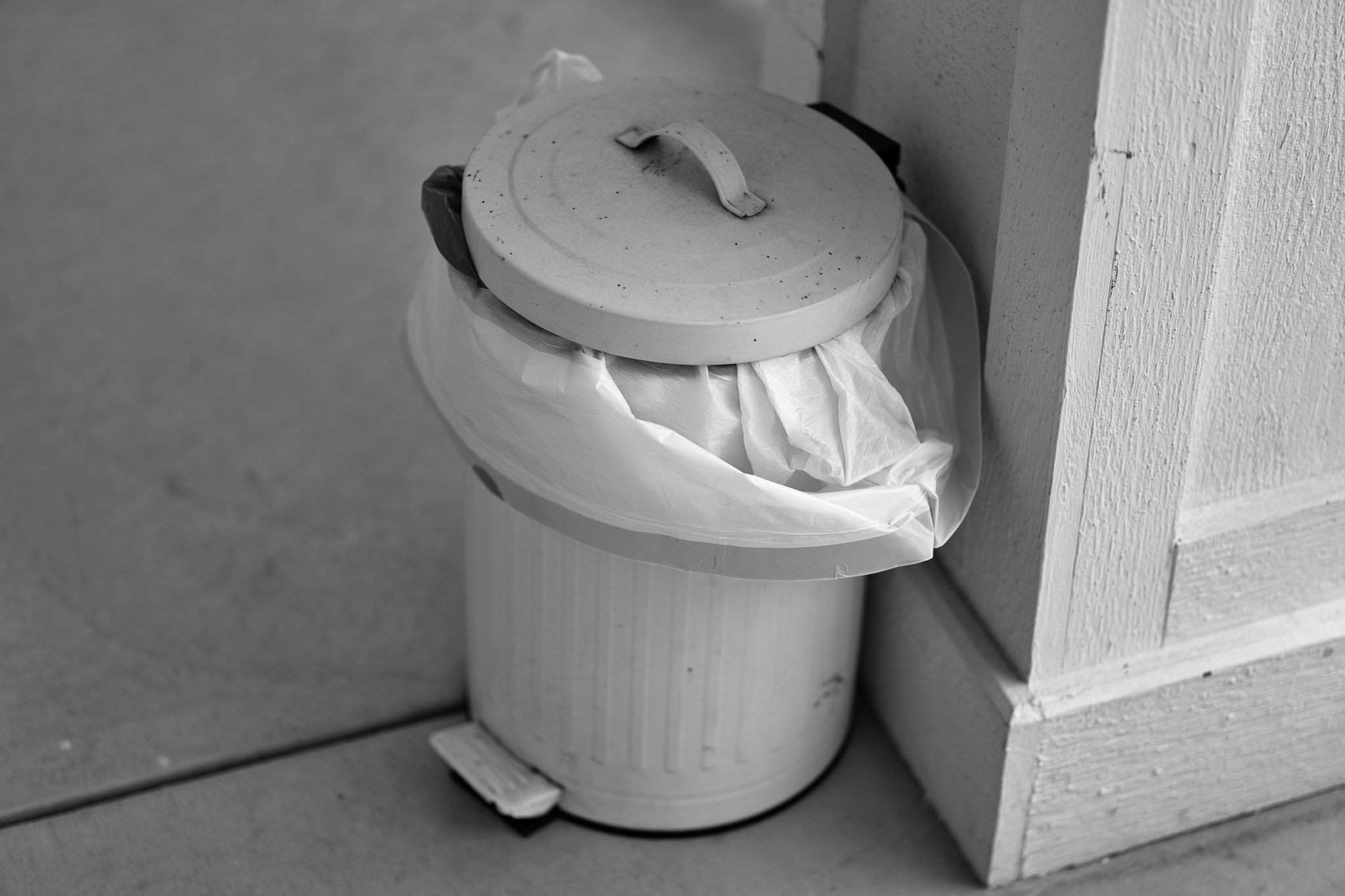
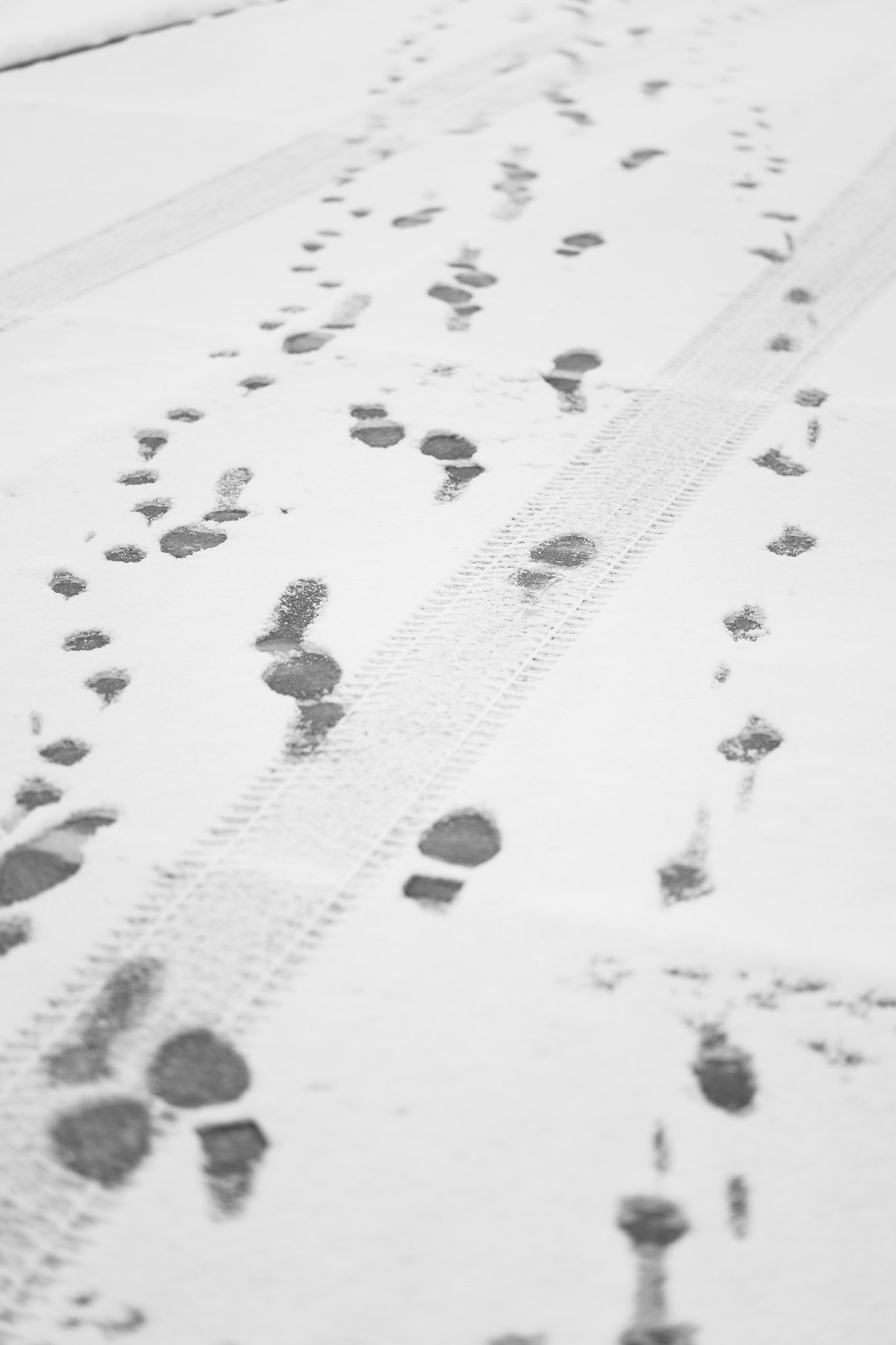
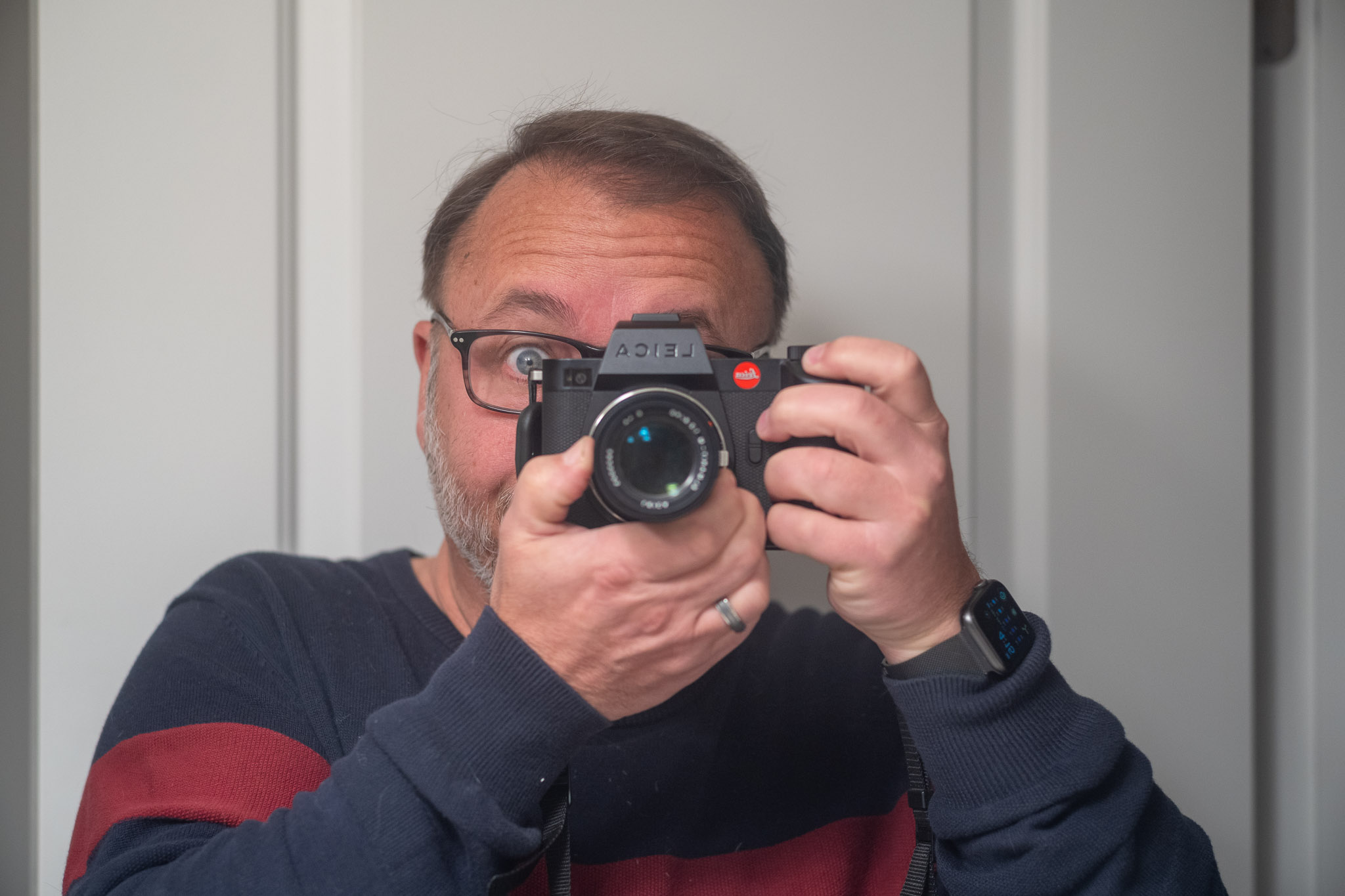
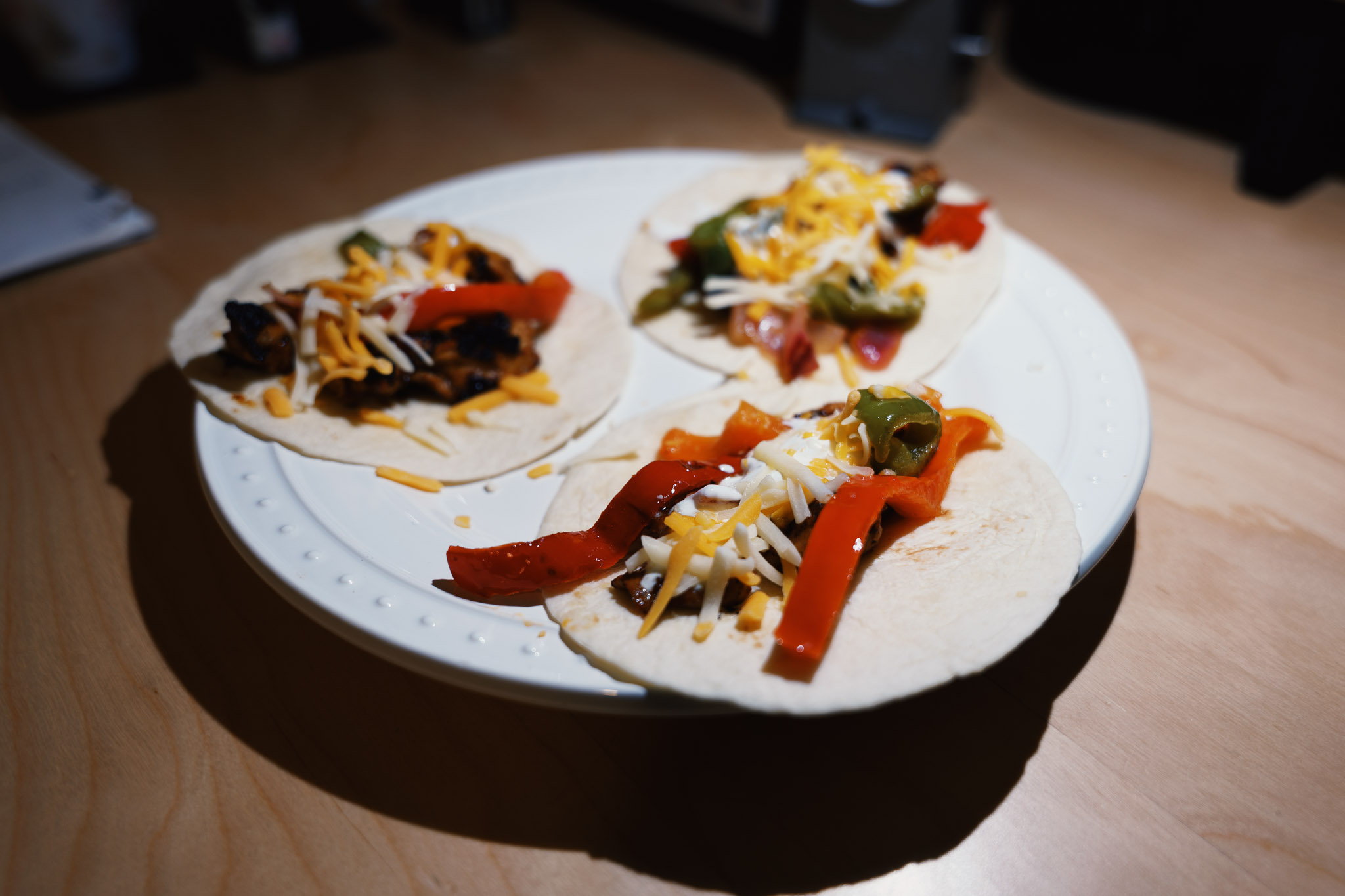
I discovered, while rummaging through a drawer, that my Nikon F-100 was loaded with film; Fujifilm Superia, a color film. I’ve pretty much sworn off color, but what the hell, I threw a little Godox flash on the F-100 and burned through the rest of the roll. I still had some C-41 chemistry mixed, but it was well past its prime.
As is often the case with color film, it was a bust. For some reason the Flash, while it seemed to be firing, left most frames wildly under-exposed. There’s no getting away with underexposing color film. The results were mostly horrible. Oh well. It was fun to use the Nikon again.
Late last year I printed a couple (black and white) photos, scanned from film negatives, on my Canon Pixma Pro-100 inkjet printer and I loved them. “There! I’ve finally figured it out!”, I said at the time.
Today, I thought I’d make a couple more prints, also from black and white film scans. The difference was that I have a new computer and never copied the ICC profiles for my paper. I spent a few minutes installing the profiles, made sure the Canon driver was up to date, fired up Photoshop, loaded the printer with Canson Platine Fibre Rag paper, and hit “Print”.
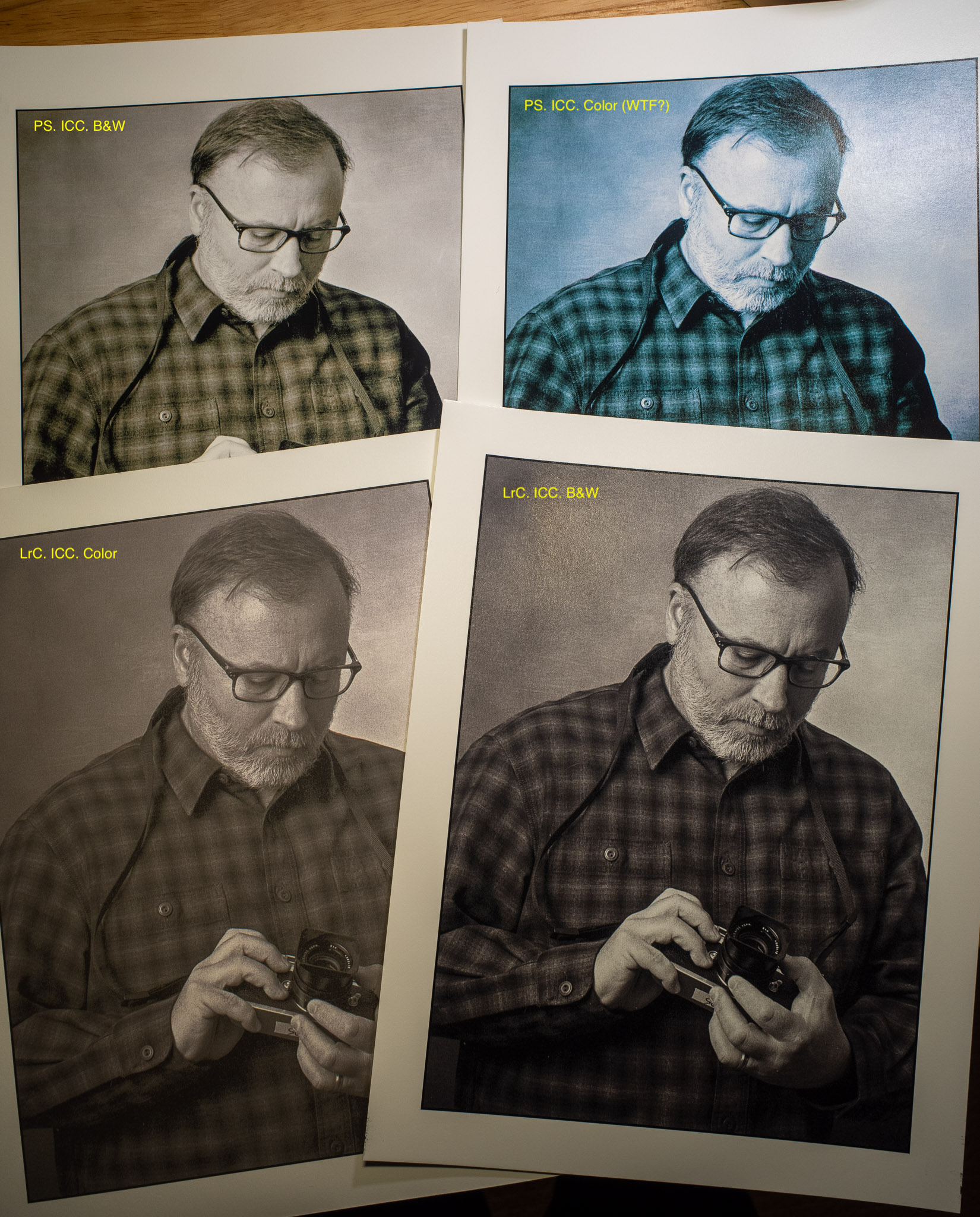
The resulting print was horrible. It was weak, low-contrast, pale, and lifeless. Sigh. Let’s see, I’d selected “Black and White” in the printer setup, so maybe I didn’t use to do that. I sent another print. This one was worse. Much worse. It was blue.
Since I normally would print from Lightroom, I fired that up and tried again. Better, but still pale and lifeless. OK, let’s try one from Lightroom set to “Black and white”. Much better. I can’t put my finger on it, but it’s still not great. Doesn’t have that smooth sparkle I was getting last time. You can see all four versions here:
Anyway, it seems that getting decent prints out of my inkjet printer is a crapshoot. I’ve never been able to get consistent, pleasing results. I’ll spend a little more time trying to document what I’m doing and try a systematic approach to figuring it out, but at some point I’m just going to throw my hands up and head back into the darkroom.
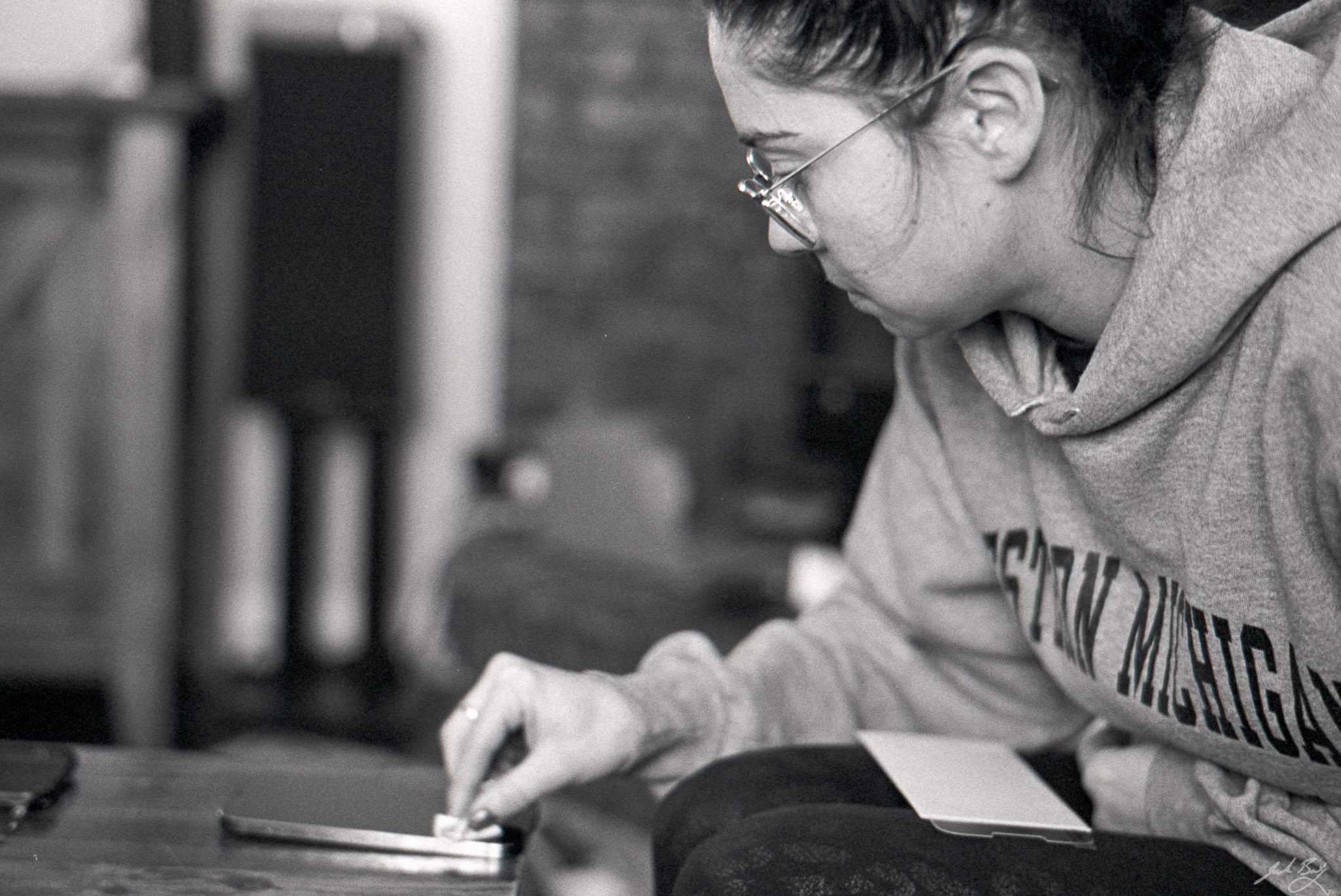
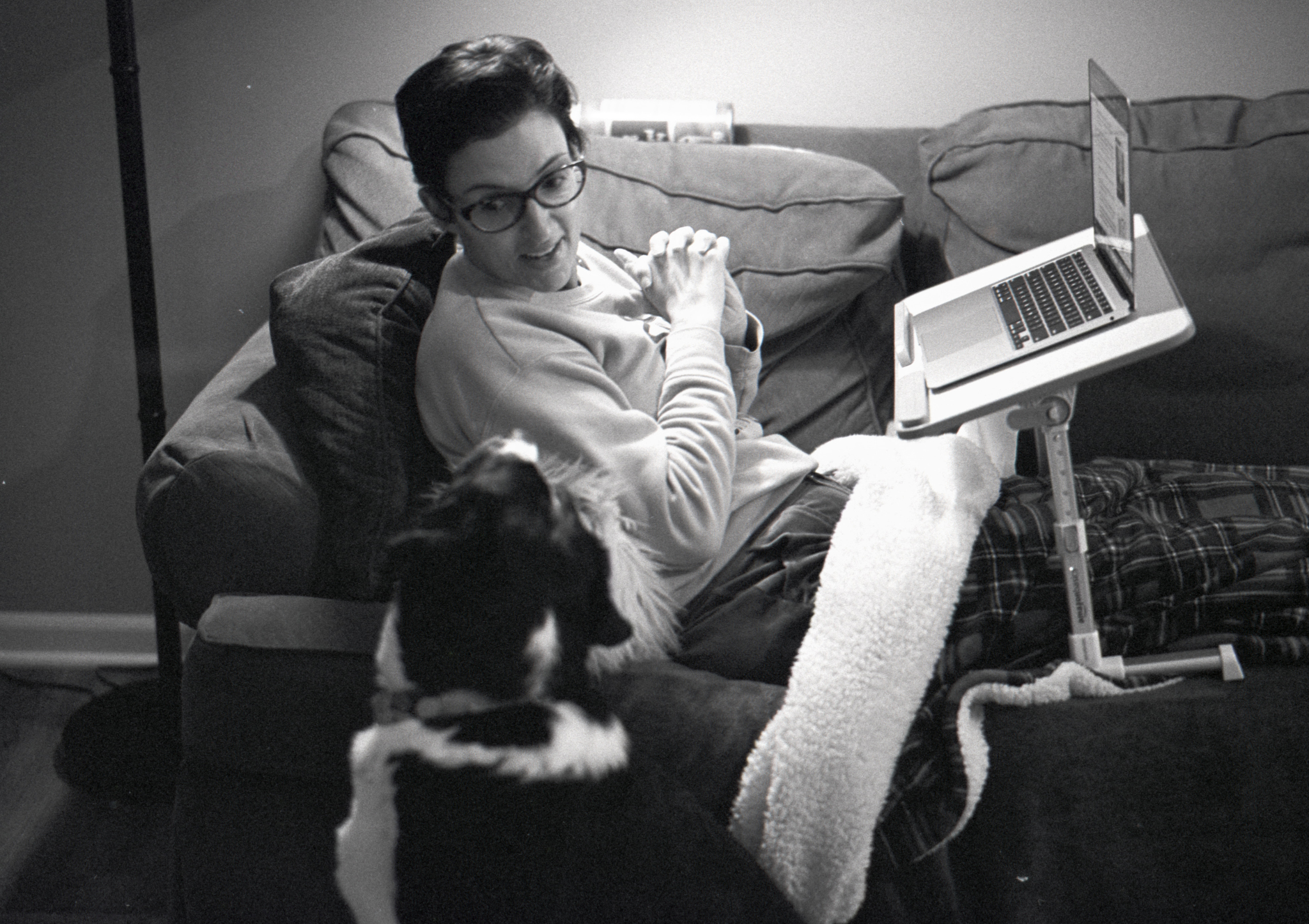
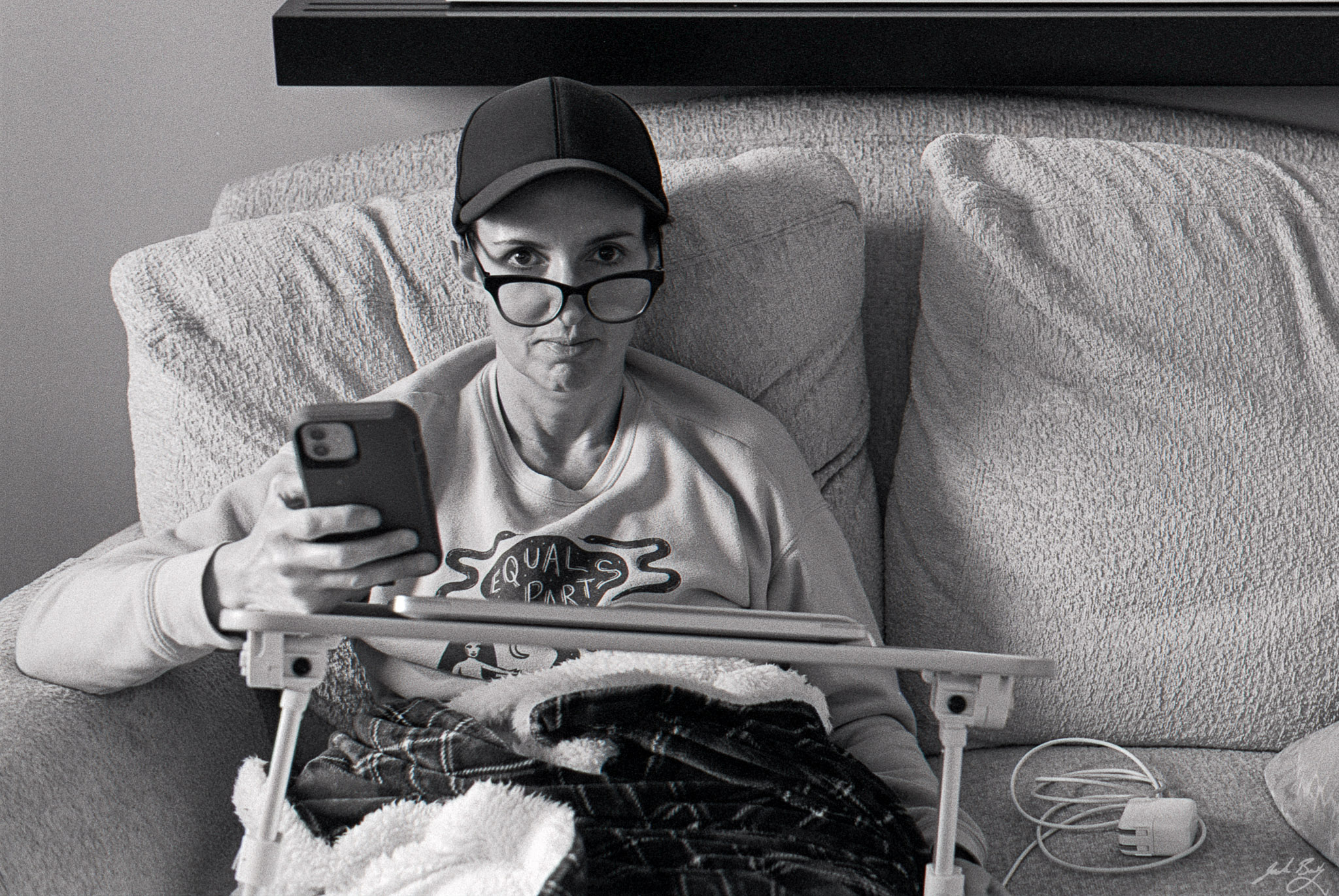
The above photo is a good family photograph. Why? Because it doesn’t just capture members of the family, it captures a family moment. So many family photos are smiling selfies taken at arm’s length. Selfies say, “Here these people are.” but not much more. They’re fine, but ultimately not much more than basic record-keeping. I much prefer photos showing family simply living and interacting in their natural habitat. Here’s another from the same roll:
Gail and Alice (2021)
These were both taken with a film camera in low light, so required a slow shutter speed and wide aperture. This meant missed focus and some motion blur. I don’t care. It’s the moment that counts, not the sharpness. And being film photos, it means I’ll forever have the original negatives on my shelf. Of course that doesn’t make the photo better, but it does make me feel good.
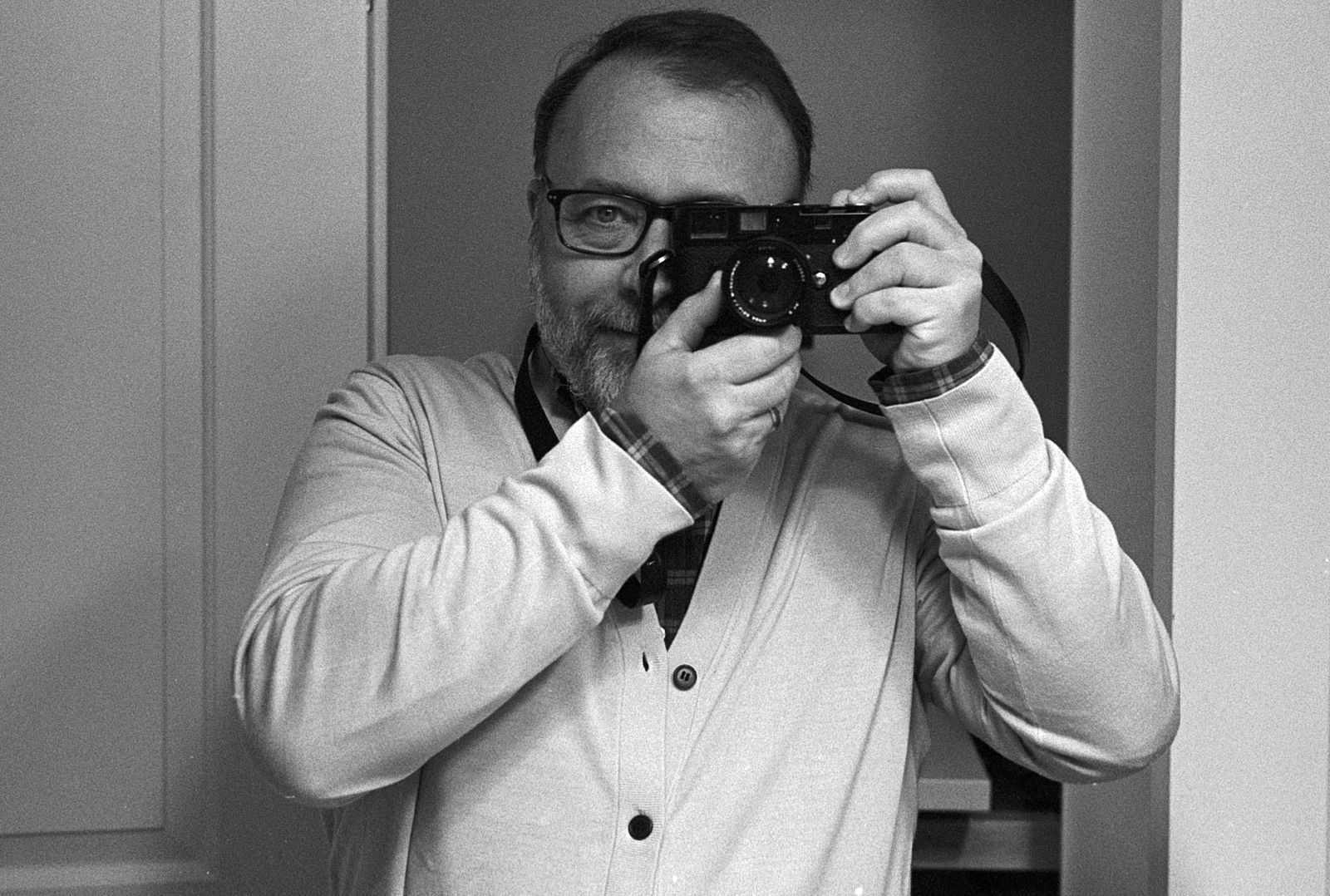
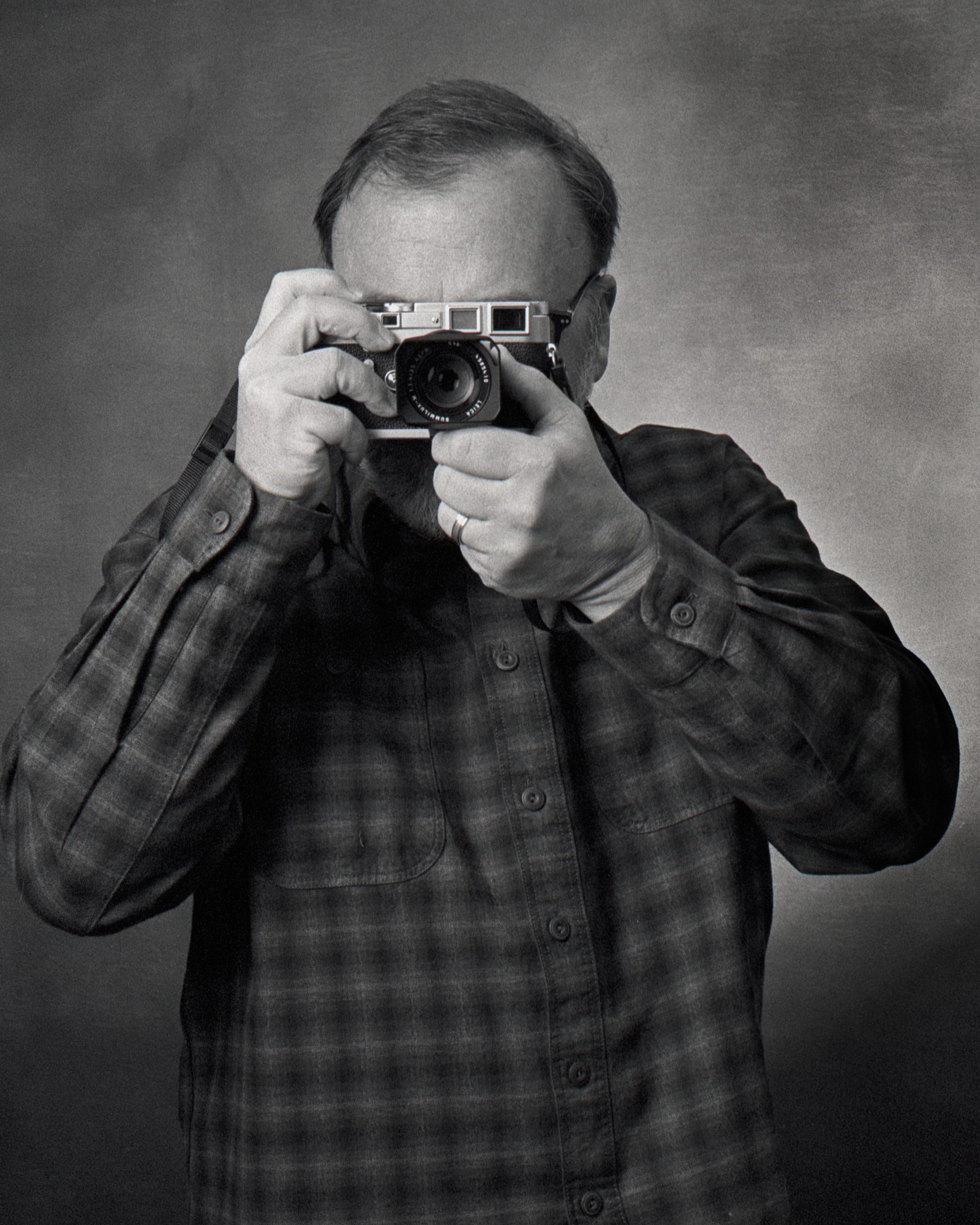
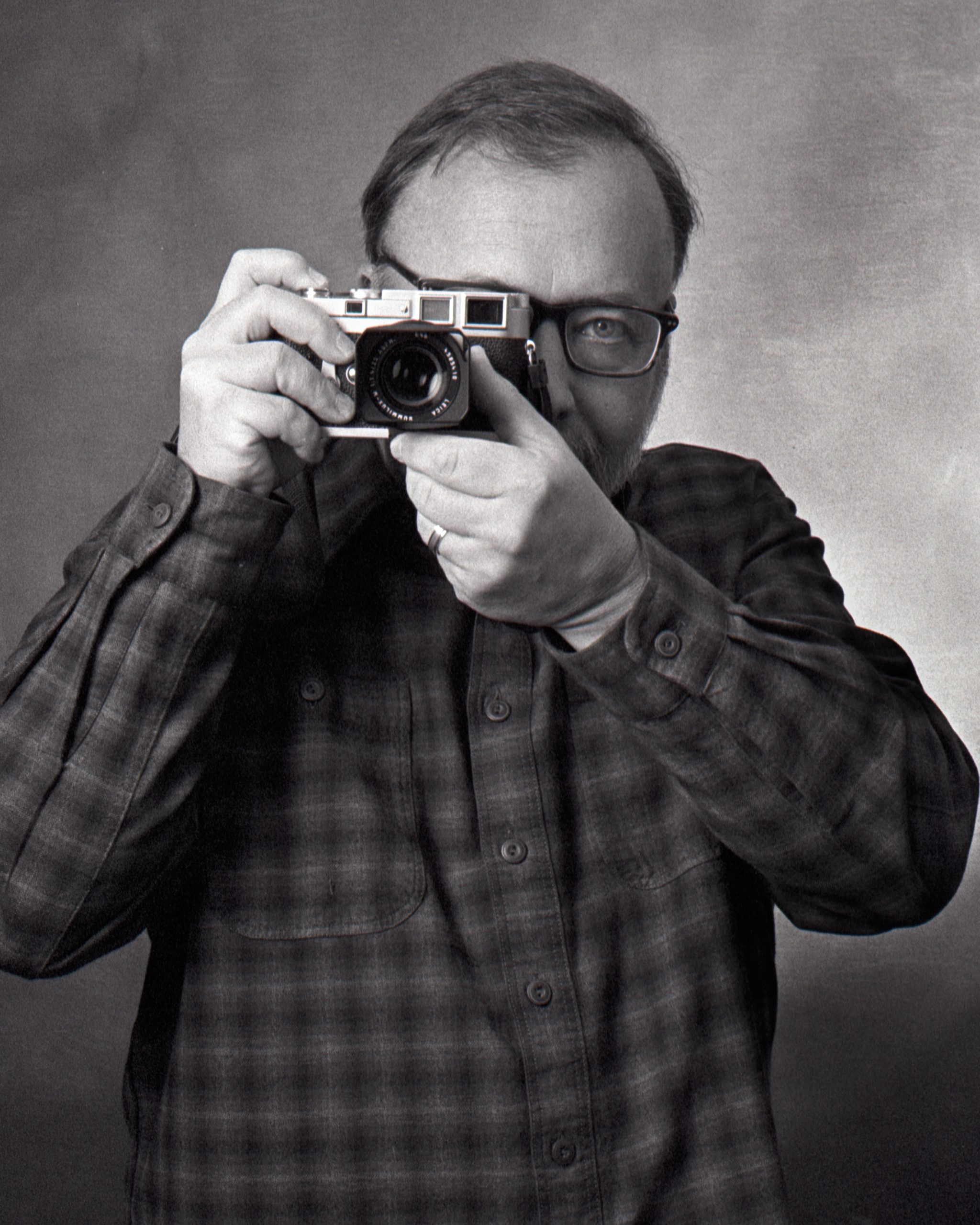
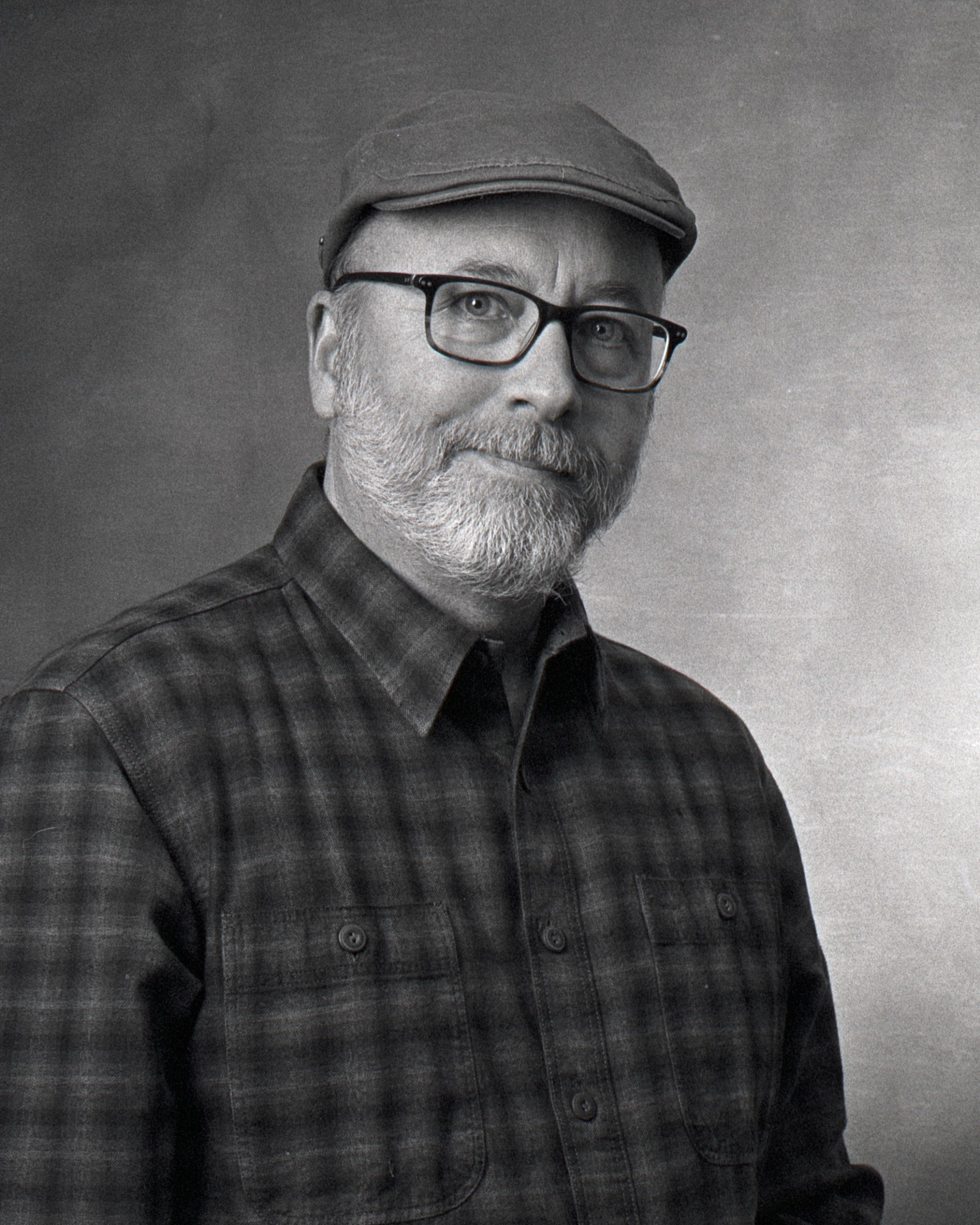
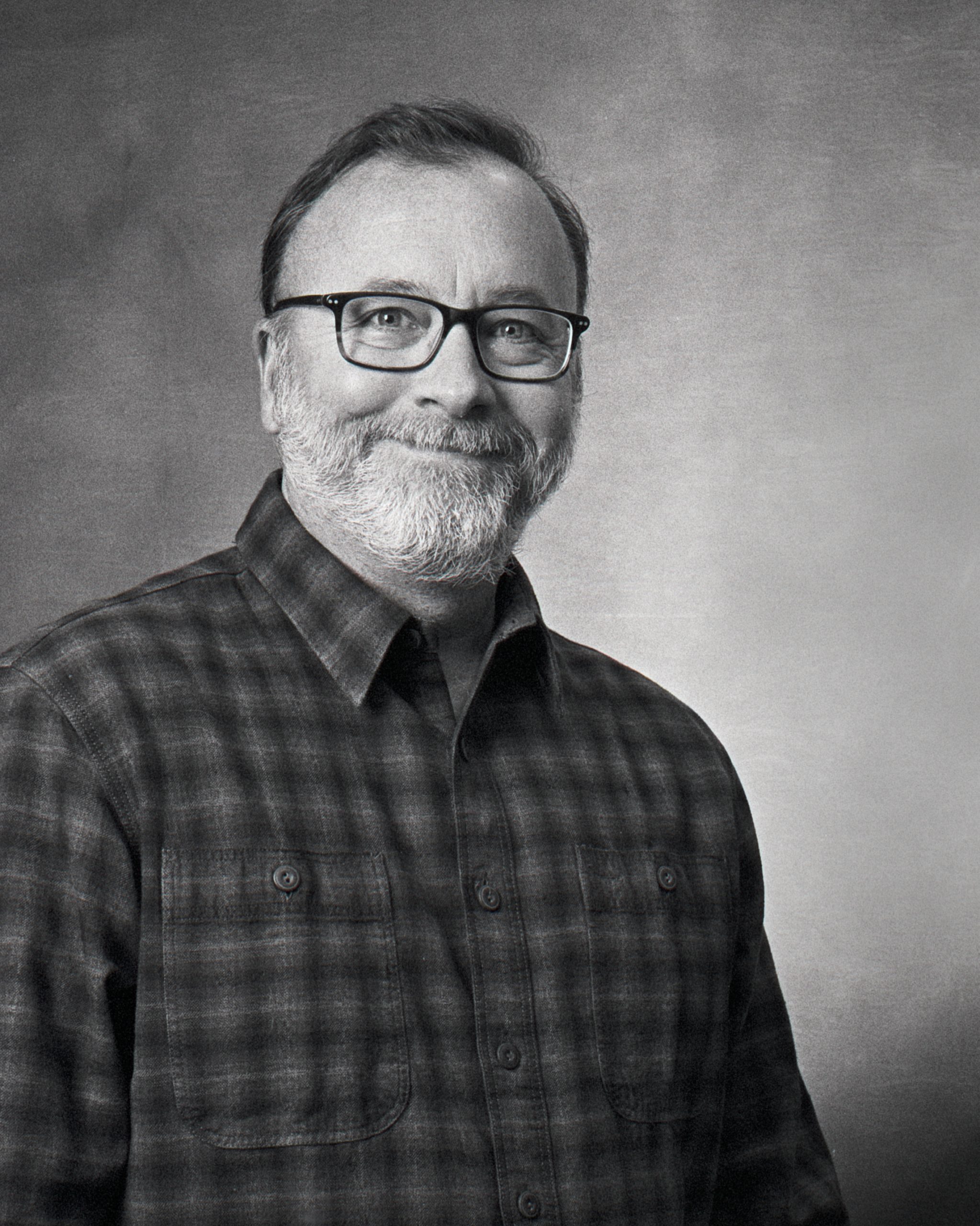
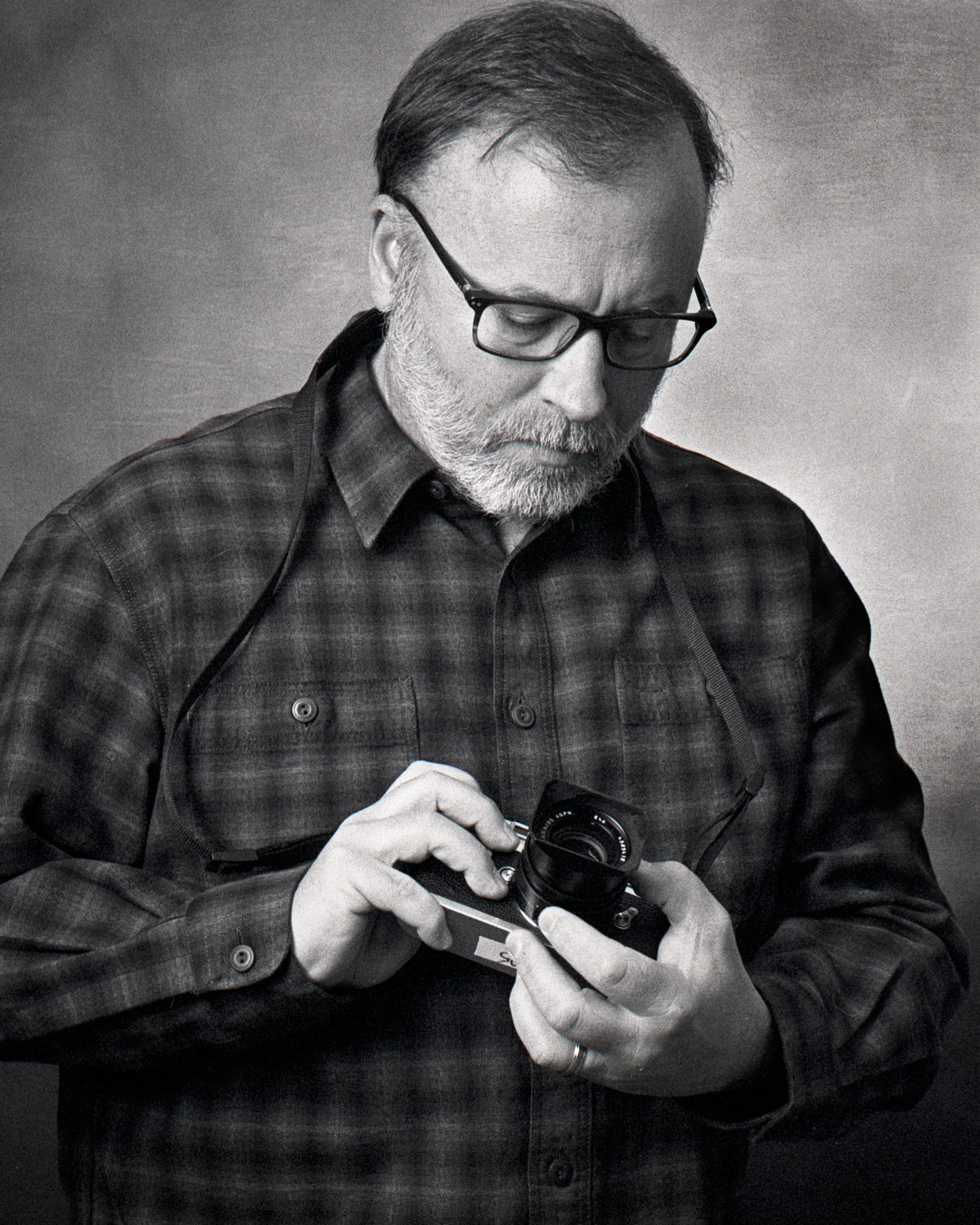
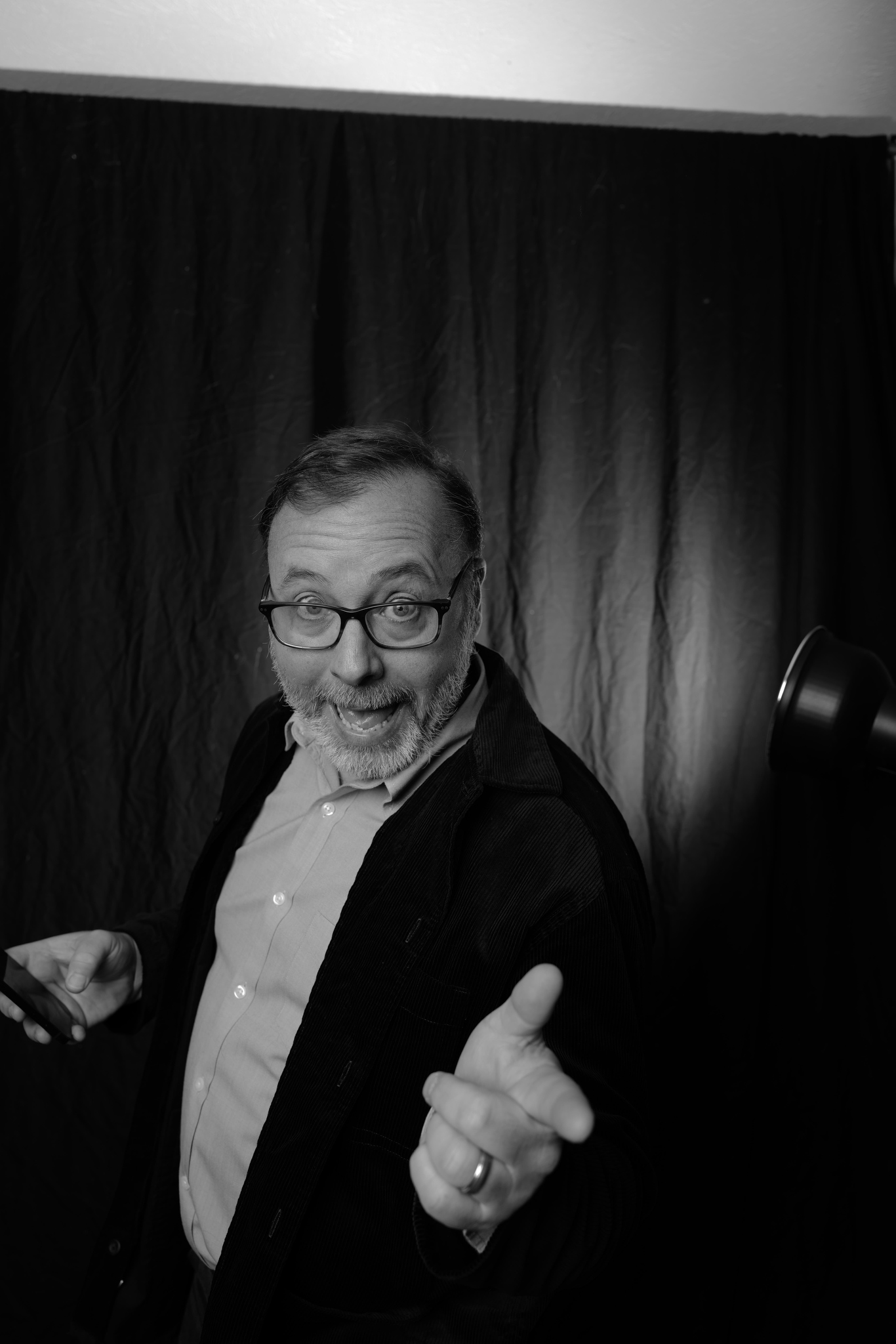
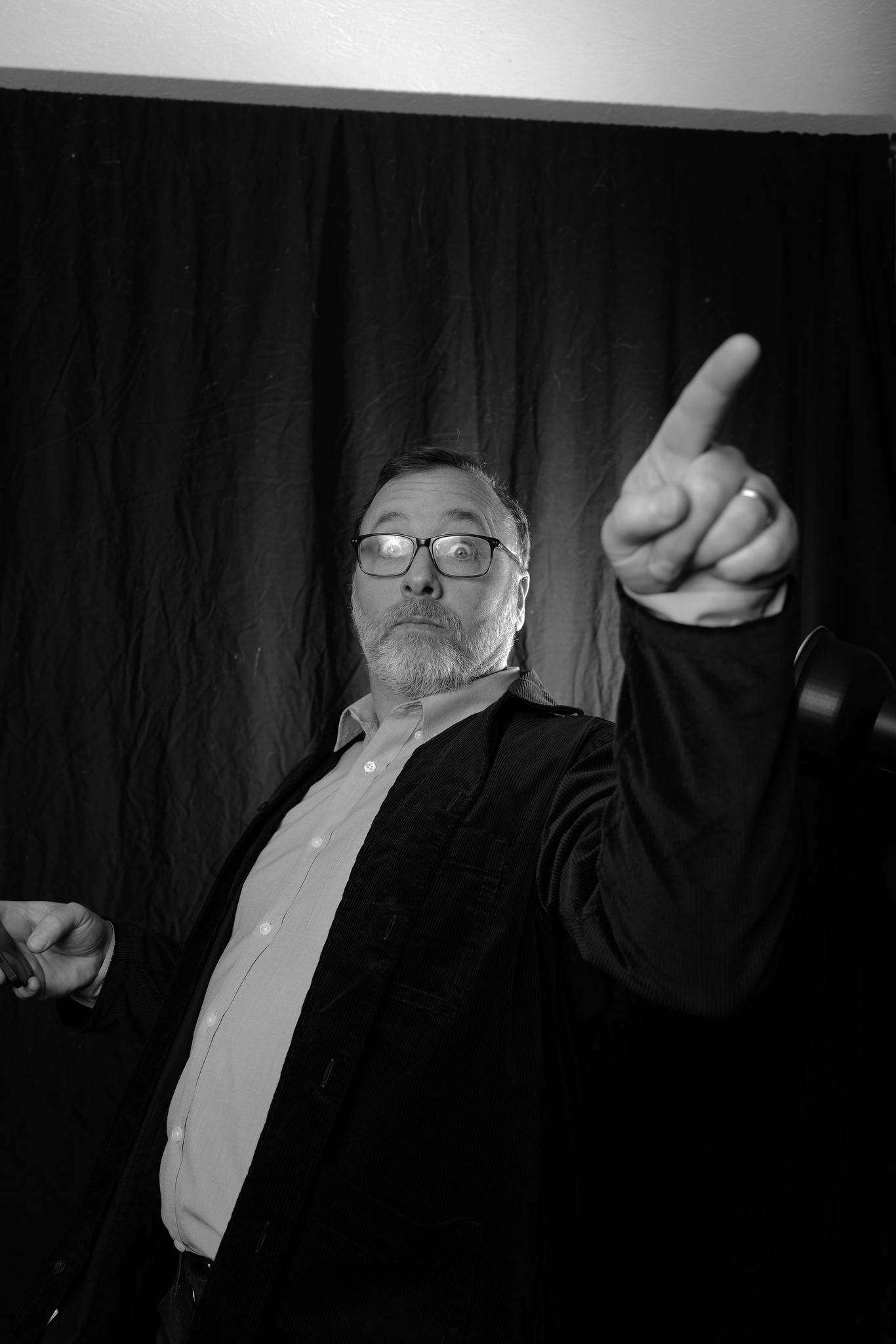
I finished a roll in the MP today by taking a bunch of self-portraits in my basement "studio".
The shots in which you can see both my hands were triggered by stepping on the release bulb. Clever! 🙂
I really like the look of these. They were shot in my basement with a new canvas backdrop. I used two Profoto strobes. One with a softbox (octogon) to camera left, and a second with a reflector at camera right pointing at the backdrop. I'm learning.
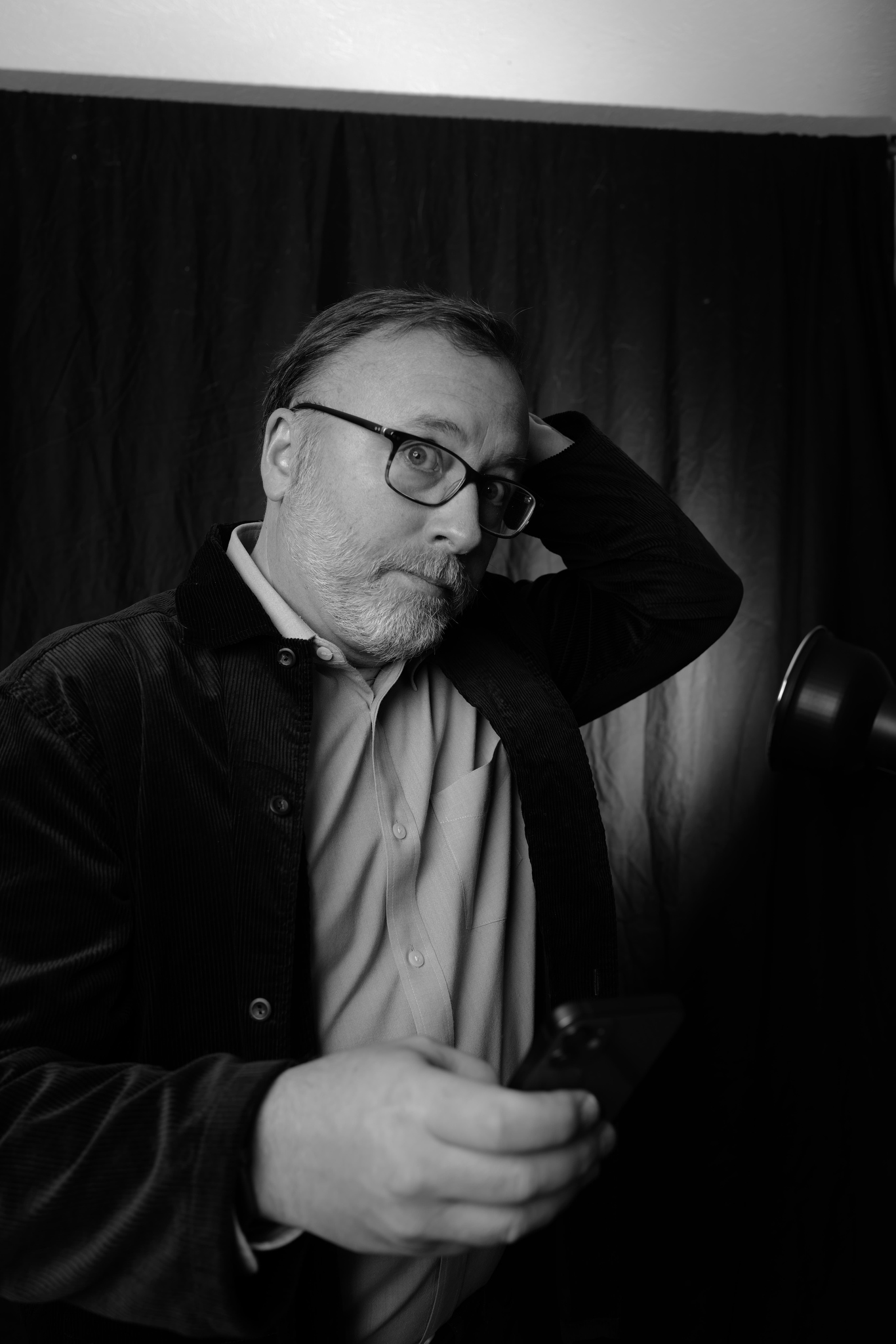
I was tinkering with the strobes and standing there with the Leica Fotos app triggering the camera and lights, I eventually ran out of normal faces to make so started getting a little silly. So this happened (photos uncropped and unedited from the Leica Q2 Monochrom).
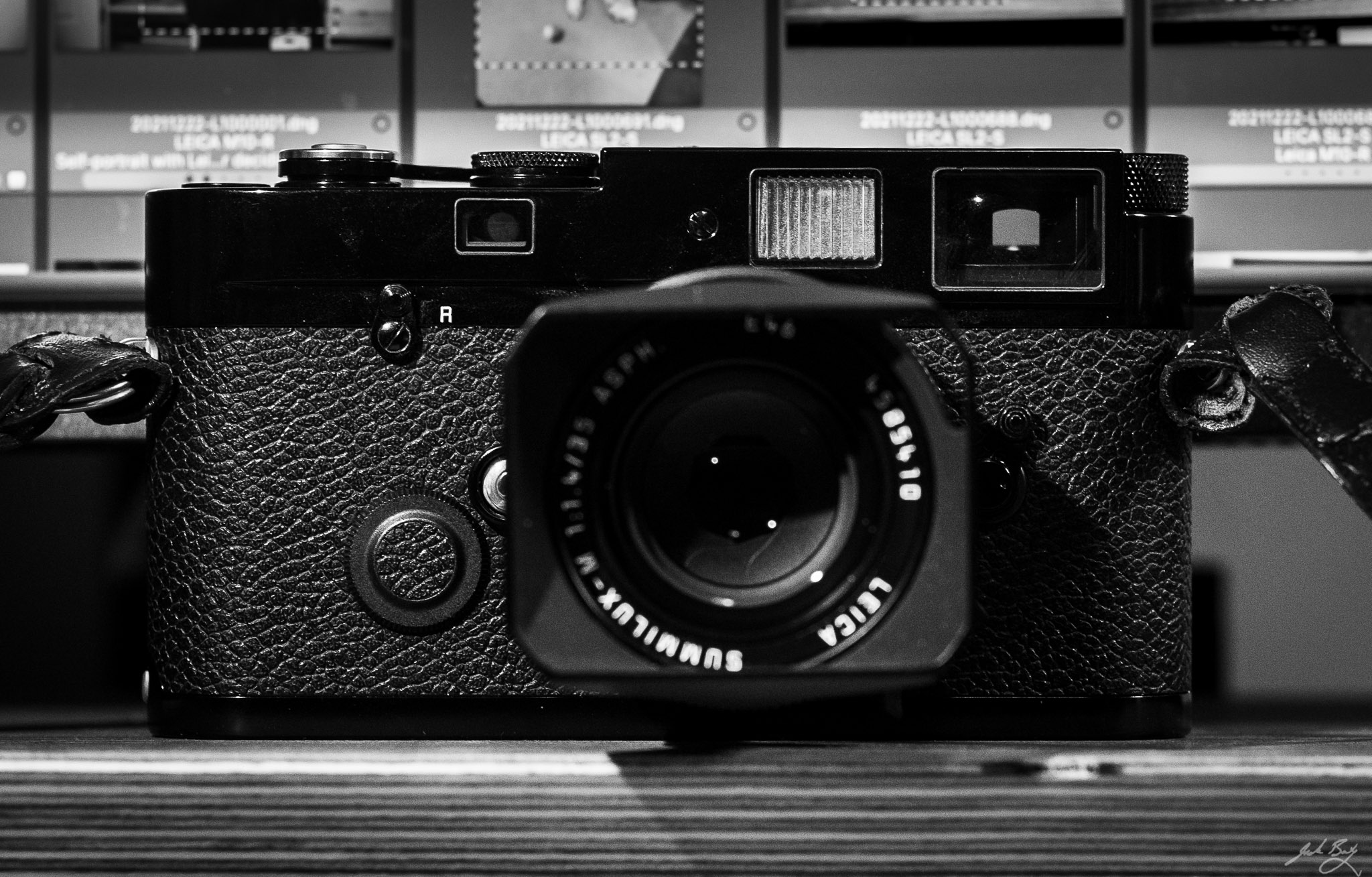
Once it a while, a 50mm lens on the Leica M3 is exactly the right thing. I finished the roll and had a ball doing it. Nothing great came out of it, but sometimes that happens.
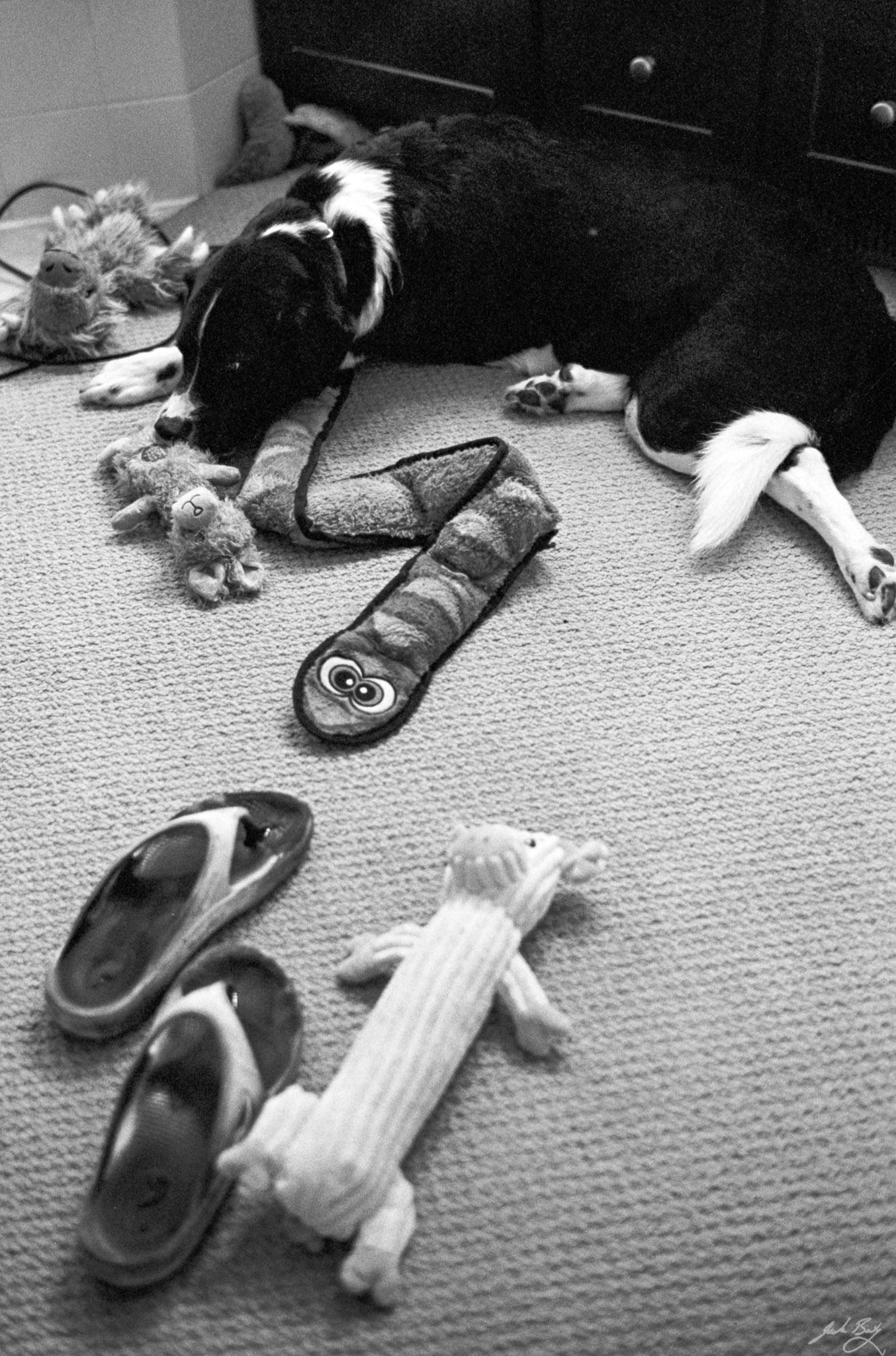
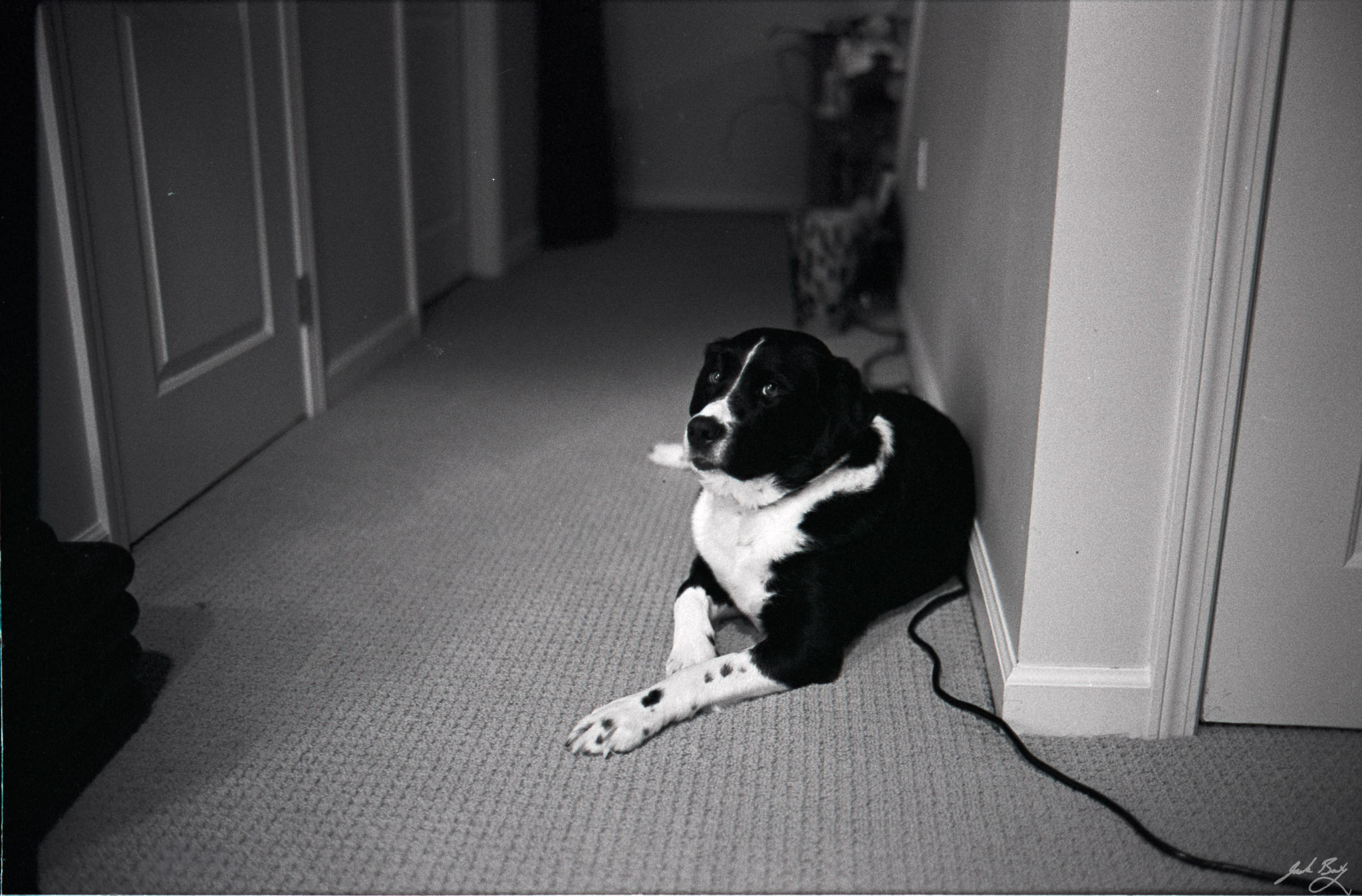
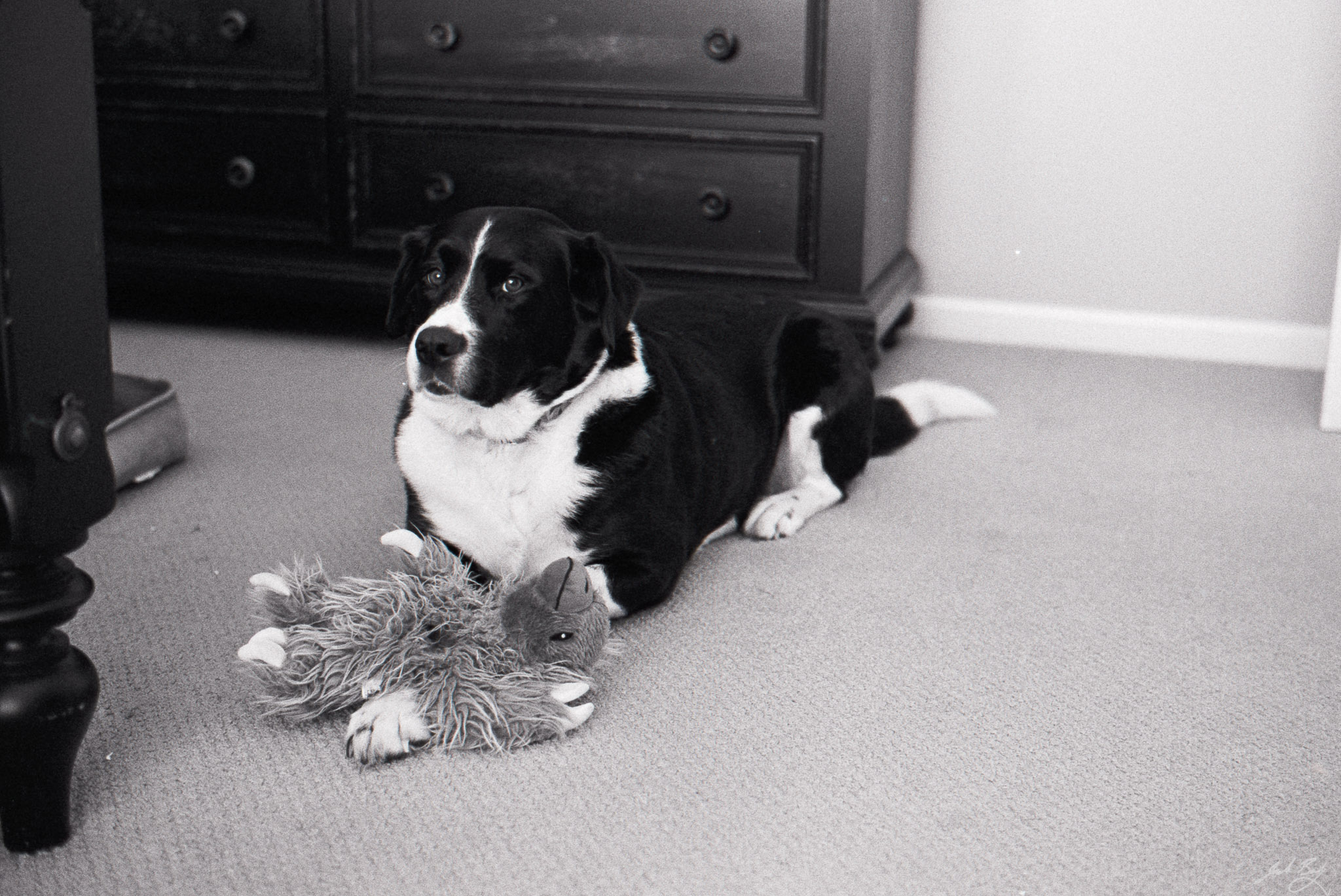
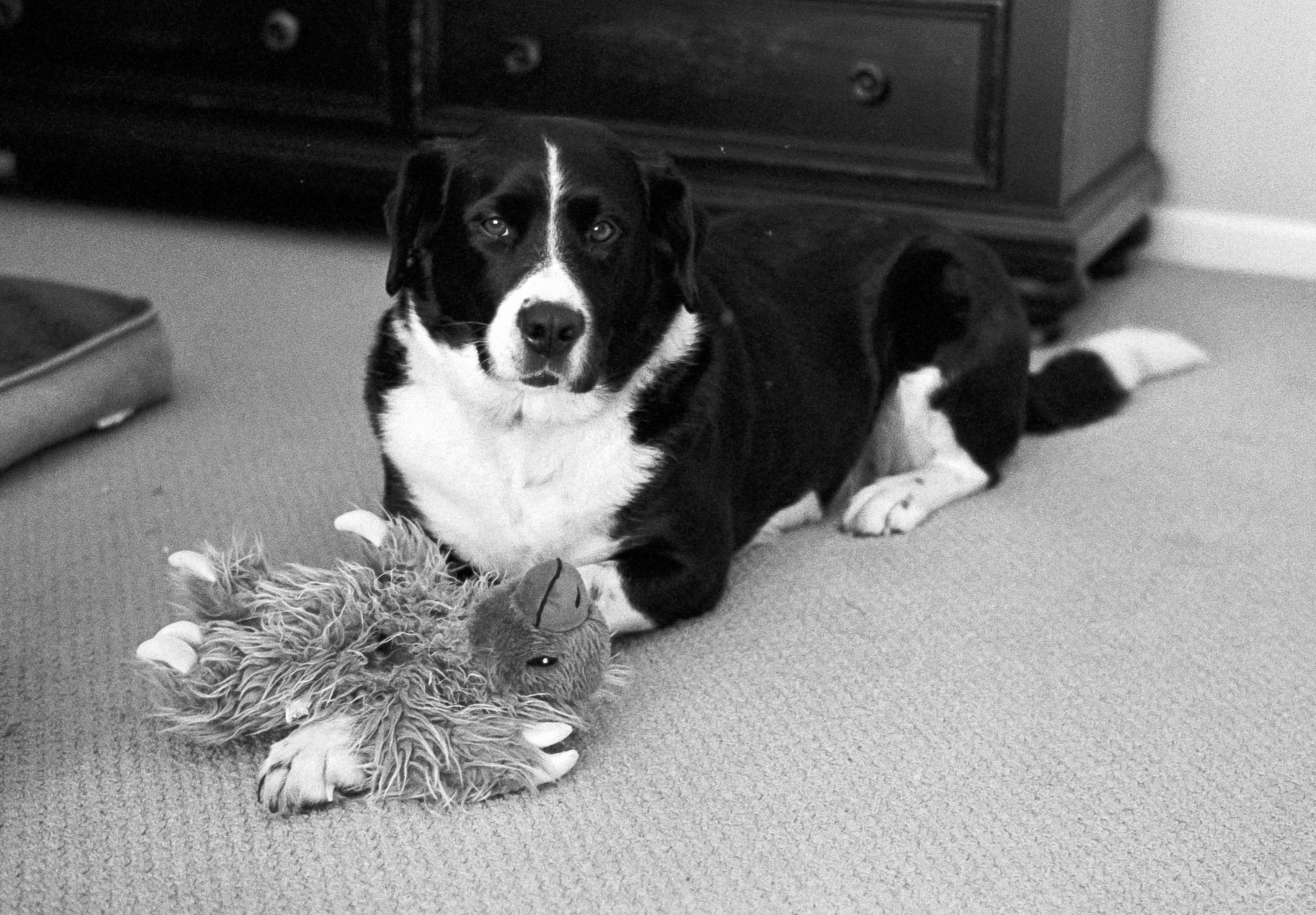
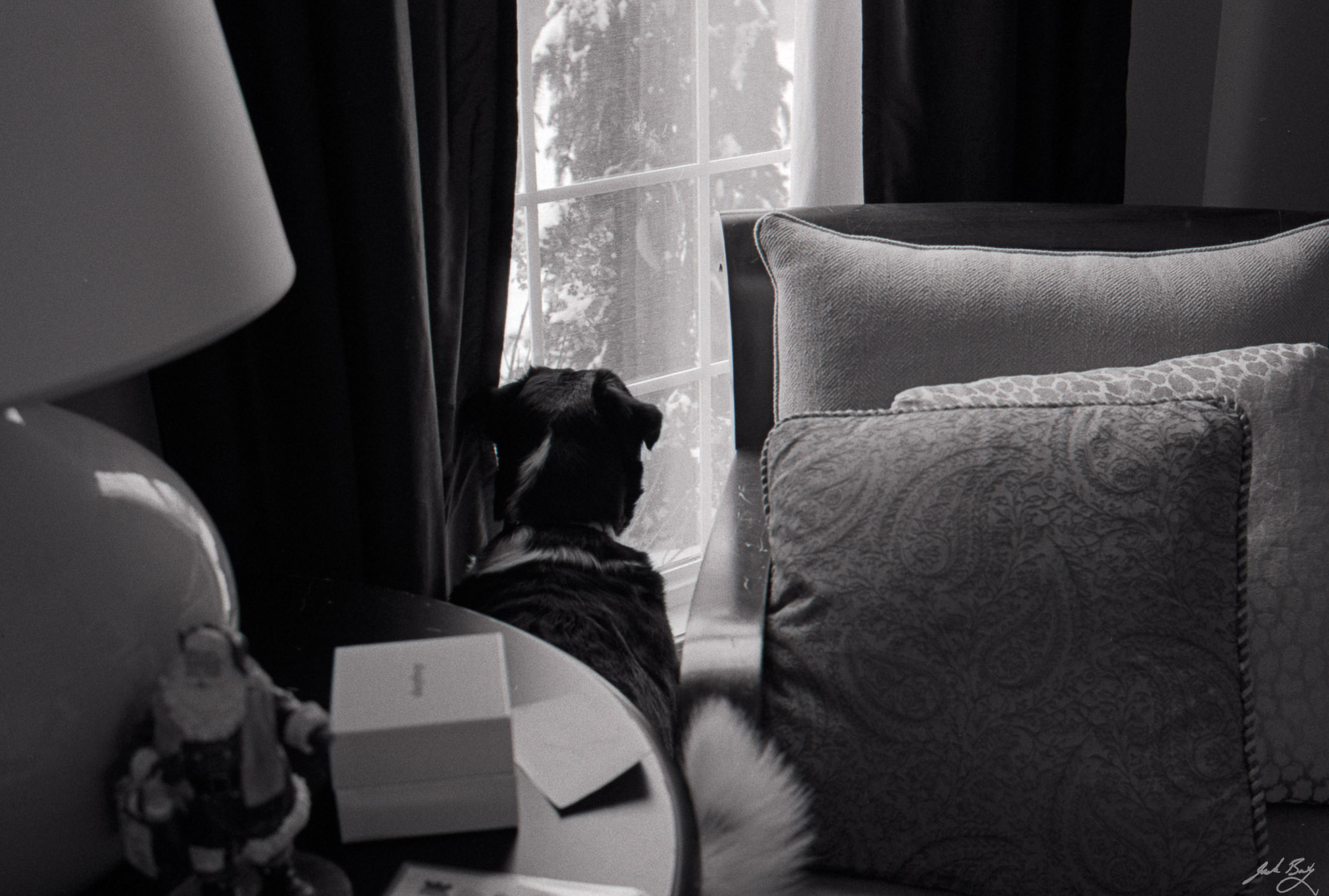
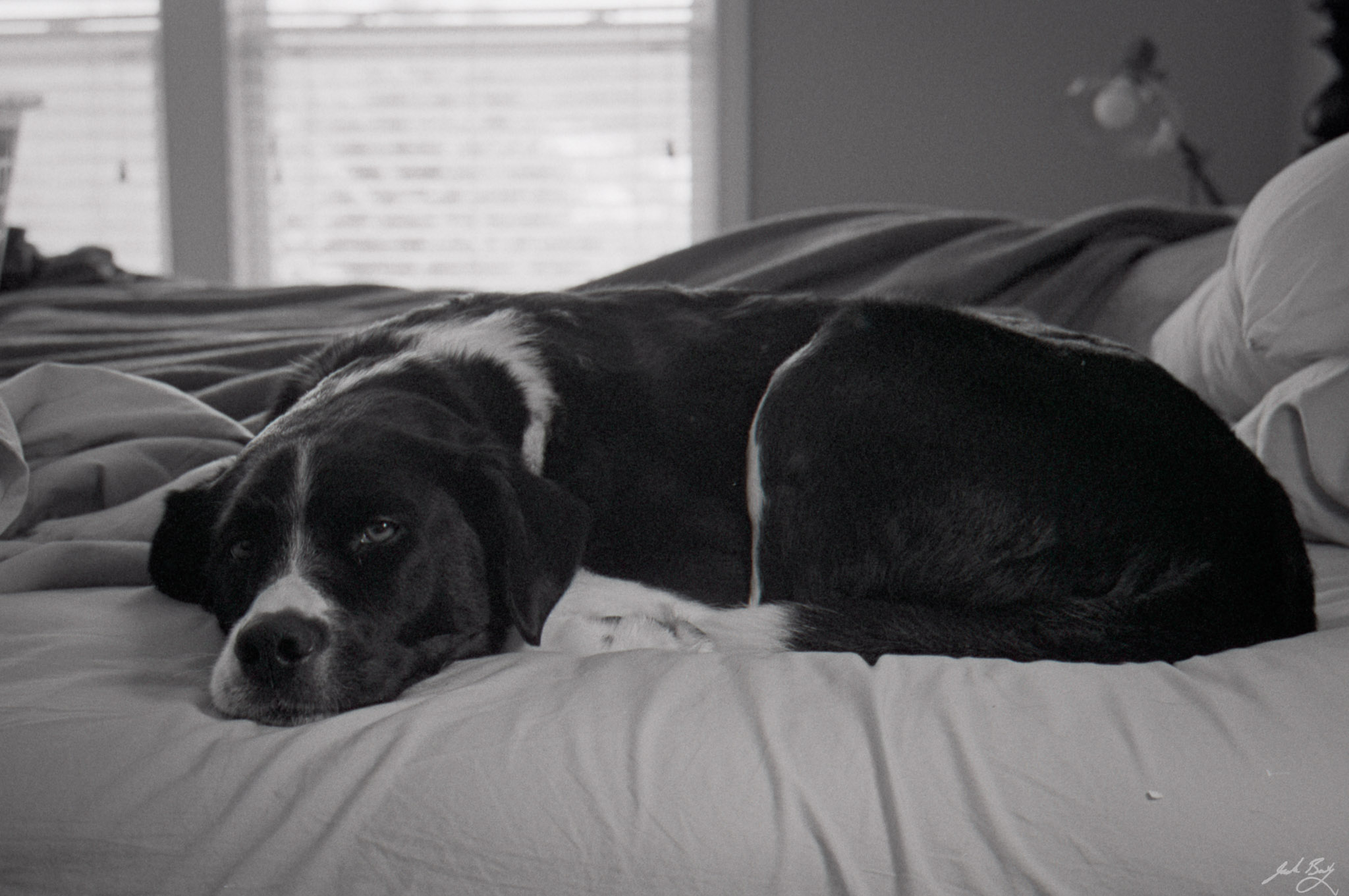
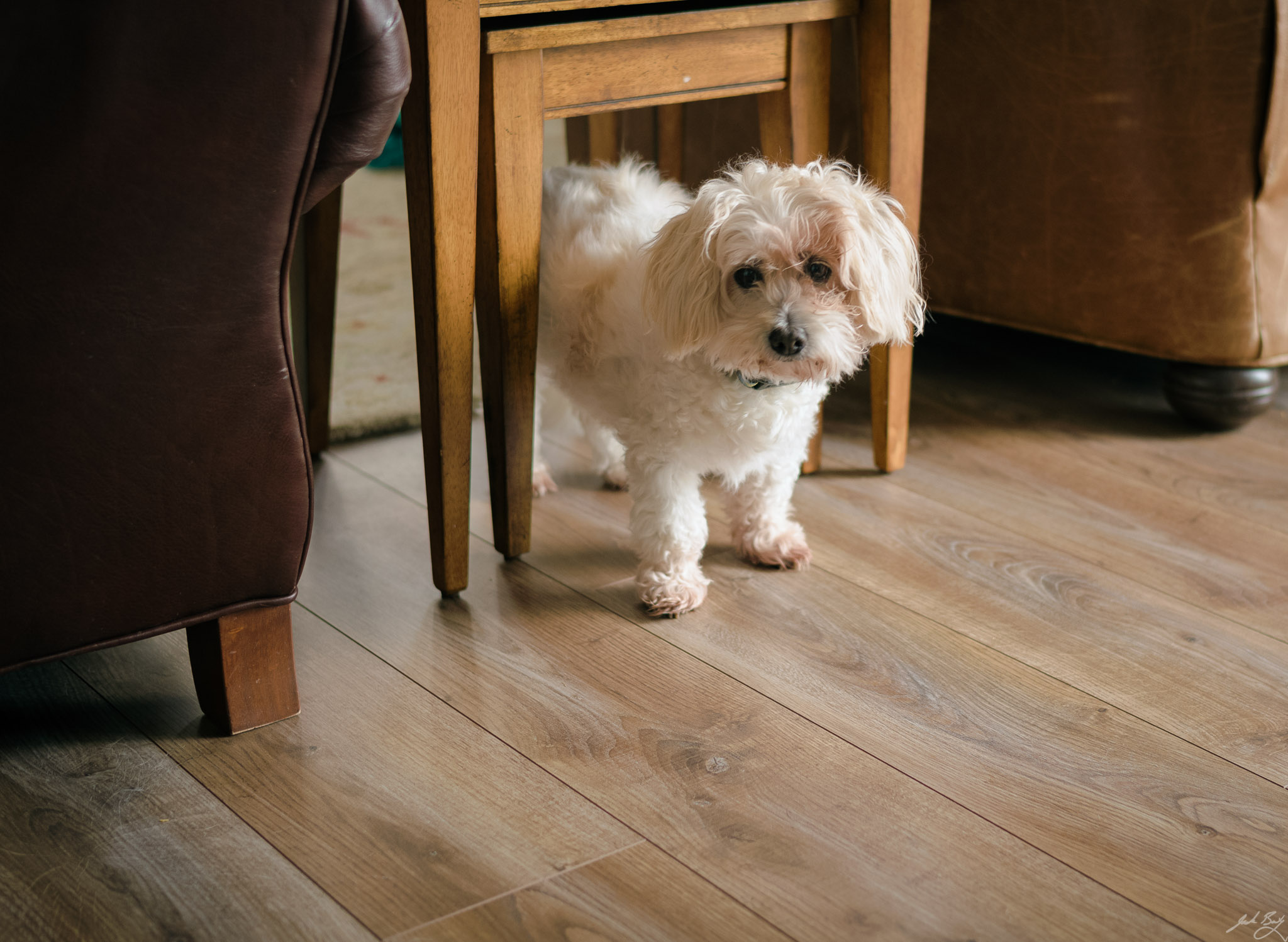
I’m trying to see how the Summilux 35mm ASPH feels on the film M. Running around indoors with a moving dog and poor light is either a terrible test or a perfect test. Anyway, here’s Alice.
Alice with her toysAliceAlice and “Gordo”Alice and GordoAlice watching for something to bark atAlice in bed
I kept a “daybook” using Tinderbox for years. I drifted away from Tinderbox for a few years after I became infatuated with Linux or iOS or other “cross-platform” systems. Right now, I’m back with a vengeance.
While rebuilding my Daybook, I wanted to make logging my weight easier. It’s not like it was difficult, but I wanted to tweak it.
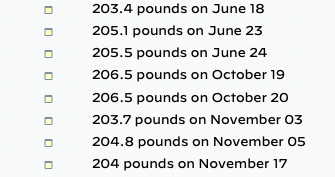
Tinderbox is an outliner, so my weight entries are collected under a “Weight Log” node. It looked like this (I obviously wasn’t consistent with tracking last year).
The weight is stored in a numeric User Attribute called, surprisingly, “Weight”. The outline shows a custom “DisplayFormat” so that it reads nicely:
$Weight + " pounds on " + format($StartDate,"MM D")
To enter a new weight, I’d select an existing item in the outline, hit Return to create a new note, type in the weight, hit Return to save the note, then use the mouse to click the “Weight” attribute and re-enter the weight there. So much clicking! ????.
What I wanted to do was to type the weight once in the note’s Name and have the Weight attribute populated automatically. Tinderbox notes can have “Rules” which are commands that run periodically and can update a note’s attributes based on just about any criteria. I could have created a rule that set the Weight based on the Name, but that seemed like overkill since this only ever needs to happen once per note.
With some help from Michael Becker, I think I’ve got it. (You should check out his video series on Mastering Tinderbox for all sorts of great Tinderbox content.)
There’s an OnAdd action which sets the Prototype, Date, and Name of the note. (Setting the Name of the new note to “Enter Weight” is a nice touch.)
The trick here is setting $RuleDisabled=true. What this does is force the Rule to run only once, which is all I need. I wasn’t aware of the $RuleDisabled attribute, so thanks to Michael for that tip.
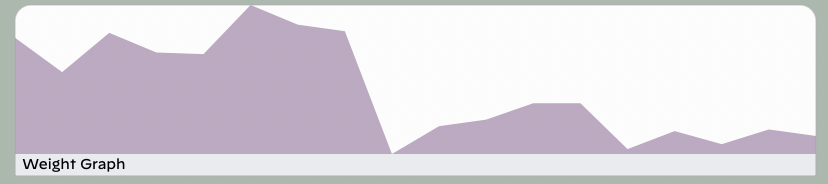
Now, to add a new Weight Log entry, I hit Return, type my weight, and hit Return again. Couldn’t be any easier! On my Daybooks “Dashboard” I can graph my weight over time, like so…
For those of you unfamiliar with Tinderbox, I’m sorry if I made too many assumptions here. Explaining Tinderbox can be an entire job in itself!
My dream is to maintain my writing in one place. Unfortunately, I enjoy tinkering with different publishing tools so much that I have never been able to choose a single platform and stick with it.
I’m going to try focusing my writing here at copingmechanism.com for a while and see if I can live here. This means baty.blog is on hold for the time being.
One thing I wanted here was a theme that wasn’t quite so overwrought as “Hive”. I wanted something a little more old-school. I was poking around and found that James Vornov’s great blog, On Deciding…Better, uses the Graphy WordPress theme, which I really like. I knew it seemed familiar because I had actually purchased the pro version of the theme back in April. And around we go!
The wildcard is my brand new blog at daily.baty.net. It’s managed using Tinderbox. I really enjoy using Tinderbox, but it remains to be seen if I will continue using it to generate a blog. I’m going to try copying the daily post from daily.baty.net into posts here at the end of each day. Maybe that’ll work well and I’ll switch to just using Tinderbox for writing and organizing each day, but not use it for the actual publishing process.
Somehow, some part of their attention is directed toward the possibility that their application environment isn’t “ideal.” They have this notion there’s some perfect writing environment that will make them more productive or better writers by eliminating this thing called “distraction.” There’s some anxiety about the tool they’re using.
Dave’s right. I’ve gone through many iterations around “distraction-free” writing myself. In my case, though, I don’t do it because I feel the writing environment is holding me back. I do it because it can be fun to twiddle with tools. Same with cameras. My cameras have been better than my ability for years, but I still keep trying new cameras because I love cameras.
Oh, and about distraction-free writing in Tinderbox, I wrote Tinderbox as a Minimalist Writing Environment in 2013. (Unfortunately, all of the site’s images from 2012 were lost during one of many platform migrations.)
This week started out with the intention of building a Rails app, but ended with the creation of an entirely new Tinderbox Daybook and blogging system. You’re soaking in it. I’m still considering moving the whole enterprise to baty.blog and just living with that for a while. However, I still wonder about returning it to rudimentarylathe.org or maybe even replacing the photography domain copingmechanism.com. And who knows, I may end with all of this back in Emacs in a month. But Tinderbox is still super fun and powerful and let’s try it!
Tinderbox does this cool thing in outlines where the icon changes based on the age and size of each note. I’m working on mimicking that feature on the Archives page here. I’m a little lost when it comes to the new “functions” features in Tinderbox 9.1 so I fell back to adding some Action code as an Edict. Like this…
if ($TextLength>500) {
    	$NoteIcon="long.png";
}
if ($TextLength>50 & $TextLength<=500) {
    	$NoteIcon ="medium.png";
}
if ($TextLength<50) {
	$NoteIcon ="small.png";
}
if ($Image) {$NoteIcon = "cam.png"};
Now, we all realize that our jump-off point is agreeing to rally the troops for next quarter so we can circle back to the perfect ROI for the inevitable year-end come-to-Jesus moment. That’s evident from our low-hanging fruit research and the blue-sky white papers presented by the team in marketing, right? NO, YOU’RE WRONG ON THAT, STEVE. STEVE. STEVE. HEAR ME OUT. YOU’RE WRONG. JUST HEAR ME OUT, STEVE.
I sometimes attend an event and take deliberate photos with a serious camera. Later, I see shots other people casually snapped with their iPhones or whatever and posted them (with no editing) directly to social media. They’re often much better than mine. Am I just wasting my time?
This is how NFTs make me feel: like the future is useless but expensive, and world-altering technology is now in the hands of a culture so aesthetically and spiritually impoverished that it should maybe go back to telling stories around the cooking fire for a while, just to remember how to mean something.
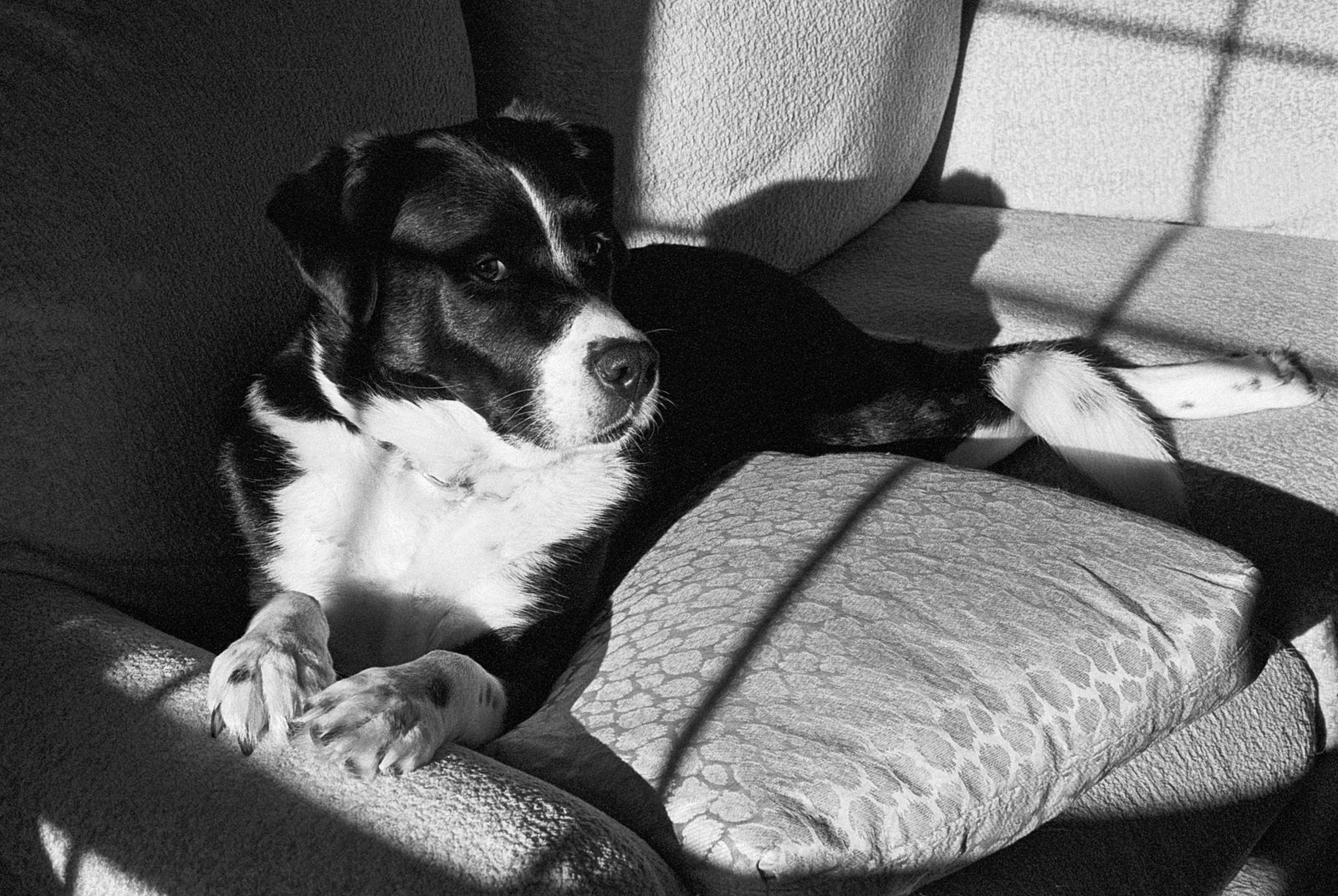
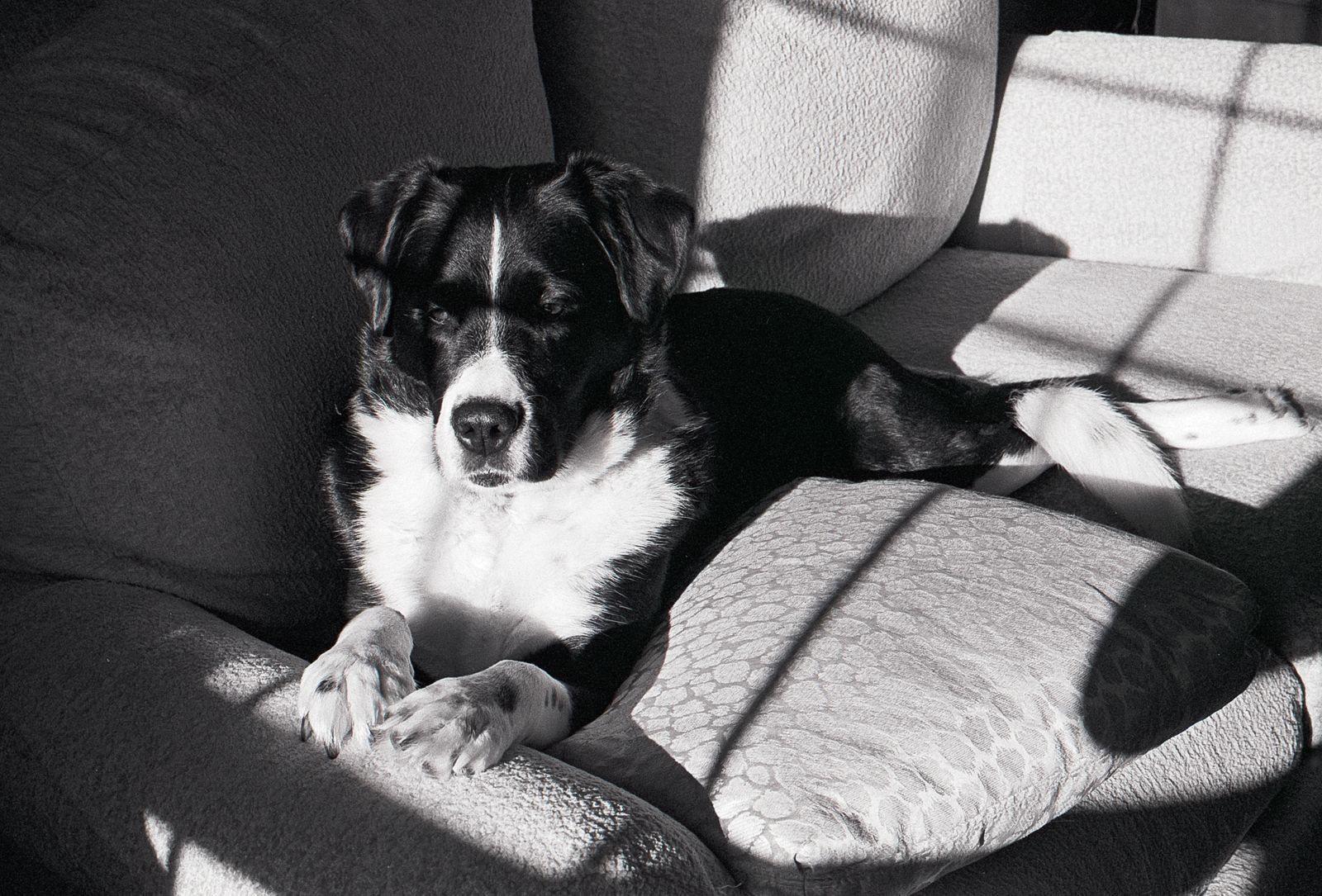
Some days I just really need to finish a roll. The photos of Alice relaxing in the sunshine reminded me how good film is at holding onto highlights. I feel like I couldn’t blow them if I tried.
Scanning 35mm film with a flatbed scanner isn’t great, so I bought a PrimeFilm XAs scanner to see if that would help. It didn’t.
The XAs creates large, sharp scans…when it works. I was excited by the prospect of scanning an entire roll of 35mm film in one go. Just feed the film into one end and it comes out the other, leaving behind up to 36 5000dpi scans.
Unfortunately, it hasn’t turned out that way. I was only able to scan a full roll once without issues. Alignment just never worked and I’d end up with offset frames for 3/4 of the roll. I never did figure out why it worked sometimes but not others.
I normally cut rolls into 5-frame strips, but scanning those didn’t fare much better. Half the time, the strip would get stuck and would not eject, so I’d have to yank it out of the scanner. But the worst thing—the deal-stopper—was this:
Scratched negative after using the PrimeFilm XAs
The scanner scratched several frames in more than one roll. At first I thought my new Leica MP was causing the scratches, but negatives from other cameras also ended up scratched. I eventually proved this to myself by first scanning a roll with the Epson flatbed for comparison. The scans from the Epson were fine, but then the ones out of the PrimeFilm had scratches.
All in all, the PrimeFilm XAs has not proven to be an advantage over the Epson.
I got to have lunch with Steve and Bryan at Founders. Here are a few snaps I took between beers.
Founders exteriorPipes outside of FoundersFoundersSteve buying KBS at FoundersBryan shopping for T-shirts at FoundersFusionarySteve and Bryan in front of Founders
Charlie is 15 and has slowed down some, but can still be cute when he wants to be.
I’ve been exploring color lately. I most often prefer black and white photographs, but I wonder if this is simply because I’m not good with color. I like the consistent, muted colors in this photo of Charlie.
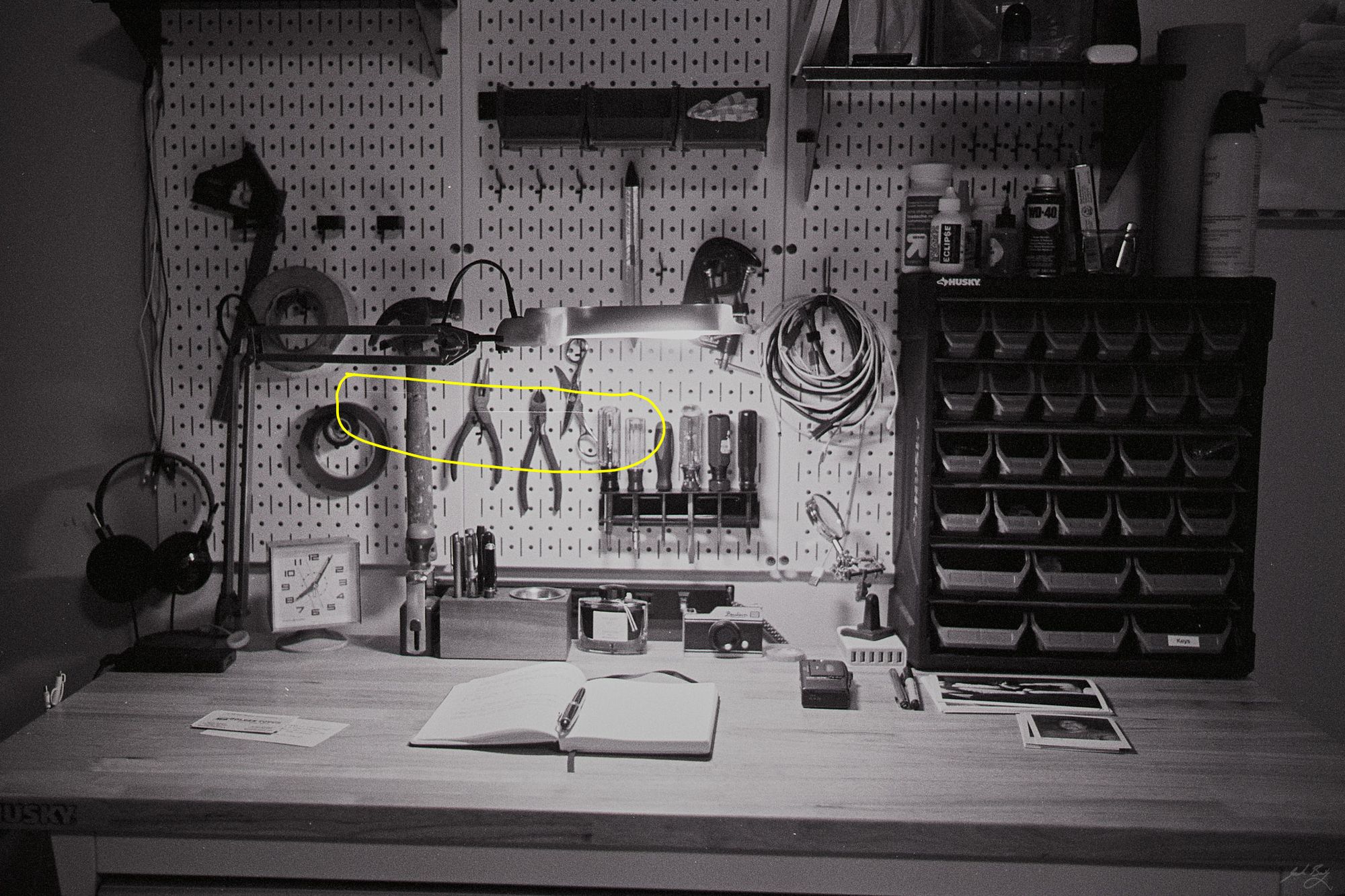
I put together a workbench in my basement office that was supposed to house all of the cool “maker” projects I was planning. You know, little electronic builds, equipment repair, that sort of thing. I’ve come to realize that these projects are infrequent and the workbench space is mostly wasted.
I’ve found myself occasionally standing at the bench to write in my notebook or read a magazine, just as a chance to stand up for a while. I haven’t had an adjustable-height desk since leaving Fusionary, and I enjoy standing.
So, I removed most of the workbenchy stuff and replaced it with pens and inks and notebooks. Maybe one day I’ll actually need a workbench, but for now it works better as a writing desk.
 baty.net


 Gail
Gail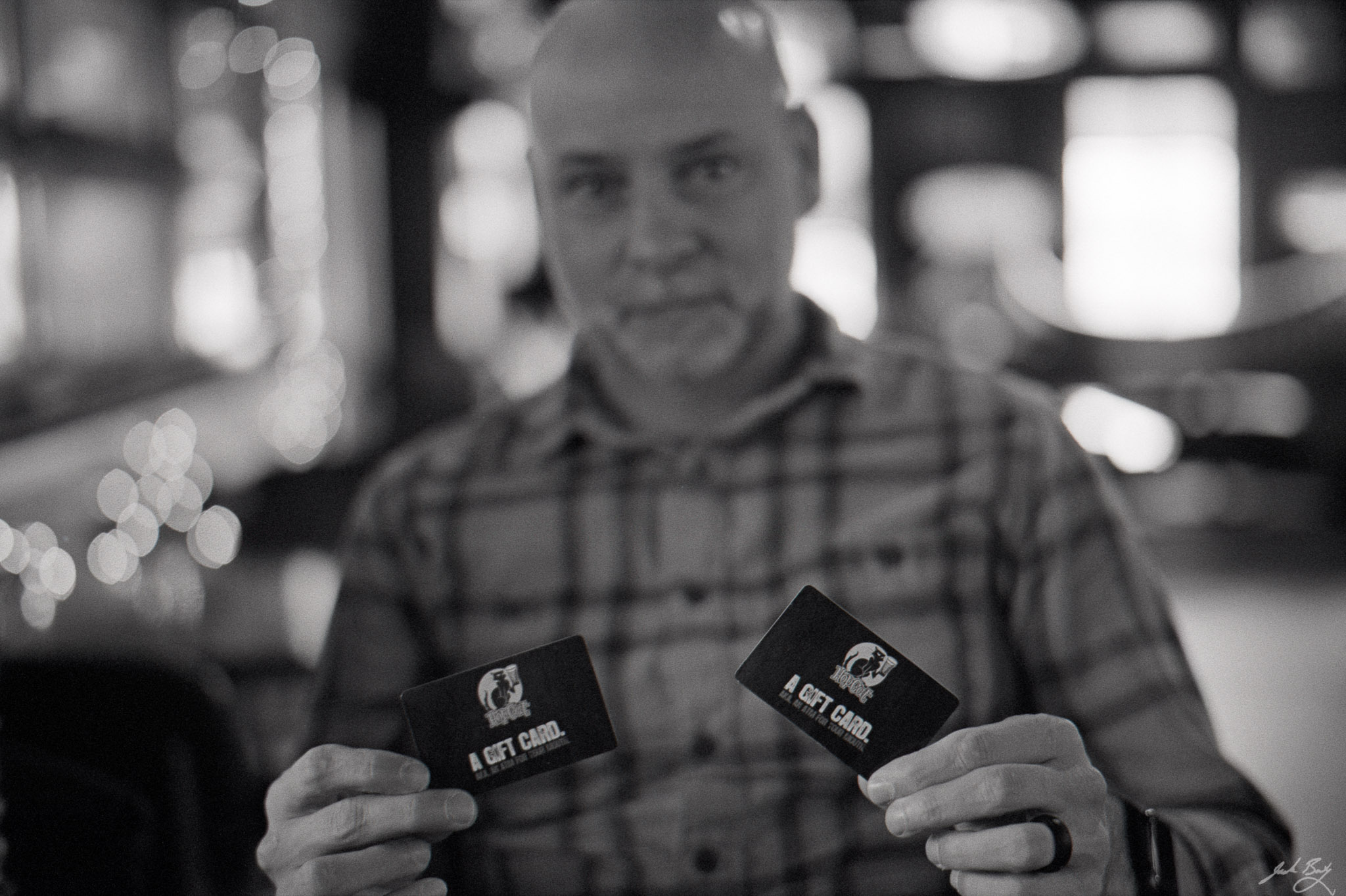 Steve at Hopcat with gift cards
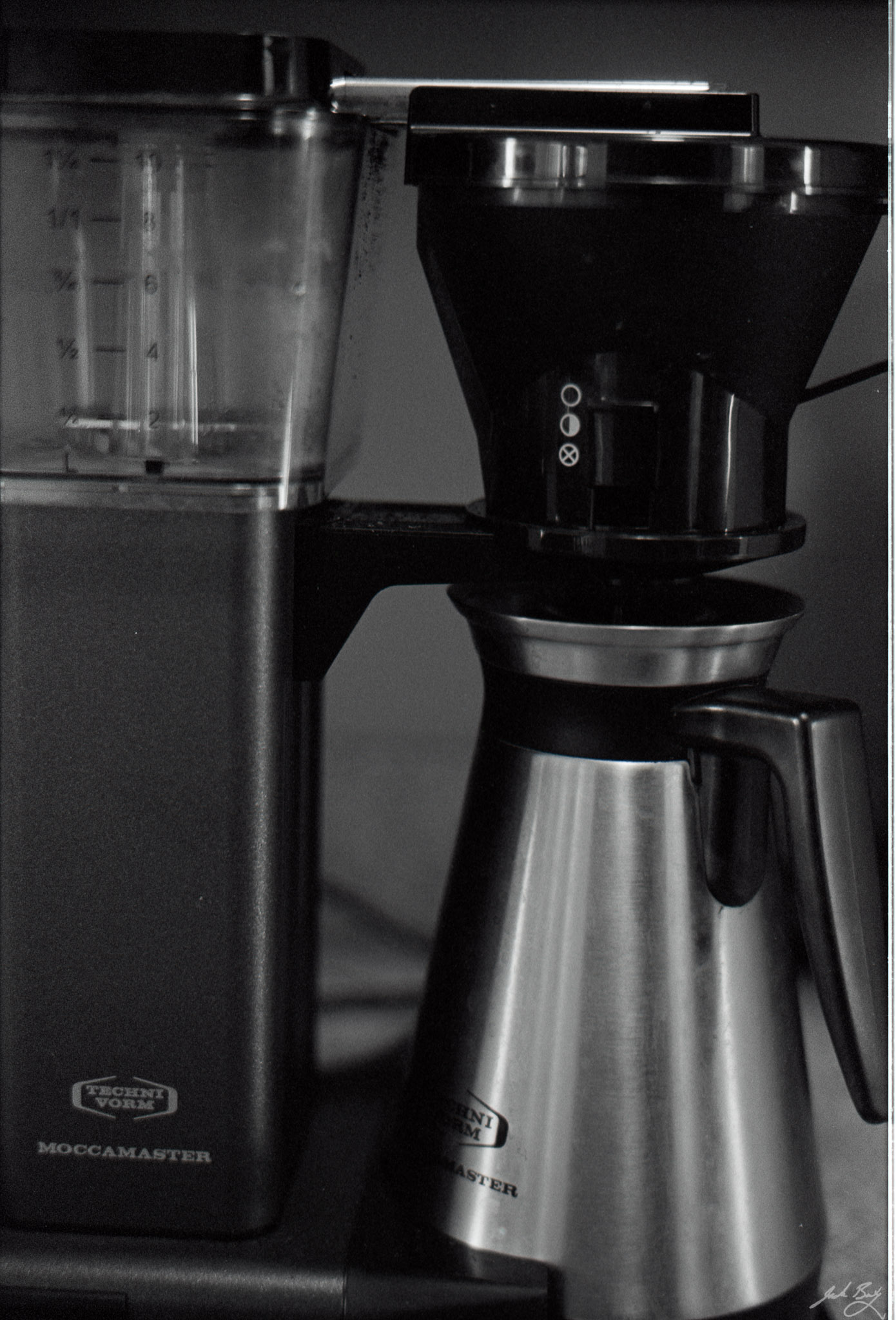 Moccamaster
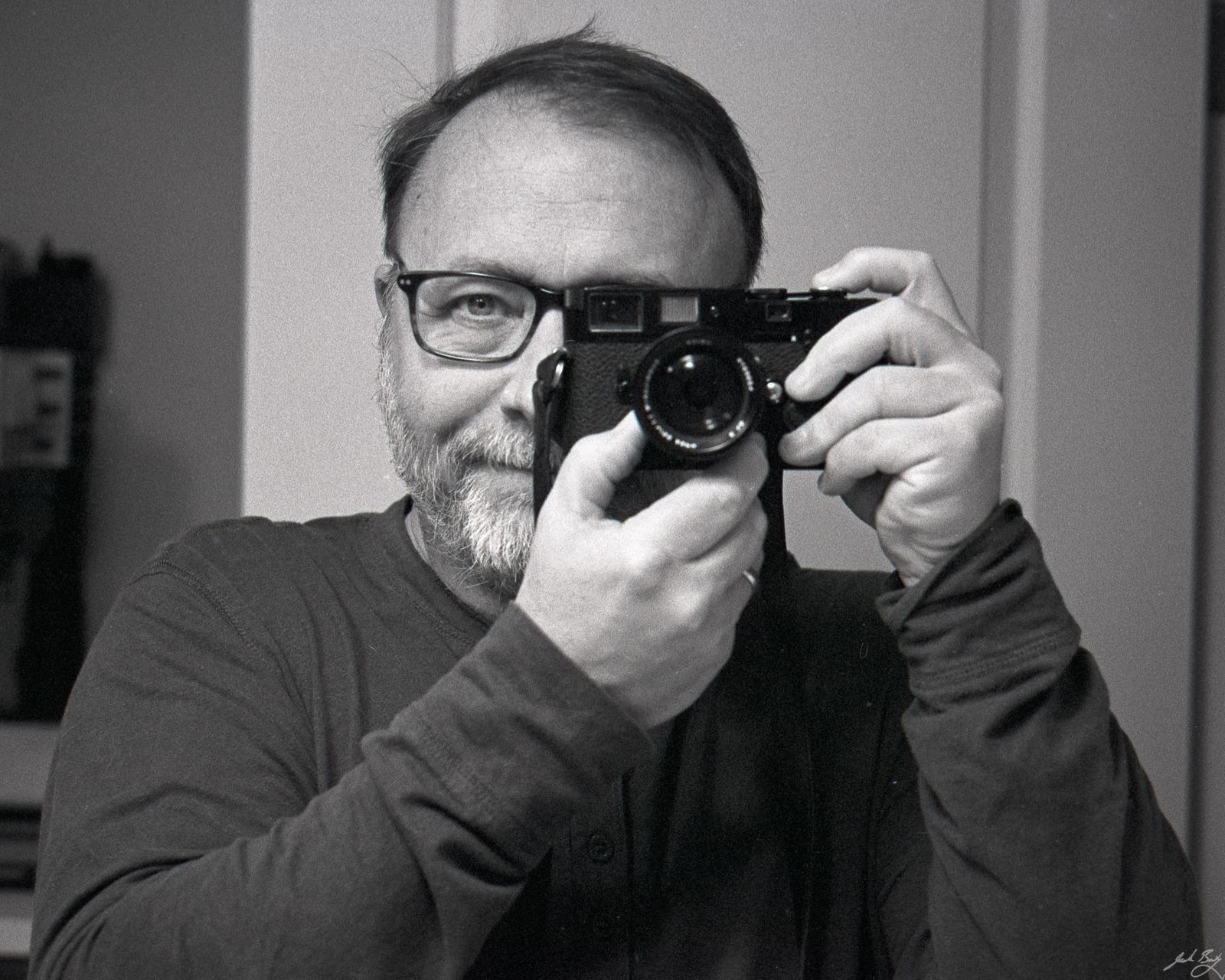
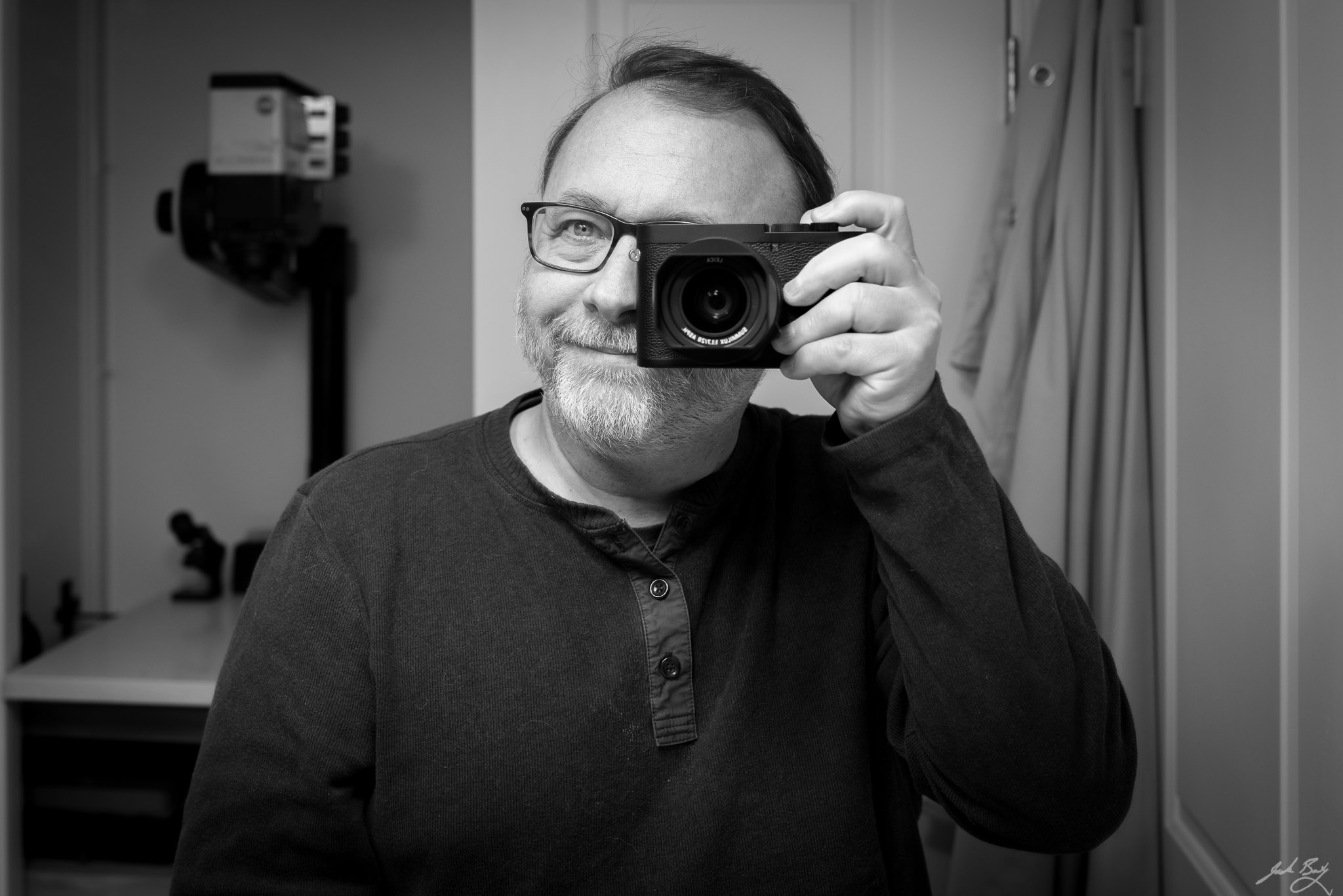
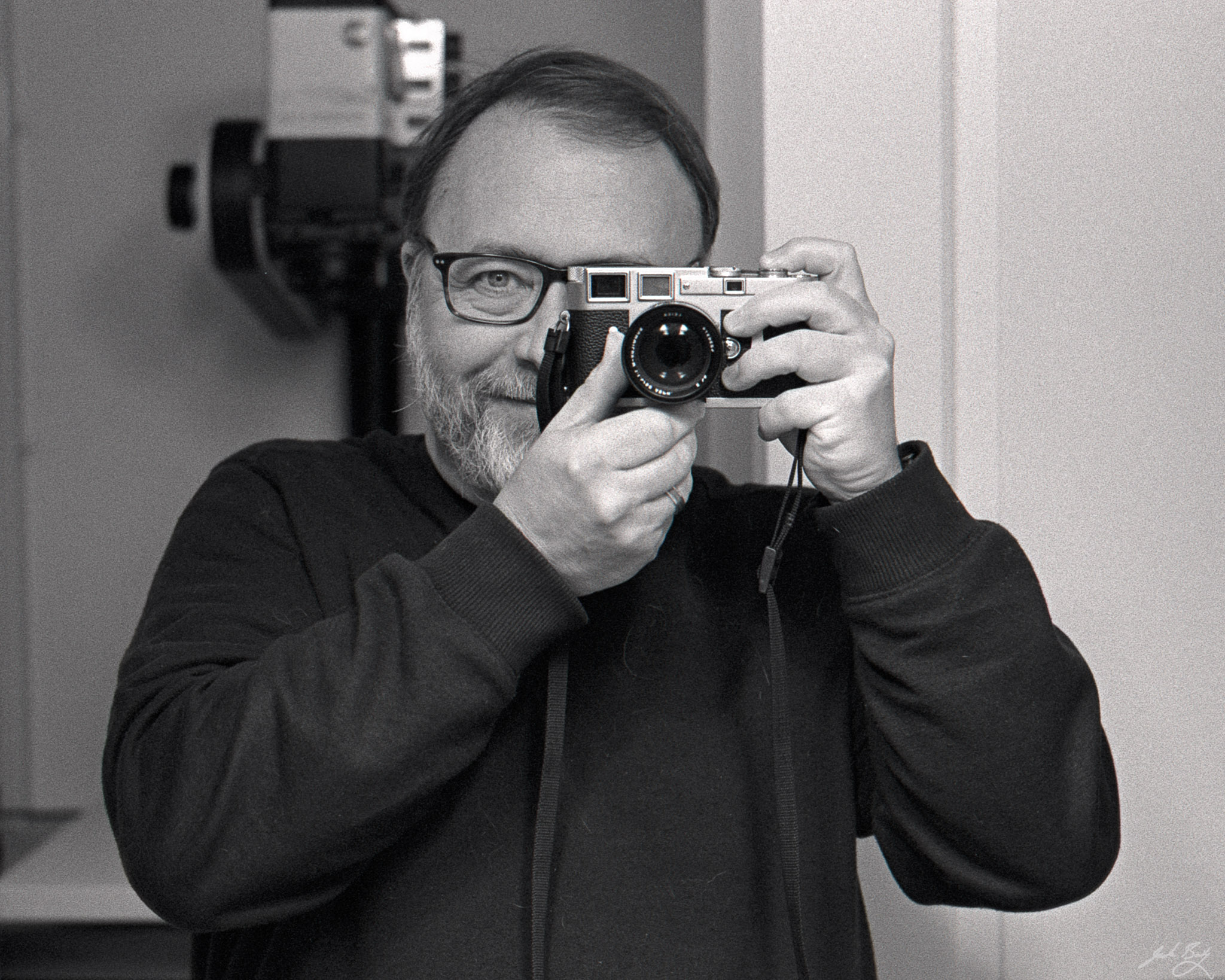 Self-portrait with M3
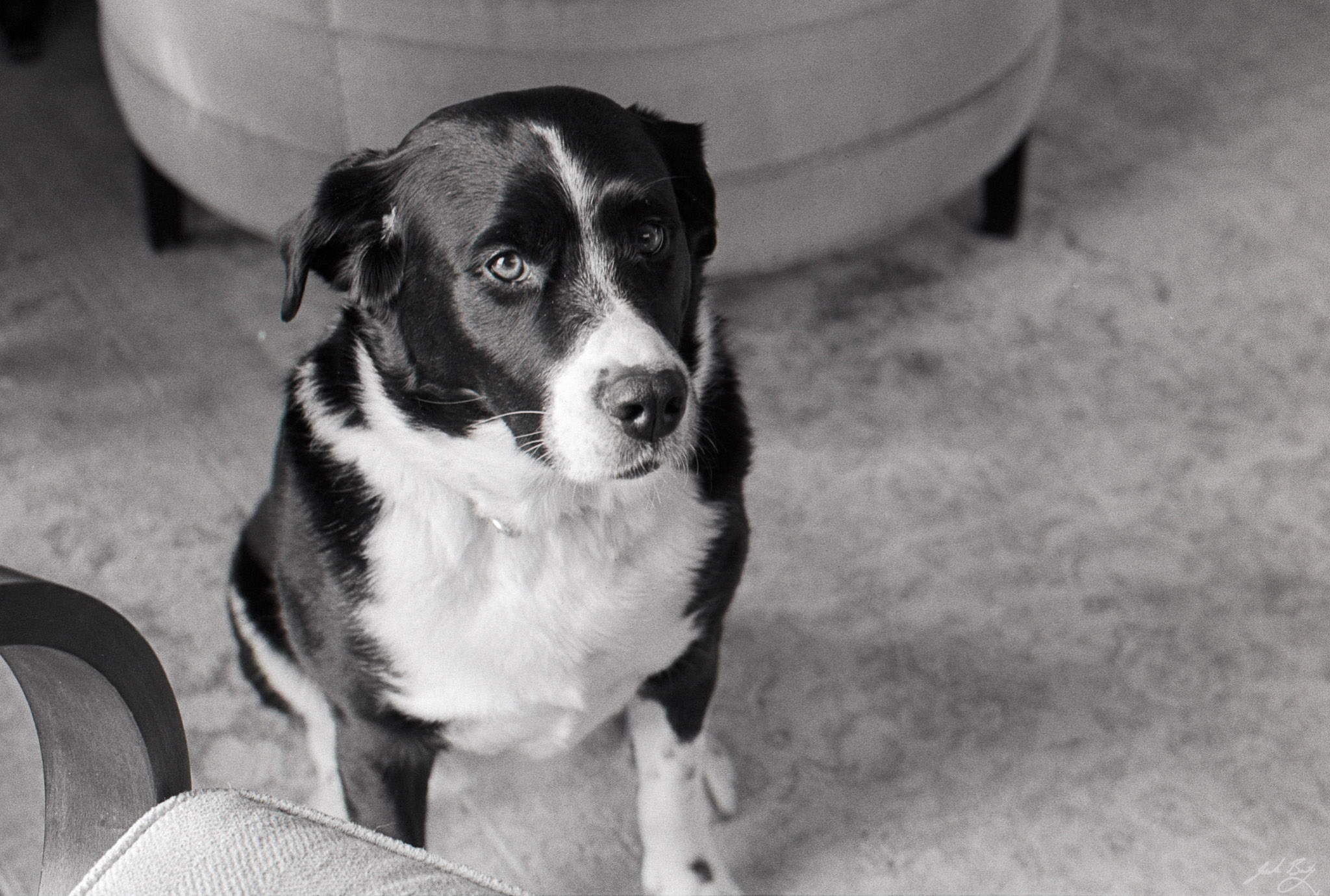 Alice
Alice