Sold, Leica M6

Leica M6

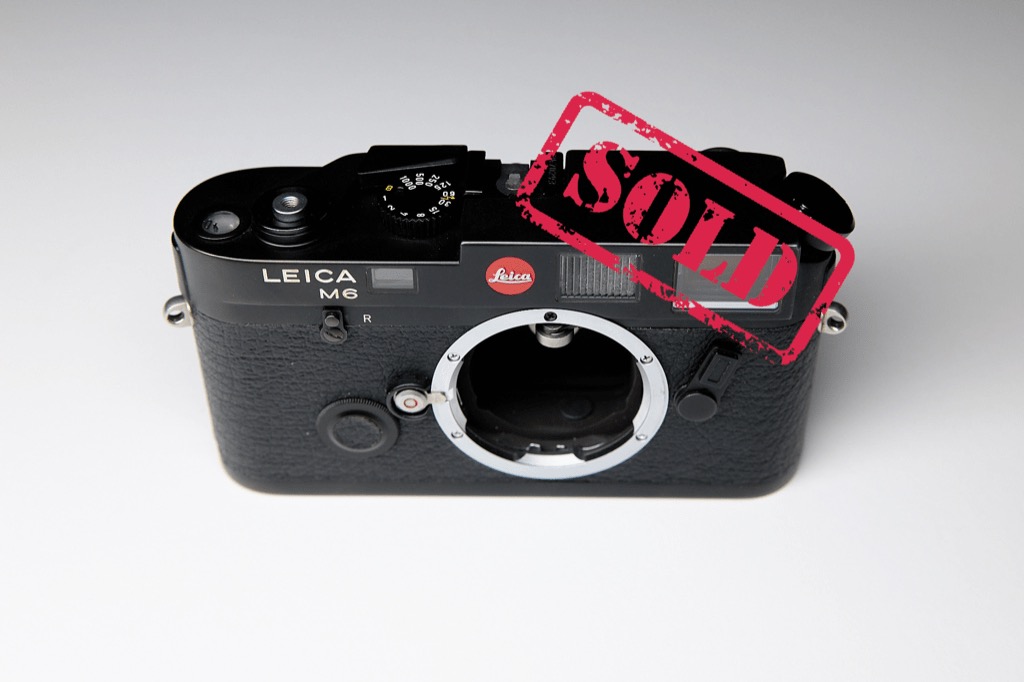
Long story, short, I sold my precious Leica M6 (Classic). I could no longer justify having two modern Leica M cameras, so I decided to keep the beautiful MP and pass the M6 on to someone else. I’m sure I’ll regret this. (It’s the second time the camera has been sold, but the previous buyer returned it, for spurious reasons). Onward!

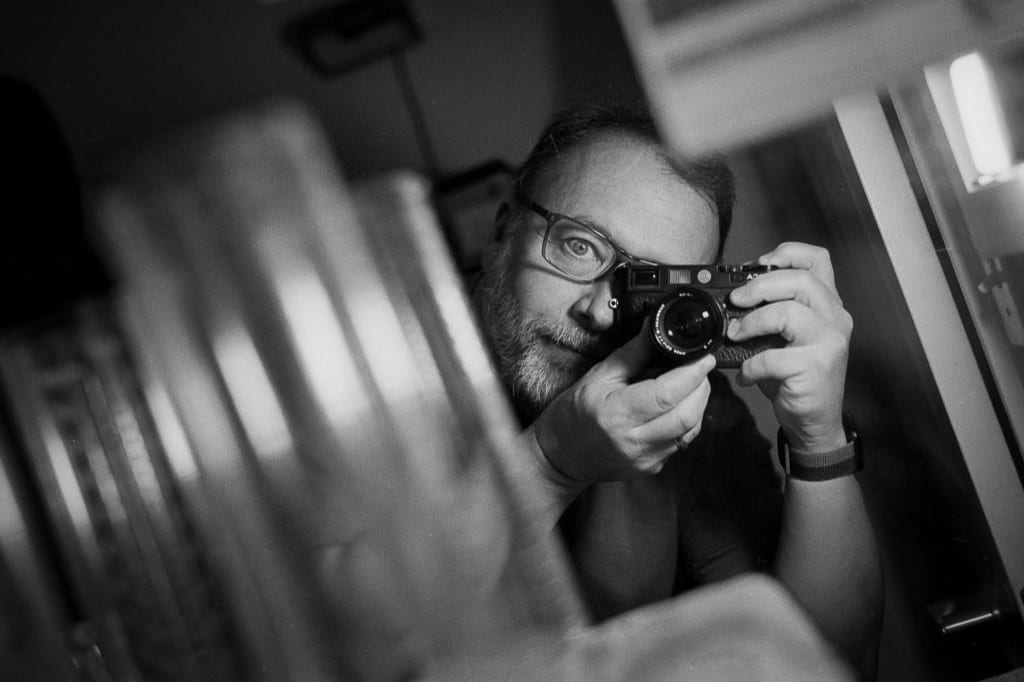
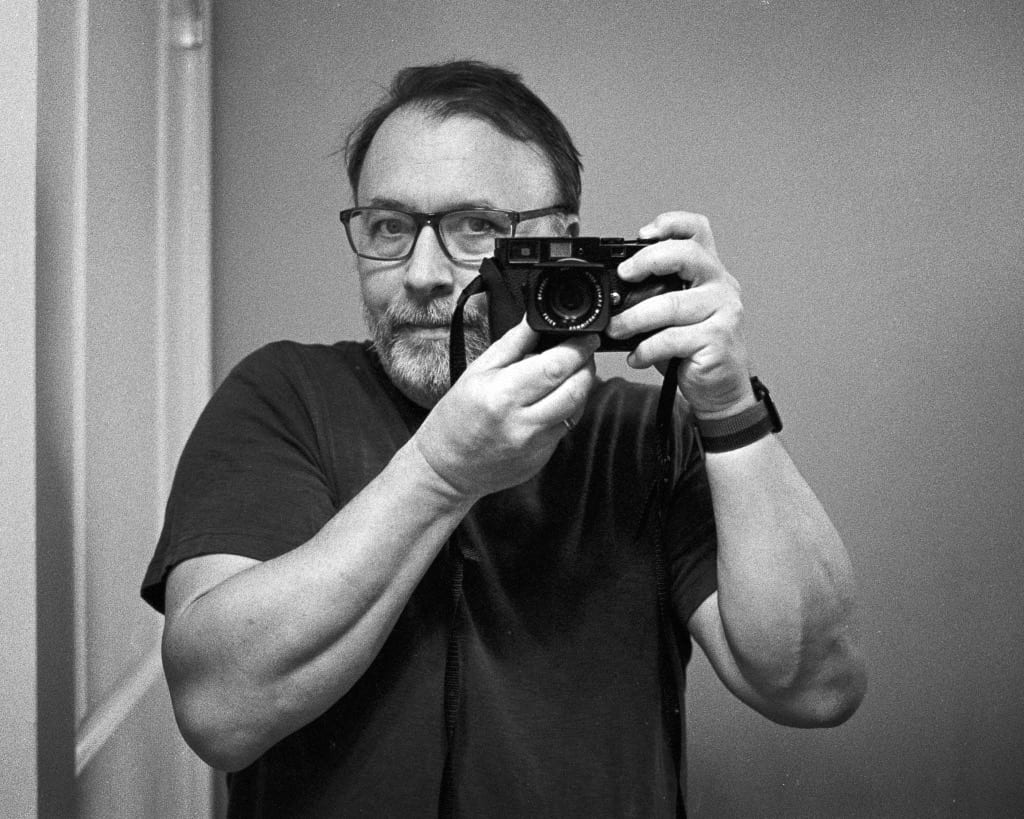
Here’s the final frame I shot with the camera:

Self-portrait in mirror, Leica M6

Permalink #

Using tags for org-refile-targets

Today I learned that I can use tags in Org files as a filter for org-refile-targets. My refile targets are mapped to org-agenda-files but limit them to only top-level headings in order to keep the list under control. Once in a while, though, I would like to make a more deeply nested heading available for refiling. I can do this by using (:tag . "refile"). Who knew?!

(setq org-refile-targets '((org-agenda-files :maxlevel . 1)
                           (org-agenda-files :tag . "refile")))
Permalink #

Are there really only three things to photograph?

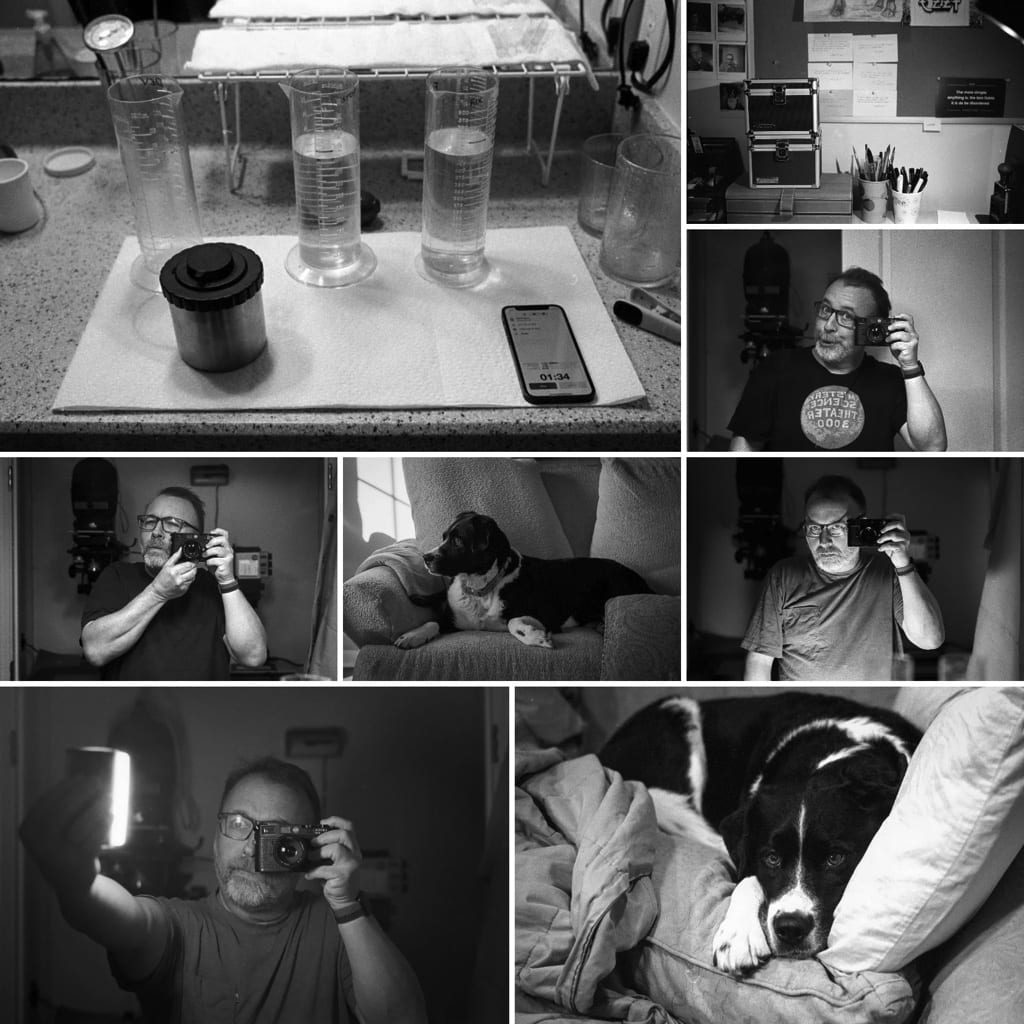
There are always cameras loaded with film scattered around my house. I don’t go out much, so sometimes I’ll pick up a camera and take a random photo just for the feel of it and to use up some film. These photos are almost always one of three things: Myself, my dog, or my desk/workspace.

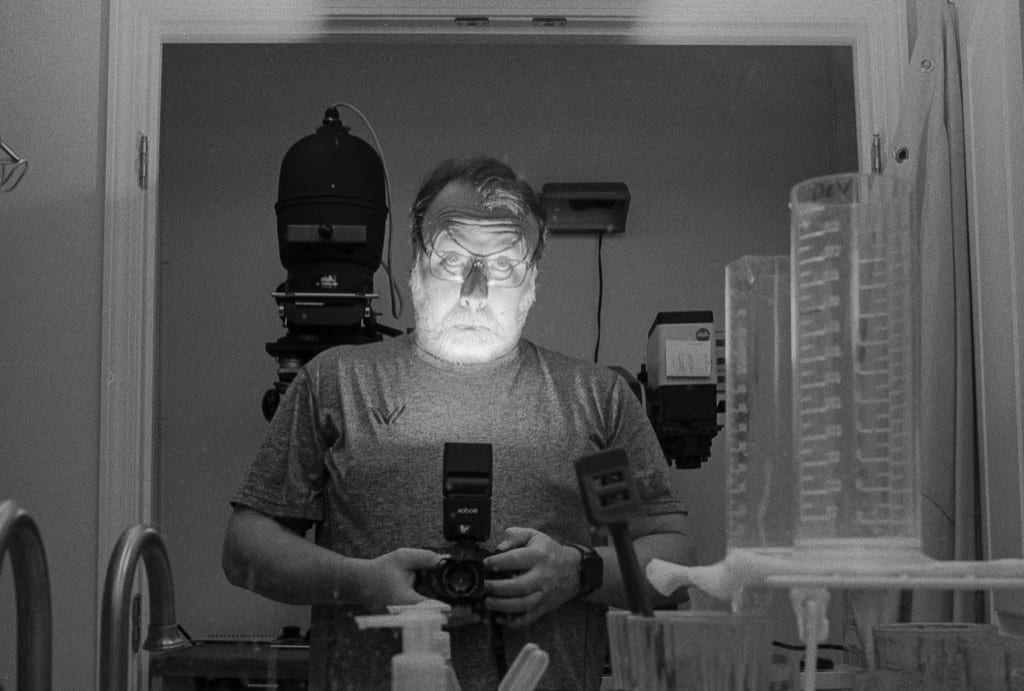
Case in point, I recently finished the roll that’s been languishing in the M6 by taking the following mirror self-portrait.

Self-portrait in mirror. Leica M6/50mm Summilux/HP5

I actually like the photo. It’s playful and well-executed overall. But the rest of the roll? It’s chock full of shitty mirror self-portraits and random dog and workspace photos. I really do need to get out more.

Permalink #

Things I can’t quit, Film photography and Emacs

I know that film photography and Emacs are completely unrelated, but I have been thinking about both of them quite a lot recently.

Since moving back to shooting film in 2003, I have regular thoughts of switching to all-digital again. It’s just easier. I have rooms full of “stuff” in support of film photography, and things would become so much faster and easier without all of that. A nice digital camera, a good RAW editor, an inkjet printer, and some hard drives, and I’m all set.

And yet, I still enjoy shooting film and have found it impossible to quit. I like how film looks, I enjoy working in the darkroom, and I love my Leica rangefinder cameras. Having binders full of negatives sitting on my shelves is a comfort to me. They’re real, you know? I prefer real things.

In a completely different arena, I would like to stop using Emacs for everything. The great benefit of Emacs, that it can be anything and do everything, is for me also its greatest drawback. I can’t stop futzing with it. And I can’t stop trying to use it for freaking everything all the time. I just need to write stuff and keep track of some tasks. Why then do I use it to read emailRSS feedsMastodon, and whatever other things I can shoehorn into what should be a simple text editor?

So, I frequently fire up Obsidian, BBEdit, Logseq, Roam, iA Writer, TheBrain, Tinderbox, and oh right, none of these does the things Emacs and Org-mode can do quite as efficiently and with so much flexibility. After a few days away, I end up back in Emacs and farting around with capture templates or trying to decide between Denote and Org-roam.

The truth is that I’ll probably always shoot film and I’ll probably always use Emacs. I just wish that I could convince myself of this, then move on and actually do something creative or useful with them.

Permalink #

The iPad as a diversion

I’m tired of computers. I spent hours today rummaging around my notes and trying to figure out if I should write some new thing in Emacs or Obsidian or Tinderbox or what? It’s confusing and frustrating, and I need a break.

I’m typing this on my iPad Pro using the Magic Keyboard. I won’t lie, the iPad is too limiting for me under nearly all circumstances. But that’s exactly why I need it right now. I’ve gotta stop tweaking and start doing something instead. That something might just be watching Netflix, but at least that’s not going to make things worse.

But should I have written this post using iA Writer instead? ☺️

UPDATE (2 days later): I’d be better off selling the iPad(s). They’re not a diversion, they’re a distraction. Putting an iPad into rotation forces me to use software and workflows that work on mobile and that’s always a reduction in capabilities for me. I should consider the iPad solely for consumption.

Permalink #

Eleventy and my Daily Notes

Somehow, for reasons unknown, I’ve rebuilt daily.baty.net using Eleventy.

It started when I struggled to make some tweaks to the site, which is (was) generated using Tinderbox. Tinderbox, being Tinderbox, is ridiculously powerful and flexible, but it wasn’t doing what I thought I was telling it to do. So I stepped away and started tinkering with its inspiration, my Drummer blog. For a hot minute, I considered going back to using Drummer, even though I worry about its longevity. Drummer is how blogging is supposed to work (at least in my head), so I started looking at it again.

Then Twitter decided to shut off its free API, which Drummer depends on for identity. Thankfully, Dave is working on a path around the Twitter problem, but in the meantime has temporarily shut down Drummer.

While I waited, I wondered if instead, I could make Hugo look and work like my Tinderbox blog, but I quickly realized that I’m never going to understand Hugo’s templating process/language enough to do anything clever with it.

What about Eleventy? I’d never really considered Eleventy but I know some people really like it. When I saw that they had recently announced the v2.0 (beta), I figured it was a good time to see what it was all about.

The short answer is that I like it! I found the basics much easier to grok than Hugo. I had a simple blog put together in a couple of hours. It was one of those incremental things where I experienced small, early wins, so I was encouraged to continue.

I pulled the (admittedly outdated) CSS and markup from my Tinderbox templates and shoehorned them into Nunjucks files. It was surprisingly easy, so I kept going and was so successful that within a few more hours I’d decided to go all-in and now daily.baty.net is running Eleventy. Good times!

Permalink #

My Antinet and Barthes' "Camera Lucida"

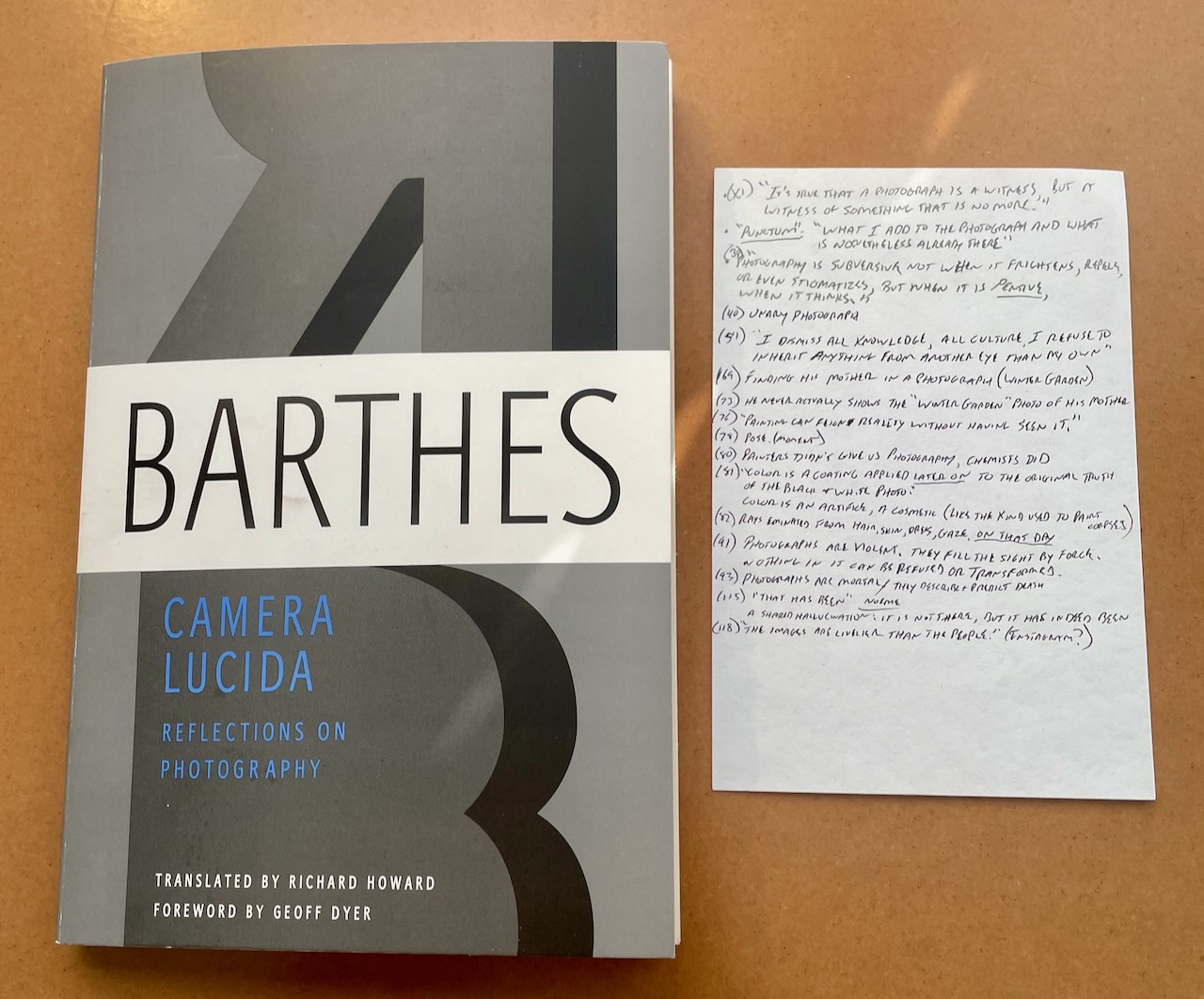
The first book I read with my Antinet in mind was “Camera Lucida: Reflections on Photography” by Roland Barthes. I’m not doing a book review here, but I wanted to say a few things about the process of reading with the goal “installing” notes into my Antinet.

Camera Lucida and my bibcard

I’m not someone who needs a Zettelkasten. I’m not working on a book or paper or anything. I want to use what I've read. Even better, I’d like to integrate the things I've read with my own thoughts. I want to learn.

The problem for me has been that I don’t remember what I read. I have several bookshelves packed with books and I couldn’t tell you the first thing about what’s in most of them. It’s frustrating, and such a waste. I’m sure I must’ve gleaned something from all that reading, but what? And what can I actually do with it?

I have always believed that using an analog (pen and paper) process is better for thinking, but I’ve been so enamored with digital “Tools for Thought” the past few years that I’ve spent much of my time reading blog posts about “How to Take Smart Notes” using Obsidian or Roam or Emacs or what-have-you. All I have to show for it is a thousand text files and a useless bubble graph. I don’t need a “second brain” I need to better utilize the first one.

After reading Scott Scheper’s book, “Antinet Zettelkasten”, I was sufficiently inspired to go all-in with the Luhmann method, so I sat at my desk with "Camera Lucida", a pen, and a blank 4x6" index card.

It was amazing. First, sitting at a desk while reading is a great idea because I didn't fall asleep after three pages like I normally do. More importantly, I found myself reading with a goal. I was actively looking for things to remember, and writing them down. This was in contrast to my usual approach which is looking to "have read" the book. I filled my "bibcard" with quotes, references, and ideas from the book as I read it. These notes are meant to be processed and "installed" in my Antinet later, but even if I were to skip that part, I gleaned much more from the book than I normally would. I'm remembering more than from, say, highlighting passages in the Kindle. I'm telling you, there's something to this whole paper thing! :).

I don't know if my Antinet will ever amount to much more than a half-assed attempt at "Knowledge Management" but so far the simple act of creating it has paid dividends. I'm excited to see where it leads.

Permalink #

Indexing my paper notebooks

I keep a simplified version of a Bullet Journal in paper notebooks. I write in it every day. In it, I write tasks, log meals, write journal entries, copy quotes, etc. This way of working fits my brain, and I see no future in which I'm not doing some version of it.

But I must admit that y'all are right, searching paper notebooks kind of sucks. However, I'm not moving my notes to digital just so I can search them more easily. That's not a trade-off I'm interested in. Instead, I'm working on a system that makes my paper notebooks easier to search. Or perhaps it's better to say that I'm working on making it easier to find things I've written in my paper notebooks.

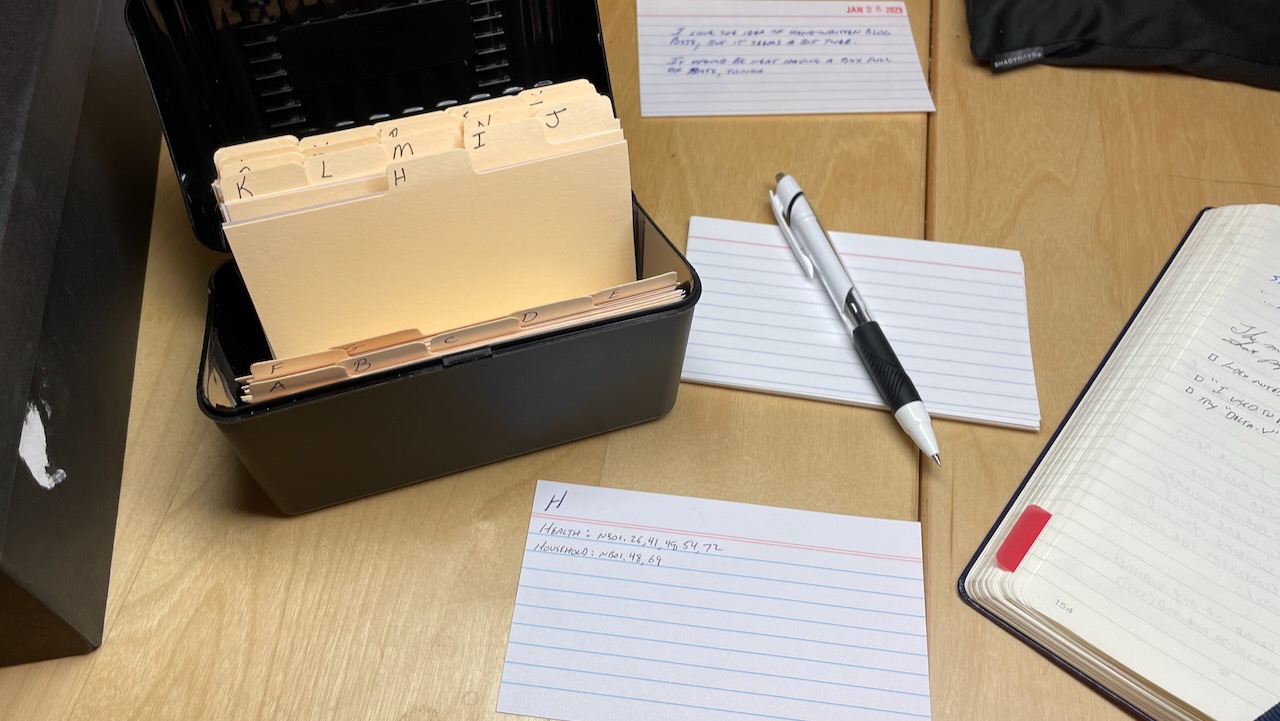
A year ago I started highlighting my notebooks (see Highlighting in Notebooks). This works great. It lets me quickly scan my notes and pick out important topics. What I'm now doing is adding those topics to an index. I already maintain a table of contents in each notebook, but that's not the same as an index. My index is kept in a box of 3x5" index cards (see photo).

The contents of my index differ from that of my Antinet experiment (which I'll write about later). This index is of personal notes, observations, interactions, etc. The Antinet is for topics I'm interested in.

Have you tried keeping an index like this? If so, I'd be interested to hear how you're handling it.

Permalink #

Survey results - Blog post format preferences

I can never decide which blog post format I should use on my home page(s). Should I use full posts so that all of the content is available by simply scrolling? Should I shorten each post to just a title and a short summary, making it look more consistent and easier to scan? Or maybe I should only include a list of titles, and let people dig in based on that.

To find out what readers actually preferred, I asked the following question on Mastodon and Micro.blog:

When visiting a blog (not via RSS), which layout do you prefer?

  • Full posts
  • Titles and brief excerpt
  • Titles only

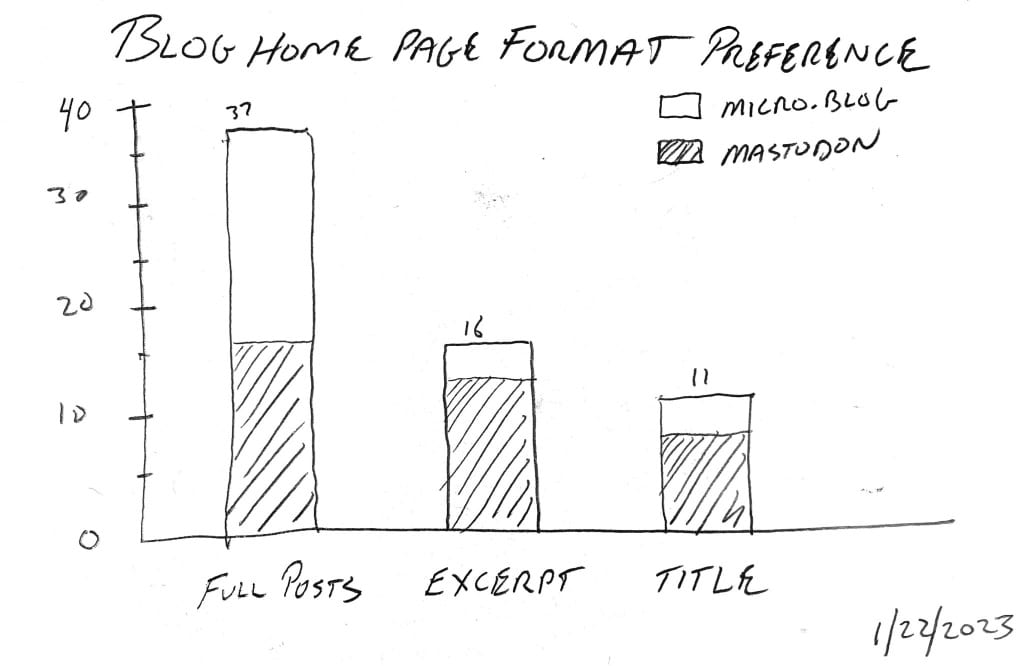
I received 64 replies. Here are the results:

Results of my informal web poll

I wasn’t surprised by these results, other than the Micro.blog responses leaned quite heavily toward full posts, while Mastodon was split closely between full posts and excerpts.

This helps me with how I present posts on my blog. I will continue using full posts, but I’ll truncate longer articles with a “read more” link to reduce the amount of scrolling needed.

Thanks to everyone who responded!

Permalink #

Blog posts - Macro, Micro, (and Nano?)

I remain incapable of consolidating my blogs, social media, etc.

I’m realizing that I have three types of blog posts, “macro”, “micro”, and “nano”.

Normal long-form posts are “macro” posts. Shorter posts or images with commentary are “micro” posts. Then there are the little snippets and random thoughts I can’t help blurting out for some reason. Those are “nano” posts.

could put them all at baty.net and be done with it, but I have yet to find a way to do this using WordPress (or Hugo, for that matter). I never like the way themes render all three types.

I thought I could do macro posts at baty.net and the rest at jack.micro.blog, but for some reason, I hesitate to post my little nonsense thoughts there because it feels weird having them saved as “real” blog posts. I can’t explain it, but those little “nano” posts make more sense to me on an actual social network like Mastodon.

This morning, I spun up a new Mastodon instance as my “official” social media presence. I wanted my own domain, and baty.social is as good as any. It’s eponymous, short, and I’d already paid for it a few months ago. So now I’m posting the nano posts at @jack@baty.social.

Micro.blog can act as an account on the Fediverse, but I think I prefer using Mastodon for that.

I’m not sure that there’s a meaningful difference between micro and nano posts, so this is an experiment. If it continues to feel right, great. If not, I’ll try something else.

Permalink #

Evernote in 2023

![](/img/2023/ /img/small/evernote.png )

You all remember Evernote, right? For years (beginning in the late 2000s), Evernote was the note-taking tool for many of us. Then, they got weird, started selling merchandise and branded scanners, and made odd tangental mobile apps for some reason. Evernote seemed to have lost focus.

After a couple of years of that I, as someone who loves trying new software, didn’t hesitate to move on to newer, shinier tools for my notes.

Lately, I’ve been frustrated by all of my note-taking options and workflows. I use Emacs and Org-mode for just about everything I write, but I’m still constantly trying new things and it’s exhausting. Org mode can do anything, but it’s not good at everything. It’s good at text. It’s not good at images or non-text files. I’ve gotten reasonably adept at using org-attach and Dired for handling files, but it’s still awkward.

What I need most of the time are Org mode and an Everything Bucket. Enter Evernote.

I’m trying an experiment. I’m using Evernote as my repository of clippings, web pages, PDFs, etc. As I wrote 10 years ago in Digital Recordkeeping, “Evernote is my junk drawer”. It’s really quite good at it.

Using Evernote in 2023 is about as uncool as it gets. It’s old and decidedly un-trendy. And v10 was recently released, rewritten as a (GASP!) Electron app. That might be what I like about it. Using Evernote feels like a small rebellion against the onslaught of “Tools for Thought”. There’s none of the data-entry-intern feelings of using Tana, or the horror scape of plugins that is Obsidian. Evernote is what it is.

I miss having a good junk drawer. I’ll let you know how it goes.

Permalink #

My posts…what goes where?

Am I overthinking it? Of course I’m overthinking it.

Let’s face it, I enjoy trying different ways of publishing and tinkering with the tools for doing so. Once in a while, I spread myself a little too thin and consider drastic consolidation. You know, the dream of One True Blog™.

In an effort to figure this out, I thought I’d write down the types of content I post most frequently, and where that content might belong.

Blog Posts. Blog posts are longer posts of several paragraphs or more, and often include images. You’re soaking in it! This is the easy one, blog posts go here on my main blog at Baty.net.

Daily Notes. Daily Notes are all the little things I think about throughout the day. They’re incomplete, inconsistent, and not ready for prime time. I post these all over the map. I’ve written them on my wiki, at daily.baty.net, and as part of my main blog under the Journal heading. Most recently, they’ve been going to baty.blog because I quite like how that site looks and works (it uses Tinderbox for publishing).

Social Posts. Social posts are a subset of my Daily Notes. They’re the things I want to share socially. I don’t have rules around what qualifies. It’s just me thinking, “Hey, I’d like people to see this.” For many years, this was Twitter’s domain. But later, and up until yesterday, social posts had been going to my Mastodon account.

Photos. Photos have, since 2004, gone to Flickr and, more recently, to Glass. But they also belong everywhere, depending on whether I want to add some context or not.

Yesterday, I restarted my subscription to Micro.blog in hopes of combining a few of the above into a coherent stream at jack.micro.blog. I’m not sure it’s working out the way I’d hoped.

Micro.blog is great because it handles posts of all kinds, and can optionally feed them out to the “fediverse” via ActivityPub. People using Mastodon or other services like it can follow me on Micro.blog just the same as if I were also using a Mastodon account.

So what’s the problem? The problem is that the distinction between things I write as a daily note and the things I write for social networks overlap, but not completely. Many of the things I write on baty.blog are not meant for general consumption. The difference is that on baty.blog, every little thing I write doesn’t end up in someone’s social feed, begging for commentary, likes, or whatever. Sometimes I’d rather not have to chat about (or defend) something I’ve written. Sure, the daily notes are public and available via RSS for the truly interested, but otherwise are mostly just for me and the few lunatics who visit the site or subscribe via RSS.

This means that Micro.blog can’t actually replace Baty.blog. But can it at least replace Mastodon? I think so. My only hesitation is that if I’m not using Micro.blog for all the great things it can do, do I need it at all? The community is fantastic, so interactions there are always pleasant and fun. But it’s kind of like Emacs in a way; If I’m going to use it, I always feel like I should use it for everything. Know what I mean?

I’ll keep fiddling with it, but right now we’re all going to have to deal with me posting to three places: baty.net for blog posts, baty.blog for my daily notes (although this could end up moved to daily.baty.net soon), and jack.micro.blog for social posts.

Am I overthinking it? Of course I’m overthinking it.

OMG I just remembered I wrote basically this same post less than a month ago in Say vs. Share. What is wrong with me? 😆

Permalink #

I don't know what I want

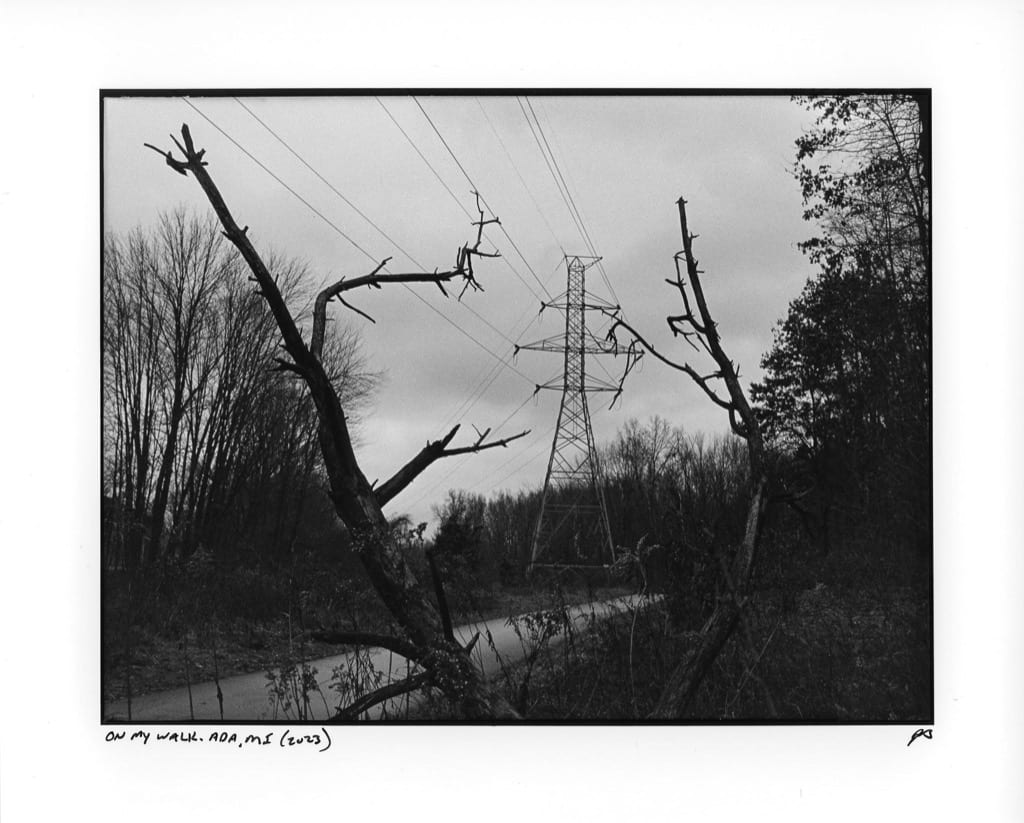
This has been a tumultuous week for me, photography-wise. Early in the week, I made this silver gelatin darkroom print of a 35mm frame of HP5 film.

On my walk. Ada, MI Silver Gelatin print (Leica MP, HP5)

It’s a photo of some weeds I took while out walking. That’s it. But I made it using my favorite camera and it’s a “real” chemical photograph on actual paper. I like it very much.

Then yesterday, I took the following self-portrait using my new Fujifilm X-T5 digital camera in my home studio.

Studio Self-portrait (digital)

Here’s my dilemma: I like them both, but never equally or at the same time. One moment I love everything about shooting film with my Leica and printing using only light and chemistry in the darkroom. It feels like making art, even when the objective technical quality is lacking. In fact, the lack of technical quality is what I look for when shooting and printing film.

Then, a moment later, I can’t understand why I’d bother with all that when I could simply shoot digitally and easily produce a clean, sharp, colorful self-portrait using strobes and backgrounds without all the finger-crossed guessing and expensive failures.

What all this means is that I don’t think I’ll ever be able to commit to a single form of photography. There are too many fun and exciting options to limit myself to just one. It also means I’m unlikely to ever develop the “Baty Aesthetic™” that I always think I should have. It means I’ve no “vision”. Oh well, it’ll have to be OK that I’m all over the place, creatively.

Permalink #

Darkroom printing with borders

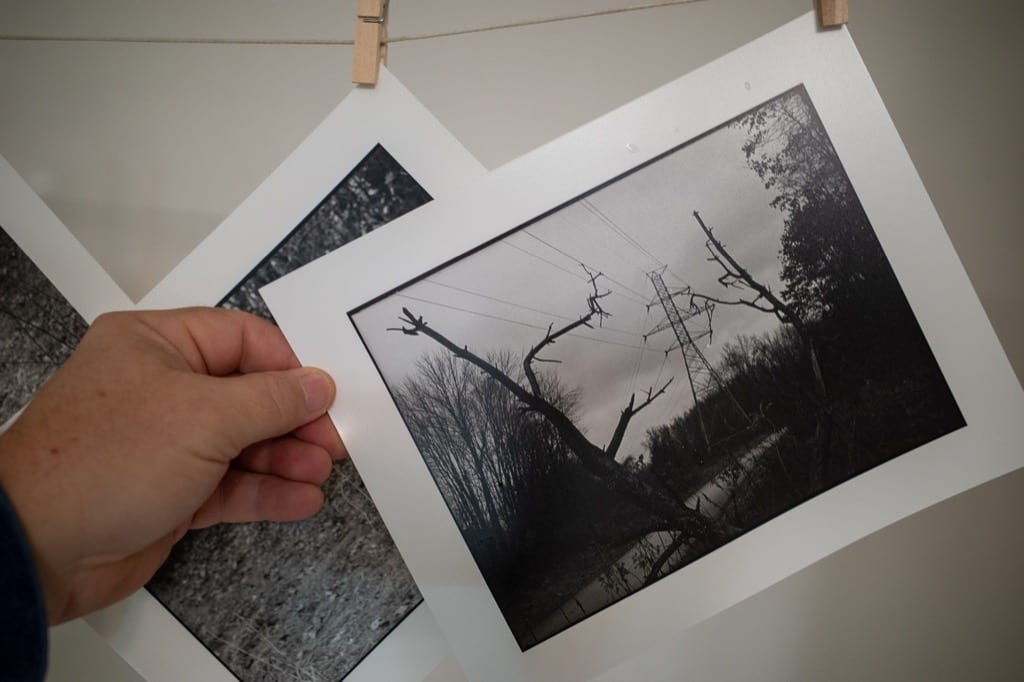
I like the way prints look with a small black border around the image, like this:

Darkroom print hanging to dry

I know some people file their negative holders but that means no cropping and there’s no way I’m precise enough with framing to not crop about 90% of my images at least a little.

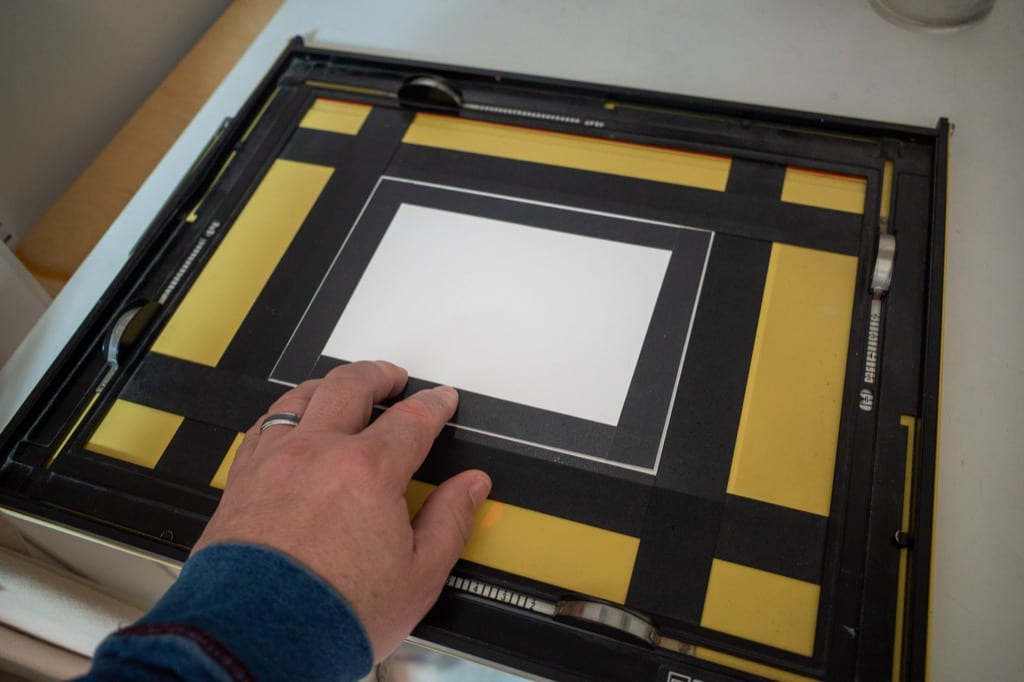
What I did instead is cut a piece of poster board ever so slightly smaller than my usual print size. I place this over the image after making the initial exposure and do one more quick 5-second exposure for the border.

This works, but it’s difficult getting the board lined up evenly. For now, I’m writing that off as providing uniqueness but I’m still looking for something better.

I taped the edges with dark tape so it’s easier to see in the dark.

I almost always print 6″x8″ on 8″x10″ paper, so this will be fine most of the time. If anyone has a better technique, I’d love to hear about it.

Example scanned print

UPDATE: I received the following tip from Nick Fanzo: "It’s more accurate to cut the board so you hold it to one corner, expose, and then move the card diagonally to the other corner and expose again. You’ll get more even borders."

That's much better!

Permalink #

Roll-099 (Leica MP)

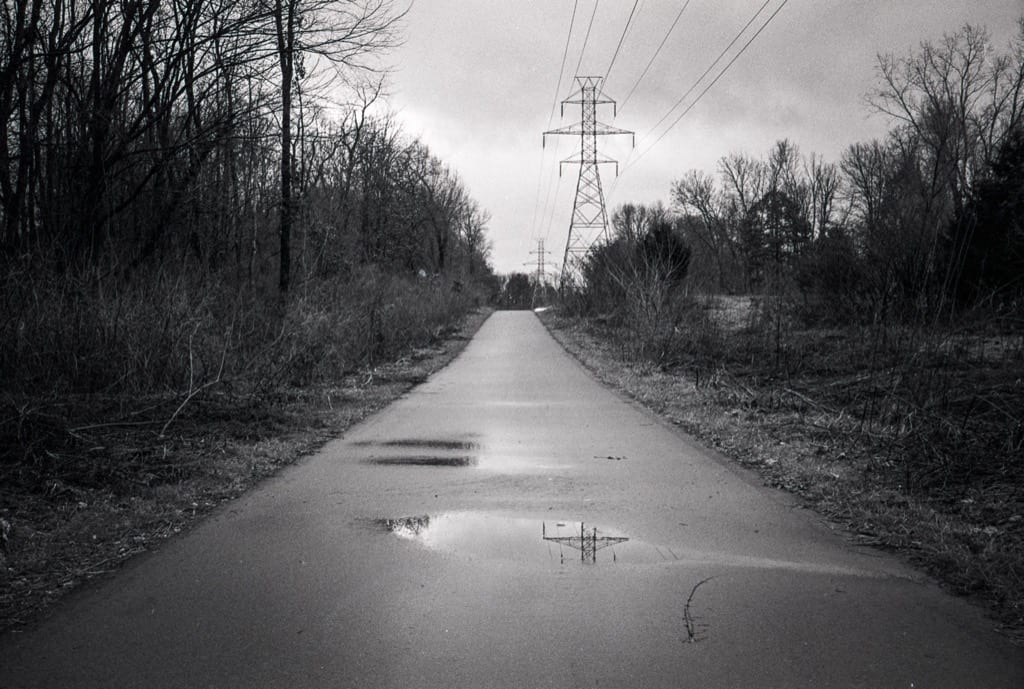
I took the MP on my walk and was determined to shoot an entire roll. It was overcast, dreary, and the path I walk is pretty boring, but I did my best and made it through the roll.

Path

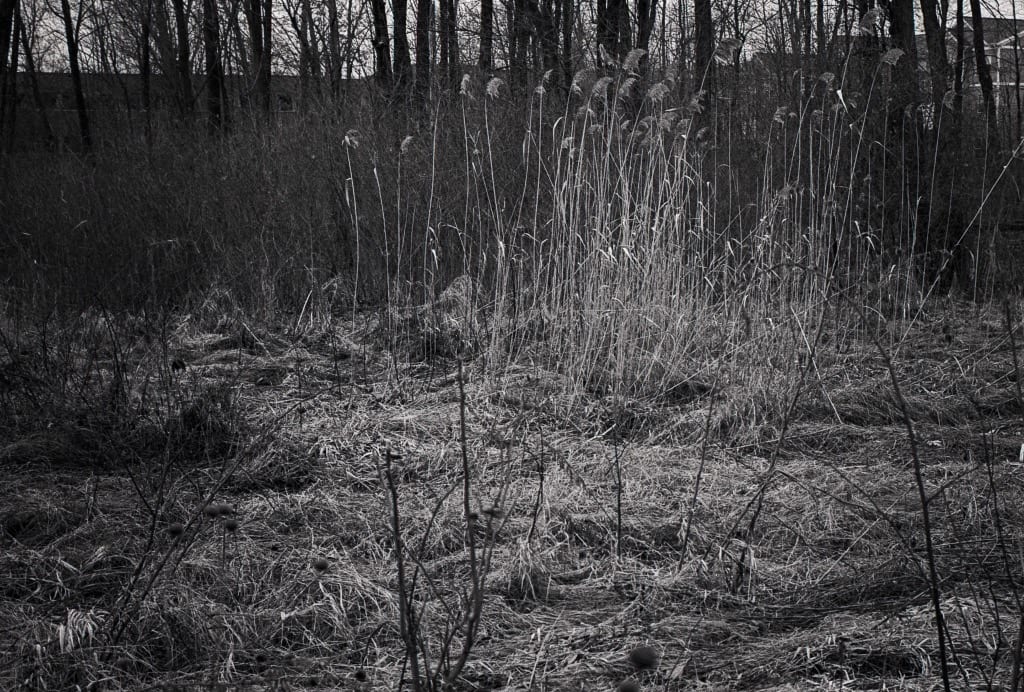
More weeds on my walk

Self-portrait in mirror

This roll was shot at 800 and developed in HC-110 (Dilution B) for 7.5 minutes.

Permalink #

It behooves me, Paul

If it behooves you, instead of thinking any more about Twitter—hit us with some PDFs, some incomprehensible sociology, a fact about your town, some poetry no one cares about, political theory that will never land, obscure social history, climate links, math things, some tech so obscure 20 people use it. We want your inner noise. Just push the gas on your own ephemeralism and launch us into the future.

Paul Ford, Mastodon

I feel like taking Paul’s advice and posting fast and furious on my One True Blog™. I’d like to anoint baty.net as that blog. Hang on.

Permalink #

Bring back personal blogging

In the beginning, there were blogs, and they were the original social web. We built community. We found our people. We wrote personally. We wrote frequently. We self-policed, and we linked to each other so that newbies could discover new and good blogs.

I want to go back there.

Monique Judge, Bring back personal blogging, The Verge

Me too! I never left, really, but I would love to read more personal blogs again. Lots more.

Permalink #

Back to scanning film with a real scanner

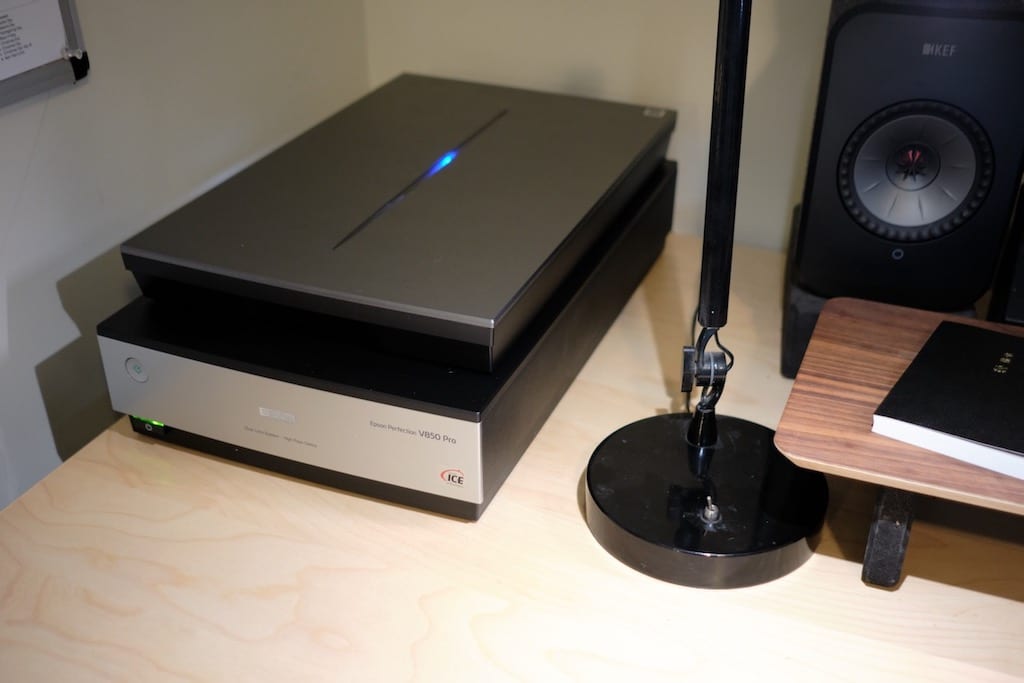
Epson V750 film scanner on my desk

I tried, I really did. The Wise Old Internet guided me into changing my film scanning process from a dedicated flatbed scanner to using a mirrorless digital camera setup. I did everything right. I bought good equipment and the right software.

I hated it.

To scan using my flatbed, I load the negatives, hit “Prescan”, confirm that things look ok and press “Scan”. I go do something else for a while and come back to a folder full of JPGs. I edit the files by adjusting contrast and cropping as needed in Lightroom or whatever and I’m done.

What the internet told me was that I needed a mirrorless digital camera, a quality Macro lens capable of 1:1 magnification, a copy stand, a bright, even light source, film holders/transports for every size negative I plan to scan, and Negative Lab Pro (which requires the use of Lightroom Classic).

To scan negatives using a digital camera, I first have to mount the camera, level it correctly, set up the appropriate negative mount. Then I make sure it’s focused properly, and adjust camera settings as needed. Then for each frame, I advance the film, trip the shutter, advance, and repeat 36 times. Then I must import the raw scans into Lightroom, load the NLP plugin, convert all of them, then adjust them using NLP. Finally, I have to export positive TIFF or JPG copies from NLP. I just don’t see how this is easier. No one agrees with me, but the old way is better.

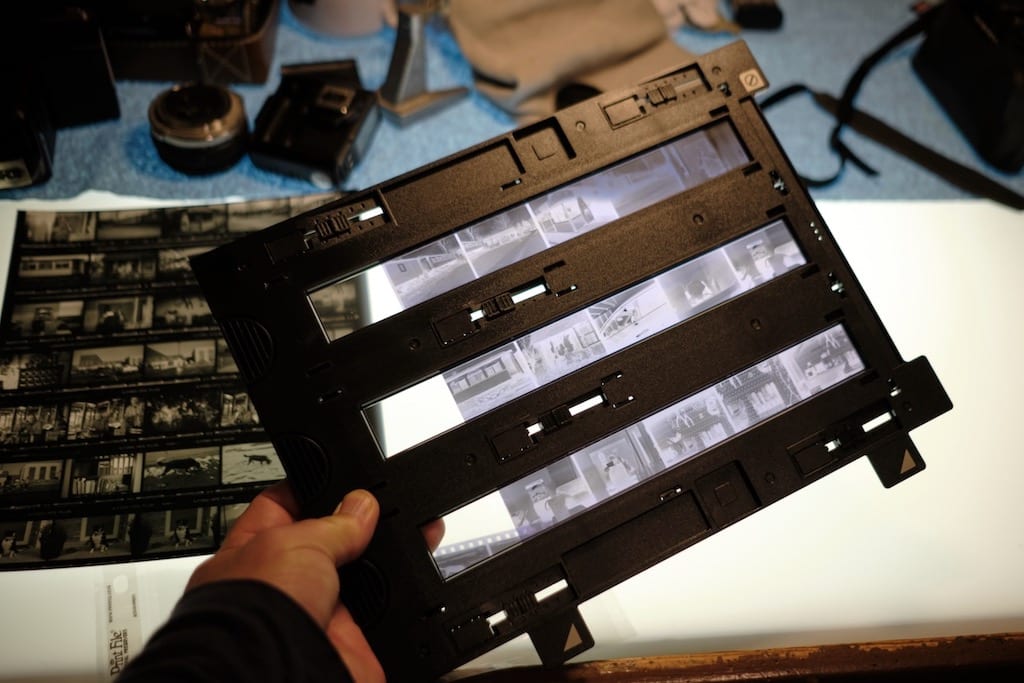
35mm film holder for for Epson scaner

What about scan quality? That depends upon a hundred variables. Honestly, I can probably squeeze a tiny bit of quality/resolution from the digital camera scans, but the effort getting there isn’t worth it. My flatbed 35mm scans are fine, although if you read anything online you won’t believe me. “Flatbed scans are shit!” is the usual trope. OK, but they look good to me, thanks.

Also, the grain from dedicated scanners looks better. And if I’m shooting color, there’s no match for digital ICE.

I tried the new way, but I prefer my old-fashioned scanning system.

Permalink #

Beyond the Infinite

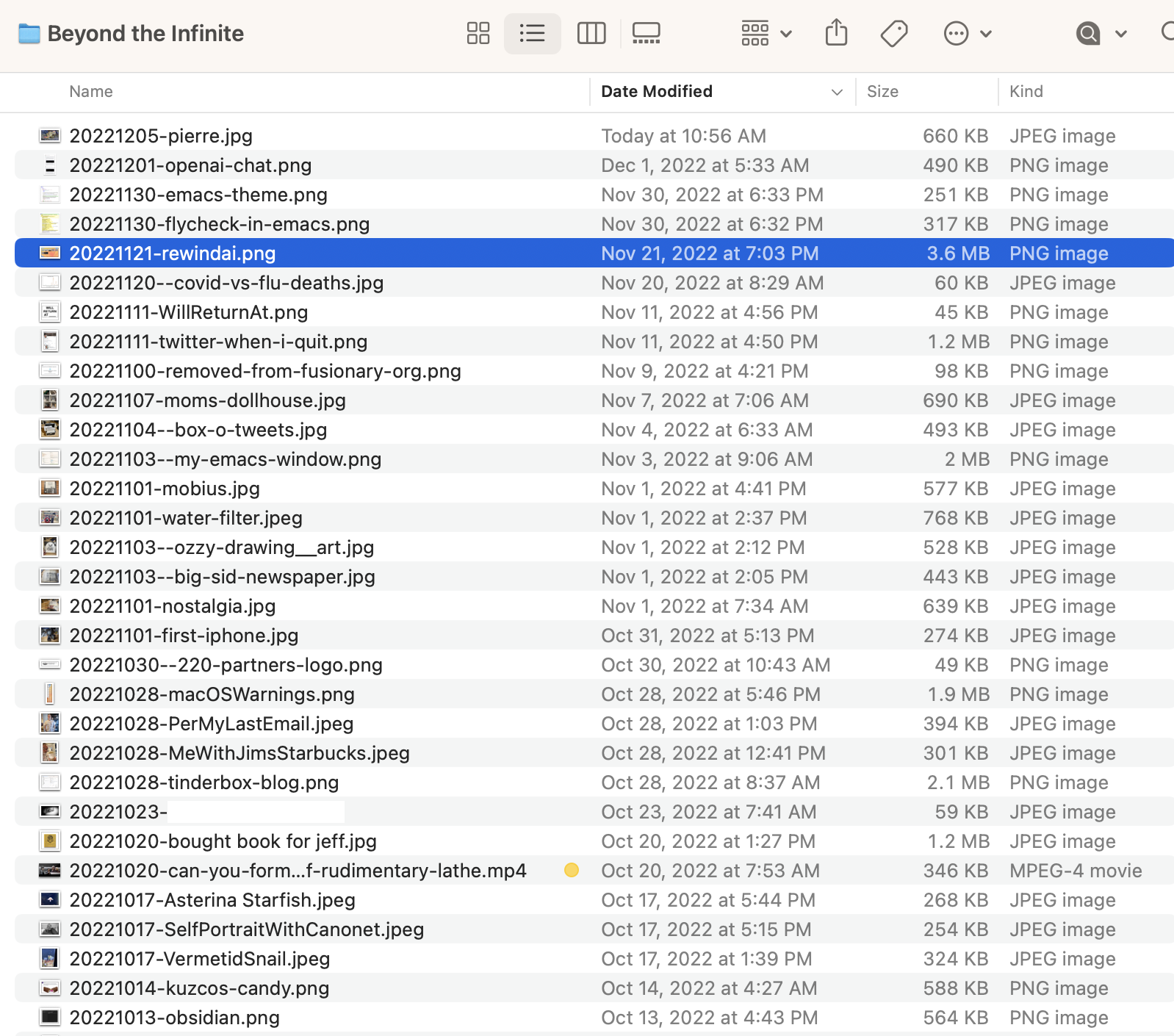
I collect a lot of “stuff” on my computer. I’m one of those lazy people who just drop most of it onto my Desktop and assume I’ll figure out what to do with it later. The problem is, I rarely actually figure out what to do with most of it.

Late last year I created a folder on my Mac’s desktop named “Beyond the Infinite” 1. Anything that ends up on my desktop that isn’t important enough to file away but is something that I’d still like to keep, “just in case,” gets tossed into Beyond the Infinite.

It’s become a minor treasure. It’s like a journal of things that barely matter at the time, but become valuable later. Screenshots, text snippets, URLs, etc. I love it.

Permalink #