
Tinderbox has a great feature that indicates the size of a note using a tiny icon next to each note. This makes it easy to see which notes are long or short at a glance.
I've tried to recreate that here, since at first glance every post is the same. I would have gone with the built-in method by showing the word count, but that takes work to read; 250 and 550 look the same at a glance .
Instead, I place one of three small icons next to each post.
𐄚 = quick read (<200 words)
𐄜 = medium read (200-500 words)
𐄞 = longer read (>500 words)
I'm not sure those are the right limits, so I'll tweak them if it feels wrong.
It looks like this:
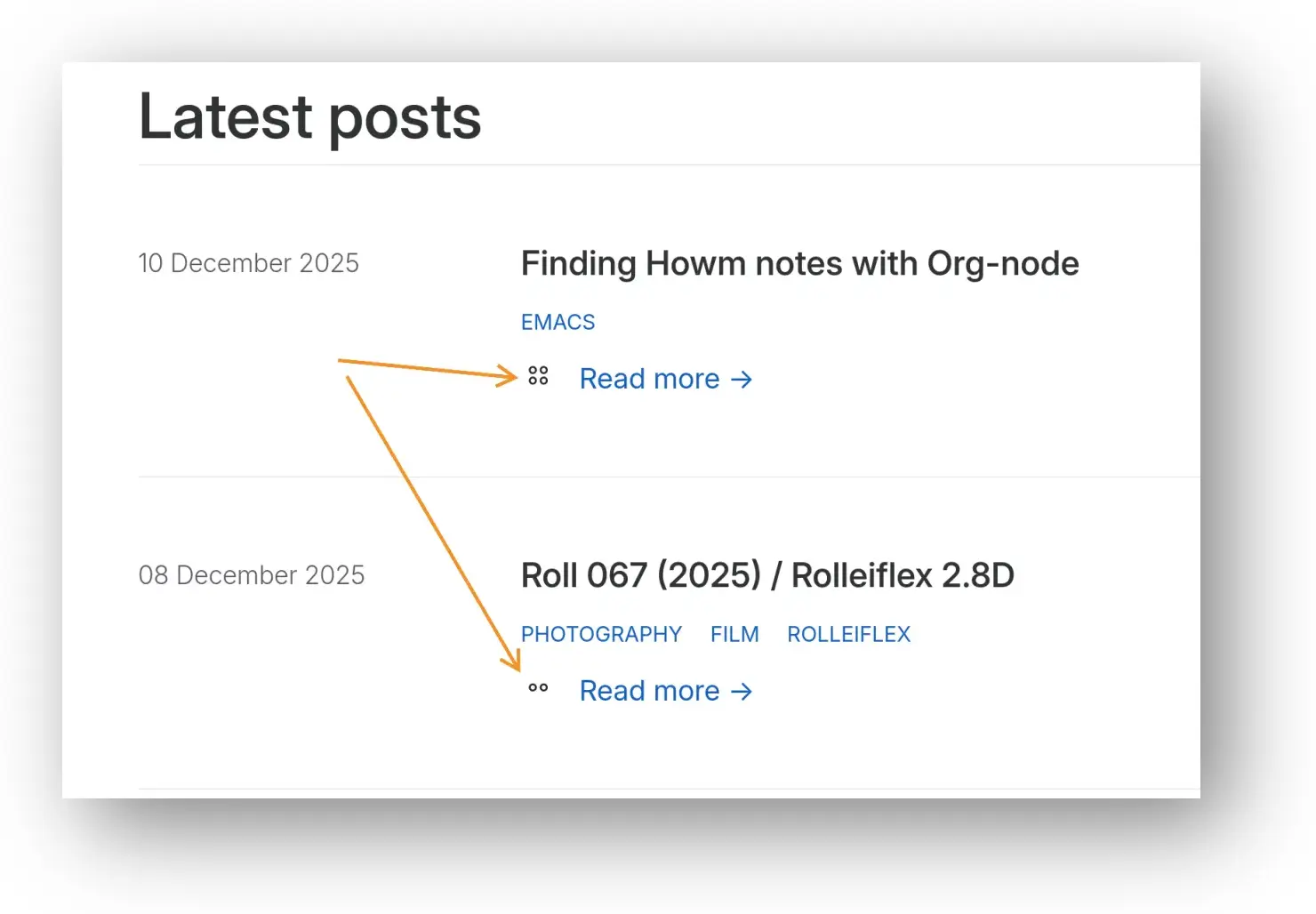
I realize it's not self-explanatory. It probably should be, but I didn't want to add clutter. If you know, you know, I guess.
So much for not futzing with the Zola templates 🤷.