
Let me get this straight. To write a blog post, I create an outline in an Org mode file and write the post, which exports to a Markdown file, which exports to an HTML file, which I upload to a server. Got it.
I've added the /notes section back to the menu here. I also reformatted the templates for notes so that the full post content is displayed, rather than just the summary. This was more difficult than expected because the PaperMod theme was being clever. Too clever. I almost switched back to the Blowfish theme, but figured it out.
Wednesday, January 21, 2026
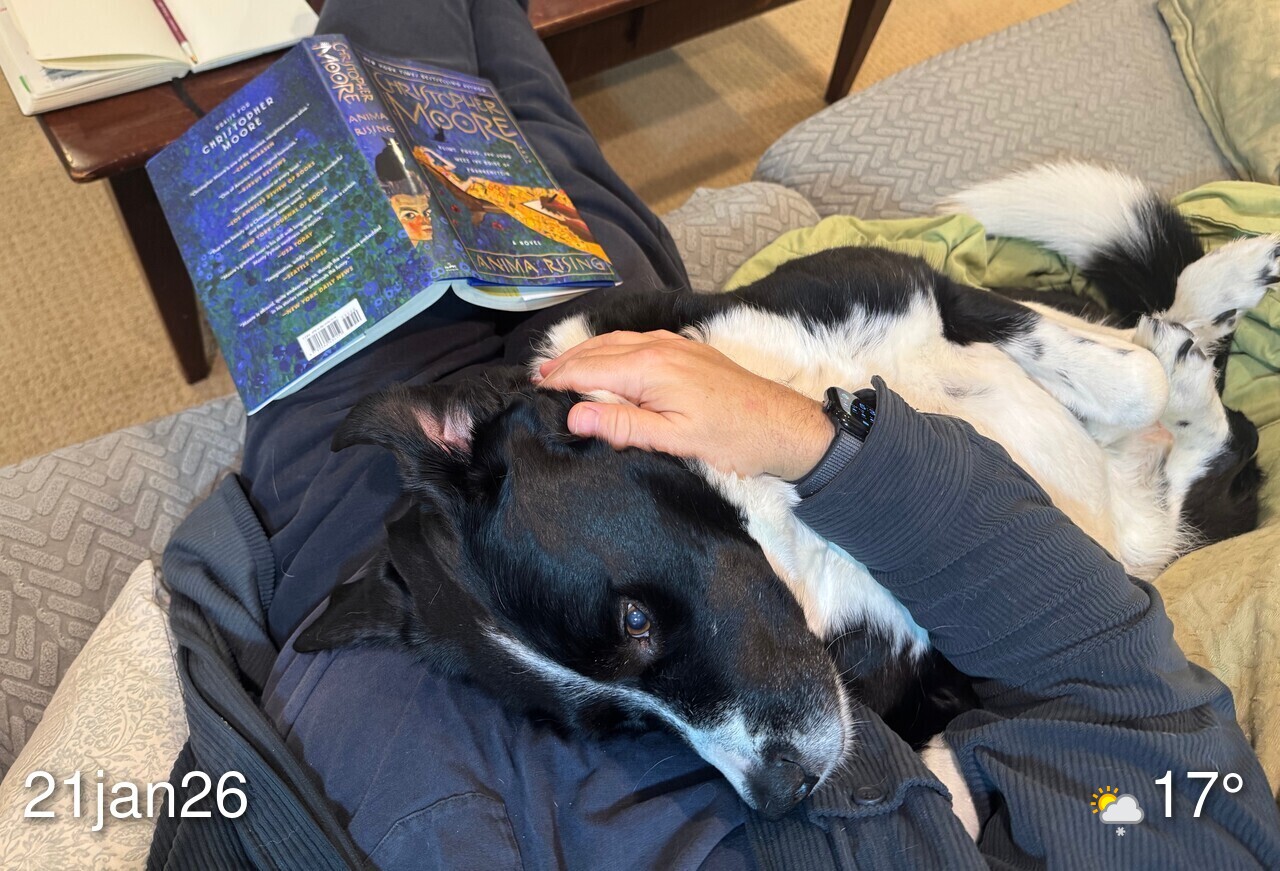
- STATUS: Futzing with things I said I wouldn't futz with
- PLANS: Not leave the house
- READING: "Anima Rising" by Christopher Moore
- LISTENING: Mozart piano concertos
The plan was to only generate /notes with ox-hugo, but I just spent like an hour getting the snippet and properties configured so I can generate these journal posts also. WHY!?
Blogging with org-mode and ox-hugo again
For a few years (a few years ago) I wrote all my blog posts using one big Org mode outline and let ox-hugo generate the Markdown files for Hugo. I eventually decided it was a layer of abstraction that I didn't need, so I fell back to writing in Markdown directly.
I'm really into using Emacs for everything again (still?), so I dusted off and updated my old ox-hugo config and here I am, typing this with Emacs in a big Org mode outline.
I have a (ya)snippet for generating the posts, like so:
# -*- mode: snippet -*-
# name: Hugo blog post
# key: blog
# uuid: blog
# --
**** TODO ${1:title}
:PROPERTIES:
:EXPORT_FILE_NAME: index.md
:EXPORT_HUGO_BUNDLE: `(format-time-string "%Y-%m-%d")`-${1:$(replace-regexp-in-string " " "-" (downcase yas-text))}
:EXPORT_HUGO_SLUG: ${1:$(replace-regexp-in-string " " "-" (downcase yas-text))}
:EXPORT_HUGO_CUSTOM_FRONT_MATTER: :coverCaption ""
:END:

#+begin_description

#+end_description

$0
The snippet prompts for a title, then creates the appropriate properties for the post.
One nice thing about this is that once the Markdown is generated, I no longer need the .org file. Writing this way is a bonus, but not a requirement.
Looks like I'm out of the Leica SL system. I just sold the 70mm Macro lens and that's the last of it. I'll probably miss having a big, interchangeable-lens Leica system, but the Q2 should arrive today and that ought to help take my mind off it.
I am once again using ox-hugo for posting here. It's been a minute, but I found my old config and yasnippets, so it wasn't to onerous bringing it all back. So far I'm only doing these /notes this way, but I intend to roll it into the main blog also.
Navidrome and Supersonic
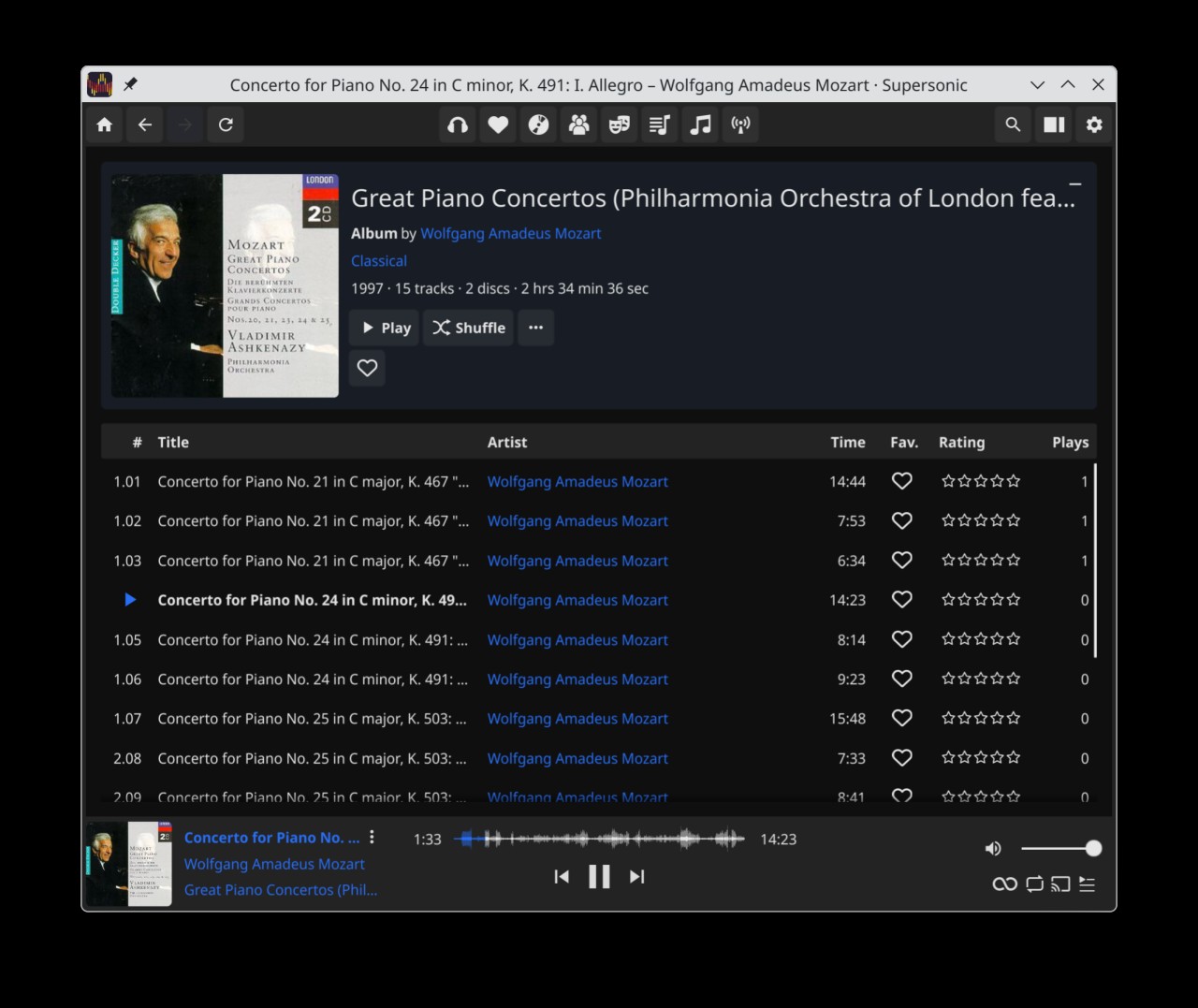
I've been running Navidrome on the NAS for a few weeks as a way to avoid figuring out how to use Roon on Linux. Navidrome is no Roon, but it's fast and simple and works well enough for my purposes.
Navidrome's web UI is fine, but I thought I'd look for a "real" (Linux) client for it. Navidrome's API is compatible with the OpenSubsonic API, which apparently is quite popular, so there are many options. I've started with Supersonic.
I don't tinker with my music clients much. I listen to complete albums only and almost never use playlists.
Supersonic as a front end to Navidrome is working great so far.
Greg Storey, Slop doesn’t slop itself:
If people genuinely put forth the effort to avoid digital distractions and actually create and make—not as a lifestyle hack, but simple decision making—then we’d have a much better place to live and work. Slop is deliberate, not inevitable.
Well if what we need is for people to "put forth the effort" then I guess slop is inevitable.
I went to my regular gas station yesterday. I was happy to see that they'd upgraded their pumps and now take Apple Pay. They also added giant screens that show me ads and play elevator jazz while I'm pumping gas. That's the last time I'm going to that gas station. I'll drive 20 miles out of town to find one that doesn't talk to me.
Sunday, January 18, 2026
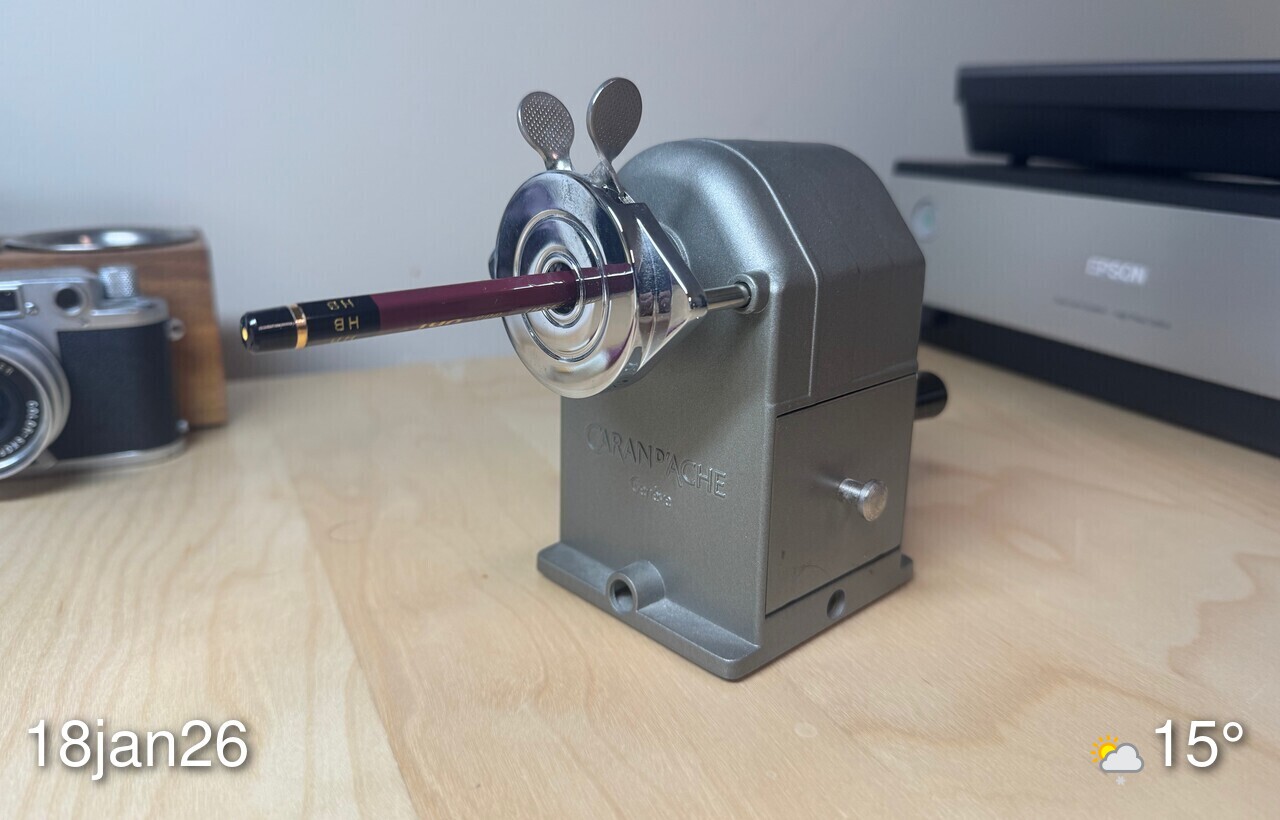
I'm sure you are tired of hearing about my non-stop waffling around software, operating systems, workflows, etc., and in that case, I apologize in advance.
After putting the Macs in the closet and committing to Linux, I went 180° and dug the Macs out and shelved the Linux machines. Now, I've been back on Linux exclusively again for a few days. I'm finding I prefer being in KDE than Tahoe. A week ago I wrote How I feel when using Linux and that became even more true the longer I was back on macOS. I need to decide if I can live without the apps that I thought I couldn't live without. Still working on that.
OM on Sameness
Our Algorithmic Grey-Beige World – On my Om:
We’re living in the endgame. Algorithmic reality doesn’t just commodify interaction. It standardizes imagination. The algorithms squeeze creativity out of millions by showing them exactly what “works.” We don’t get unique. We get infinite variations of the same.
I hate 90% of the internet, now. It makes me sad and angry.
Fedora/KDE on the Framework laptop
When I was setting up my desktop computer with Linux, I wanted to install Gnome, but I couldn't get itto work with the Apple Studio Display. I went with KDE instead, and put Gnome on the laptop.
After using both for a couple weeks, it turns out I prefer KDE. This morning, I wiped the Framework and installed KDE. It took me a couple of hours to get to a point where I could do most of the things I normally do (write this post, for example).
I didn't take detailed notes, but I did list all of the things I've done so far. I'm putting it here for safe keeping. I keep threatening to make this into a script, but honestly I'd rather just run through it manually each time.
Install log for Fedora/KDE on the Framework
Jan 16, 2026
- Configure inverse scrolling
- Disable tap-to-click
- Set Caps Lock as Control
- Log into 1Password
- Log into Firefox
- sudo dnf install syncthing
- Add device to Syncthing from another computer. Share everything
- sudo dnf install -y stow
- sudo dnf install -y fzf ripgrep zoxide just
- curl -sS https://starship.rs/install.sh | sh
- stow bash
- stow auth
- stow ssh
- sudo dnf install -y pandoc
- sudo dnf install -y texlive-scheme-full
- sudo dnf install -y neovim
- add Start Syncthing to Autostart apps
- stow pandoc
- sudo dnf install -y btop
- sudo dnf install -y fastfetch
- sudo dnf install -y emacs
- git clone https://github.com/jamescherti/minimal-emacs.d.git .config/emacs
- git clone git@github.com:jackbaty/dotemacs.git .config/emacs-mine
- cp .config/emacs-mine/pre-early-init.el .config/emacs/
- ln -s ~/Sync/emacs/manual-packages .config/emacs-mine/
- Install Berkeley Mono font to ./local/share/fonts
- sudo dnf copr enable dejan/lazygit && sudo dnf install lazygit
- Install Signal (Flatpak)
- sudo dnf install aerc
- stow aerc
- python3 -m venv maestral-venv
- python3 -m pip install --upgrade maestral
- maestral start (then auth with Dropbox)
- maestral autostart -Y
- sudo dnf install -y go hugo
Wednesday, January 14, 2026

I hit a computing wall yesterday. Suddenly, I stopped caring about any of it. I'd just as soon live in the woods than think about how to manage my dotfiles (again). Or sync, or window managers. In fact, I don't want to think about the computer at all. I just want to use it. For some reason all I do is think about it. I'm back on macOS again on my desktop and thinking about just ditching Linux for now. It's so cool, though! Maybe when I start wanting to think about the computer again. This mood probably won't last, but for now, I'm going to go out and take some pictures.
Tuesday, January 13, 2026
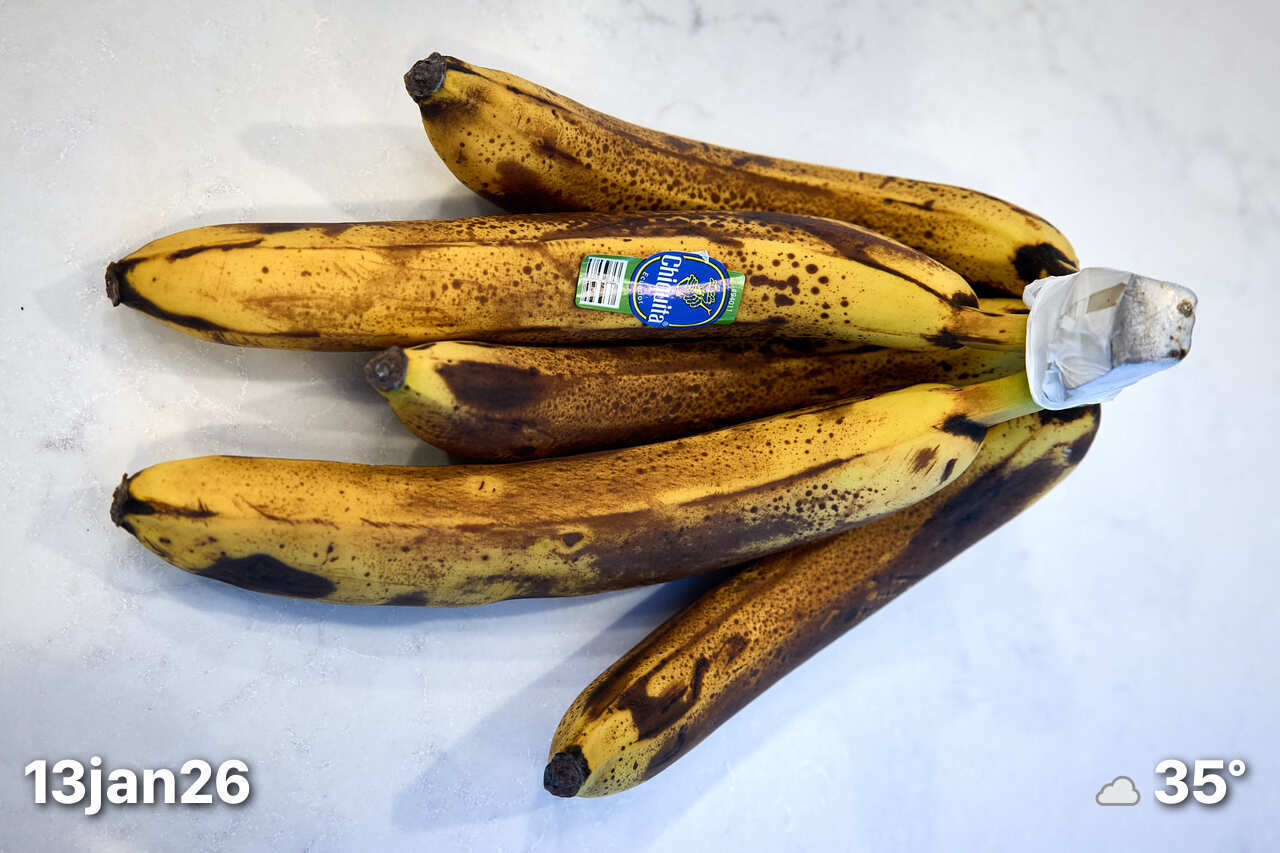
- STATUS: Undecided about Mac vs Linux
- TODO: Decide about Mac vs Linux?
- WATCHING: "Sparticus: House of Ashur", for some reason
- LISTENING: Blackfoot "Strikes"
I'm sitting here at my Fedora desktop thinking about how I spent hours yesterday learning about and setting up Chezmoi for managing my dotfiles. Just a week ago I posted something on Mastodon to the effect of, "I think I lost the thread the minute I started worrying about managing my dotfiles." I started wondering if maybe maybe the all-in-with-Linux thing wasn't such a great idea. It's fun, but it has consumed so much of my time that I'm wondering if it's worth it. I kind of want to stop thinking about it. I'm charging the MacBook Air as I type this. You don't want to be in my head. It's chaos in there.
And now I'm typing on the Mac Mini at my desk. I need a break from trying to make everything I want to do on a computer do it the way I want it to on Linux. I think where I'll end up is macOS on desktop and Linux on the Framework. The laptop will be more of a satellite device and not one that I need to do everything on. Just writing and browsing, mostly.
Friday, January 09, 2026
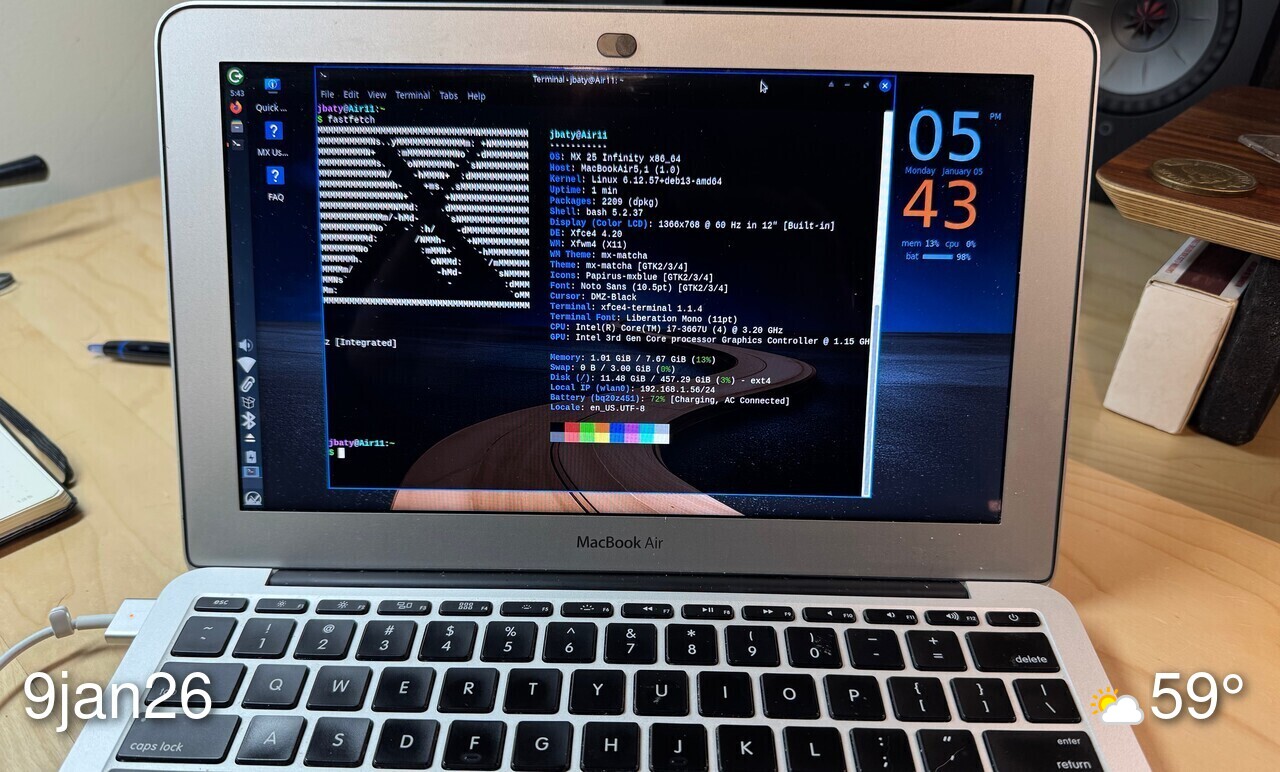
- STATUS: All-in with Linux I guess
- TODO: Nothing planned today
- WATCHING: Caught up on Fallout
I'm considering bringing back the /notes section of the blog. For a minute I planned to modify the template so that /notes didn't display or require titles. Thing is, I don't want to go down the customize-my-blog-all-day path right now. I'm busy enough with the move to Linux. Maybe later.
Berghia Nudibranch
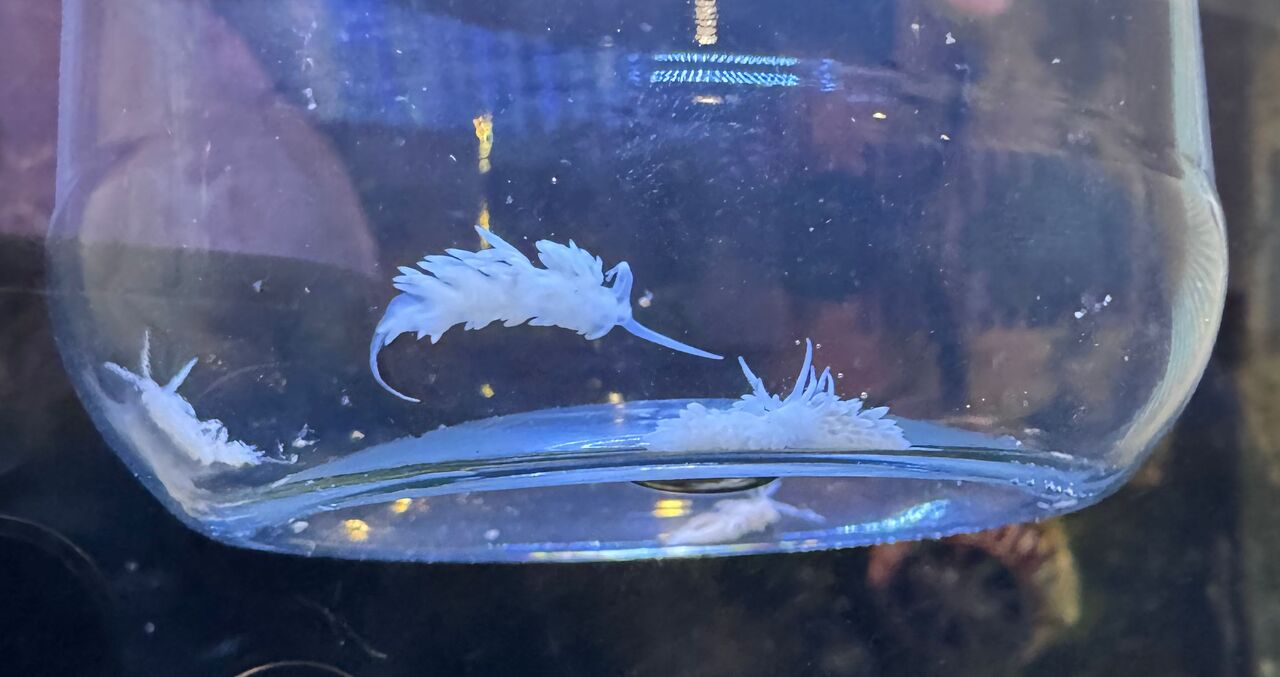
My reef tank continues to confound all efforts to make it pretty.
The most pressing problem is a serious outbreak of Aiptasia. I've been unable to keep up with it using chemical methods[1]. The most common non-chemical suggestion is to introduce Berghia Nudibranch into the tank. The only thing these "sea slugs" eat is Aiptasia.
My tank is only 32 gallons, so I ordered six slugs. The medium ones (1/2-3/4 inch in length) run about $17 each. The expensive part was shipping. They must be shipped overnight, so shipping was $56. Yeesh.
They arrived yesterday and I began to drip-acclimate them. Once acclimated, I placed their jar on its side on a live rock. They all eventually crawled out onto the rock in about two hours. They immediately disappear into crevasses and holes in the rock. They are nocturnal and remain hidden most of the time, so it's likely I'll never even see them again.
I'm told it can take months for them to seriously dent the Aiptasia population, so now I wait.
Mainly, dosing each one individually with Aiptasia-X ↩︎
Thursday, January 08, 2026

- STATUS: Linux
- TODO: Introduce Berghia nudibranch into the fish tank
- READING: Michael Palin, The Python Years
- WATCHING: "Chaperone (2025)" (dir. Zoe Eisenberg)
Are you sick of me talking about Linux, yet? I am. But this is such a big change in my entire computing world that it's hard not talking about it. I'm running Fedora/KDE on my desktop and have had few issues. Yesterday, I scanned another roll of film using Vuescan and editing them in Darktable. I didn't hate it, which is an improvement. The only way to judge something is to use it for a while. Familiarity breeds contentment. Or something :).
By the way, I posted something related to this on the linux blog: How I feel when using Linux
It's so easy to be kind to people. Why do so many people find it difficult?
Dropping back to Doom Emacs
Weaning myself from Emacs is like a minor hobby for me. Or at least you'd think it was, based on how much time I spend on it. I've only ever succeeded once or twice, and only for a short time. There is simply nothing like Emacs and definitely nothing like Org mode. Besides, I have a decade of notes in there. Nearly every note-taking, text-editing problem I've ever run into has been solved either by me or someone else in Emacs. I'm comfy there.
And yet, last week I tried leaving Emacs again.
I was sucked in by the promise of Markdown being available and useful just about anywhere, with any modern tool. I was tired of C-x C-something for everything. For example, opening my Emacs bookmarks means C-x r b and for some reason I always have to look at the keyboard while typing it. Yes, yes, I can rebind it if it bugs me, but that's a can of worms I've regretted opening before.
It's possible that the thing I thought about most has been the native Emacs bindings in nearly every app on macOS and the fact that they're not everywhere on Linux. Assuming I'll never be able to go all in with only macOS or Linux, I thought I might try covering more bases by switching to Evil mode in Emacs. True Vim bindings aren't always available, but most apps and CLI tools, etc can fake it pretty well. Vim can fake it pretty well, too, and I spend a lot of time there.
So I dug out my vanilla evil-mode config and went to town. I hated it immediately. Mine was a half-ass configuration I cobbled together from a bunch of blog/Reddit posts. It was inconsistent and broken in places.
You know what does Evil mode really well? Doom Emacs.
So I spent a few hours this morning (re)installing Doom and migrating the important bits of my vanilla config over.
Doom tries to do too much, but it does a pretty good job of it. I'm modal-editing my way around everything and it's like coming home. I'm sure I'll start stubbing my toes on things at some point, but for now, the problems I traded for it are worth it.
Tuesday, January 06, 2026

- STATUS: macOS
- TODO: Laundry. List stuff for sale.
- READING: Manifesto for World Revolution
- LISTENING: Rat, "Out of the Cellar"
I'm kind of tired of everything related to the internet right now.
I'm on macOS this morning. Every day it's different. Sometimes I change multiple times in a day. It's fun, but crazy-making and unsustainable. I should pick one, but I can't.
Monday, January 05, 2026

☀️ Clear +27°F
Journal (Daily) posts don't show up on the home page, currently. I can't decide if that's a good or bad thing. On one hand, I don't need to worry about journal posts cluttering up the "important" stuff. Except then they disappear into the void, so I may decide to include them after all.
The other bit of trouble I ran into was the default RSS feed in the Blowfish theme. Hugo's default rss template is lacking. It only sends the summary and doesn't include any featured images. You'd think all theme developers by now would have dealt with that. I've done it myself a half-dozen times, but nope. I had to build one. It now includes the full content of each post, and the featured image, if available. The next thing is to include the Reply By Email button