I've been trying to hang on to using DuckDuckGo as my default search engine, but the DDG results have become less and less useful for some reason, so I frequently head over to use Google search. Which, blech.
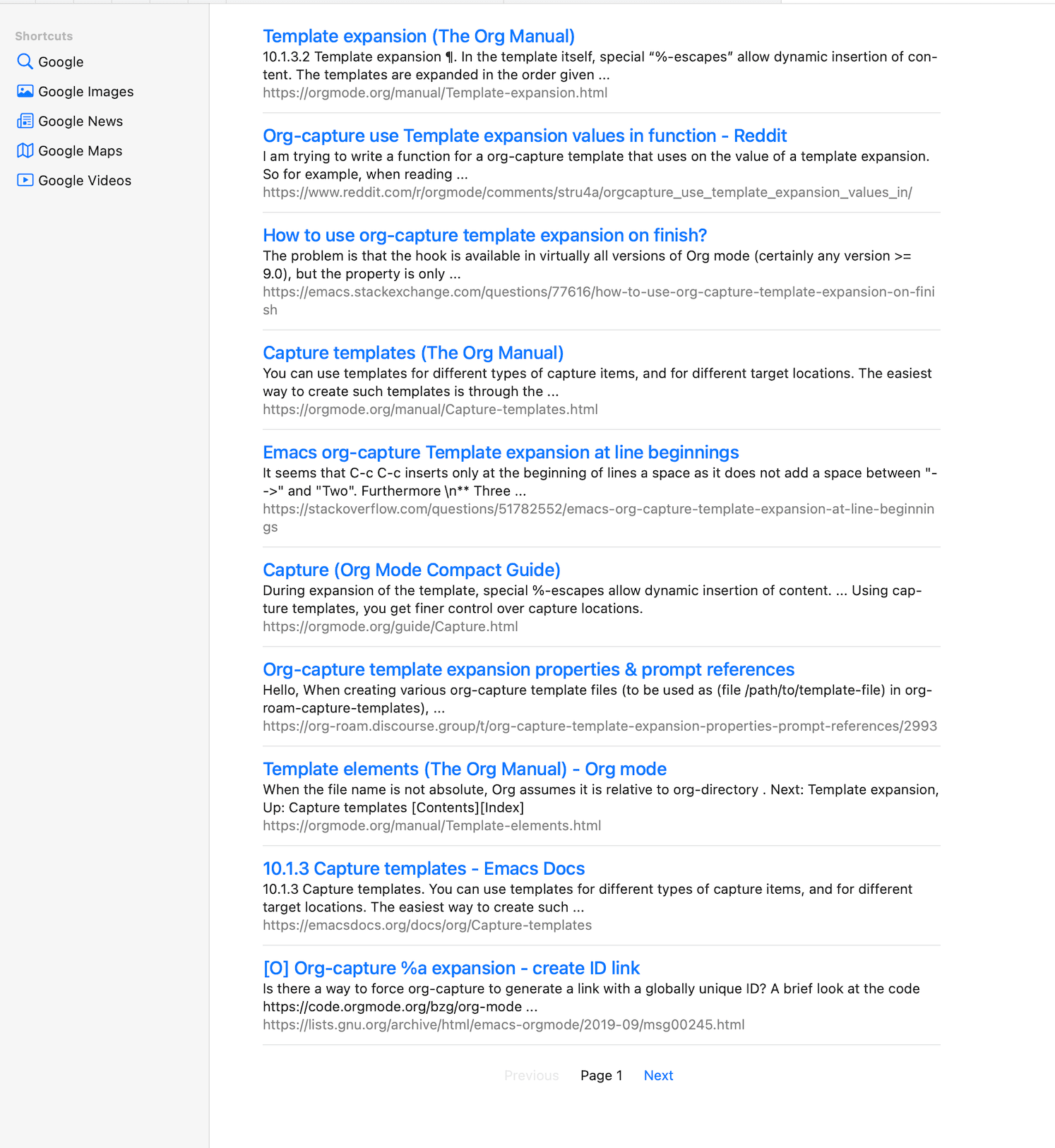
I've been back to using Safari as my default browser, so I installed the new "Lucky" extension from And a Dinosaur. I don't really understand how it works yet, but here's what the search results look like:
That's pretty refreshing, no? Also, I'll take paginated results over infinite scrolling any day.
Managed to get my stepdaughter moved into her new apartment yesterday, and without further damage to my back, which is nice. It went well, and the new place looks great.
I finally tossed my t-shirt from Roger Waters' 2012 tour of "The Wall". The Wall was released while I was in high school and I listened to nothing else for like an entire year, so seeing it performed in full was such a great experience. It was a hell of a show.
My wife just went through and froze her credit report on all 3 services. It was a piece of cake. I froze mine in 2015 and at that time it was still a nightmare. It also used to cost money. Some things do get better.
Busy day today. We're moving Ella into her new apartment. I've been taking it easy since hurting my back last week, so I feel like I'm good enough to be useful.
The best thing about being busy is that it prevents me from second guessing my move to Hugo for the blog. I love that I'm here in Emacs typing this post, but the threat of some update breaking things, or that I break things, looms. And It's mostly stock PaperMod theme, so this is just another boring blog that looks like a lot of other boring blogs. It's fine for now.
How does the divider look? I'm trying it as a way to separate the "ideas" here in these daily posts, when there's not enough to justify a heading. I thought about using something more ornate, but maybe a simple line will do. Should I devise some sort of CSS mechanism
The challenge now is deciding whether to keep posting to daily.baty.net. The ellusive "I have one blog" dream could be one step closer if I could only contain myself to posting these daily notes here on Baty.net. Fewer moving parts and all that. The problem is that here I don't get individual entries for each note. It's a wall of daily text. Not sure how I feel about that. Won't these just get lost in the flow? Probably, but does it matter? I mean, c'mon, it ain't Shakespeare.
Just when I thought the move back to Hugo was finished and had gone smoothly, I discovered the search (using Fuse.js) wasn't working on the server. It worked fine locally. I thought it must be that the server is using Caddy, so I ran it locally via Caddy and search still worked fine. It took me forever to notice that the Caddy config on the server included a redirect from index.json to index.xml. This was from an earlier time when index.json was an Atom/RSS file. Technically it still is, but the search page needs to load the file and the server was throwing it off. I removed the redirect from my Caddyfile and now search works again.
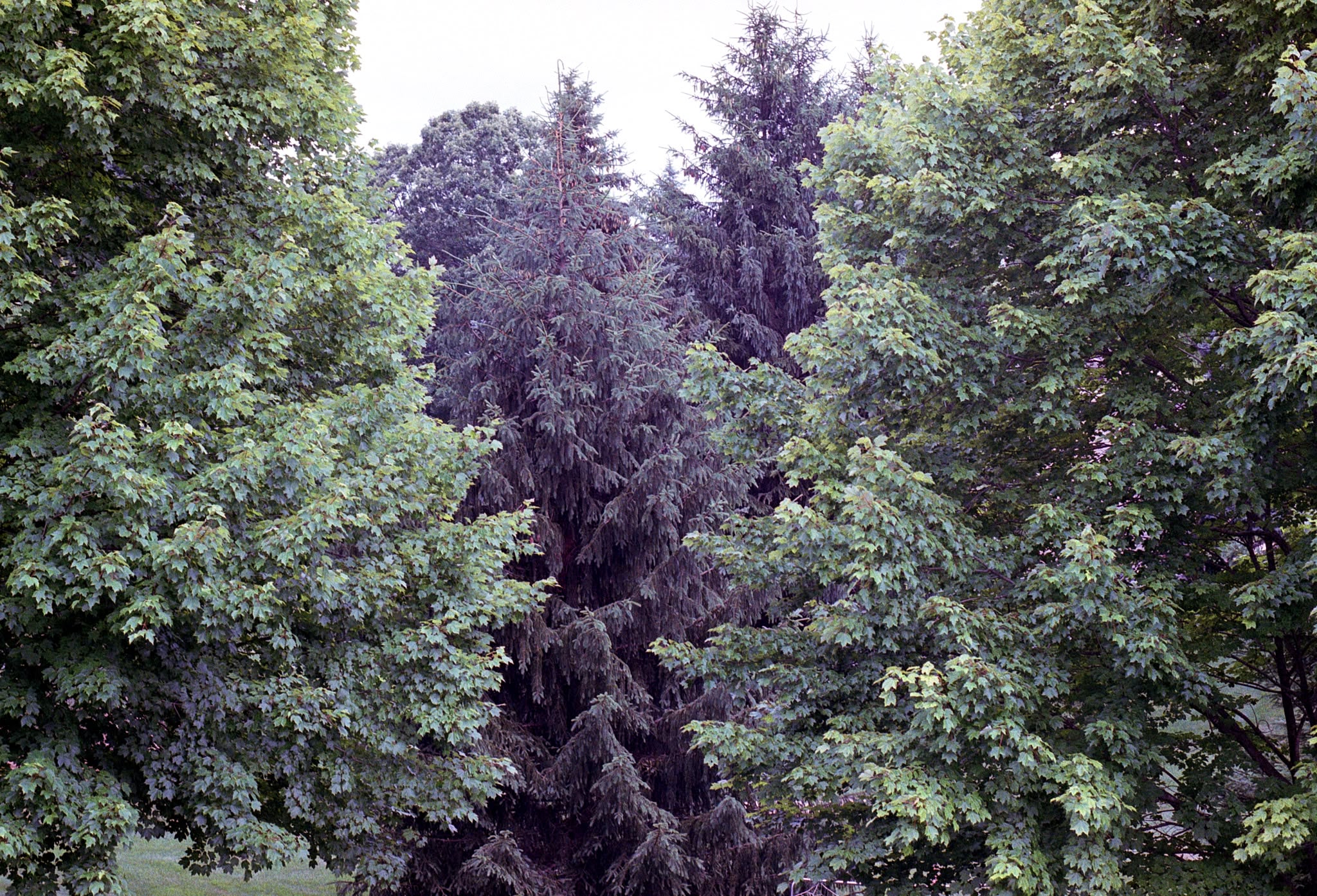
Could never make this with digital, right? (Nikon F100. Kodak Gold 200)
Fortunately, my old lisp functions still worked, so creating this daily post for Hugo was just a matter of M-x jab/hugo-new-daily and here I am.
You'll have noticed (if you're not viewing via RSS at least) that I moved the blog back to Hugo. This was unexpected, since I swore off Hugo months ago :). Anyway, I have started migrating the last six months of content over from Kirby. It's slow going, so there'll be some 404s for a bit.
The Overstory, winner of the 2019 Pulitzer Prize in Fiction, is a sweeping, impassioned work of activism and resistance that is also a stunning evocation of—and paean to—the natural world. From the roots to the crown and back to the seeds, Richard Powers’s twelfth novel unfolds in concentric rings of interlocking fables that range from antebellum New York to the late twentieth-century Timber Wars of the Pacific Northwest and beyond. There is a world alongside ours—vast, slow, interconnected, resourceful, magnificently inventive, and almost invisible to us. This is the story of a handful of people who learn how to see that world and who are drawn up into its unfolding catastrophe.
I loved the initial short story-like introductions to each character in the first half of the book. I also enjoyed when their stories began to intersect at some point in the middle. But then it became a bit of a slog focusing on eco-terrorism. I admit to skimming the final third, which is too bad because it means I probably missed some really great sentences.
There's no way to read this book without falling completely in love with trees.
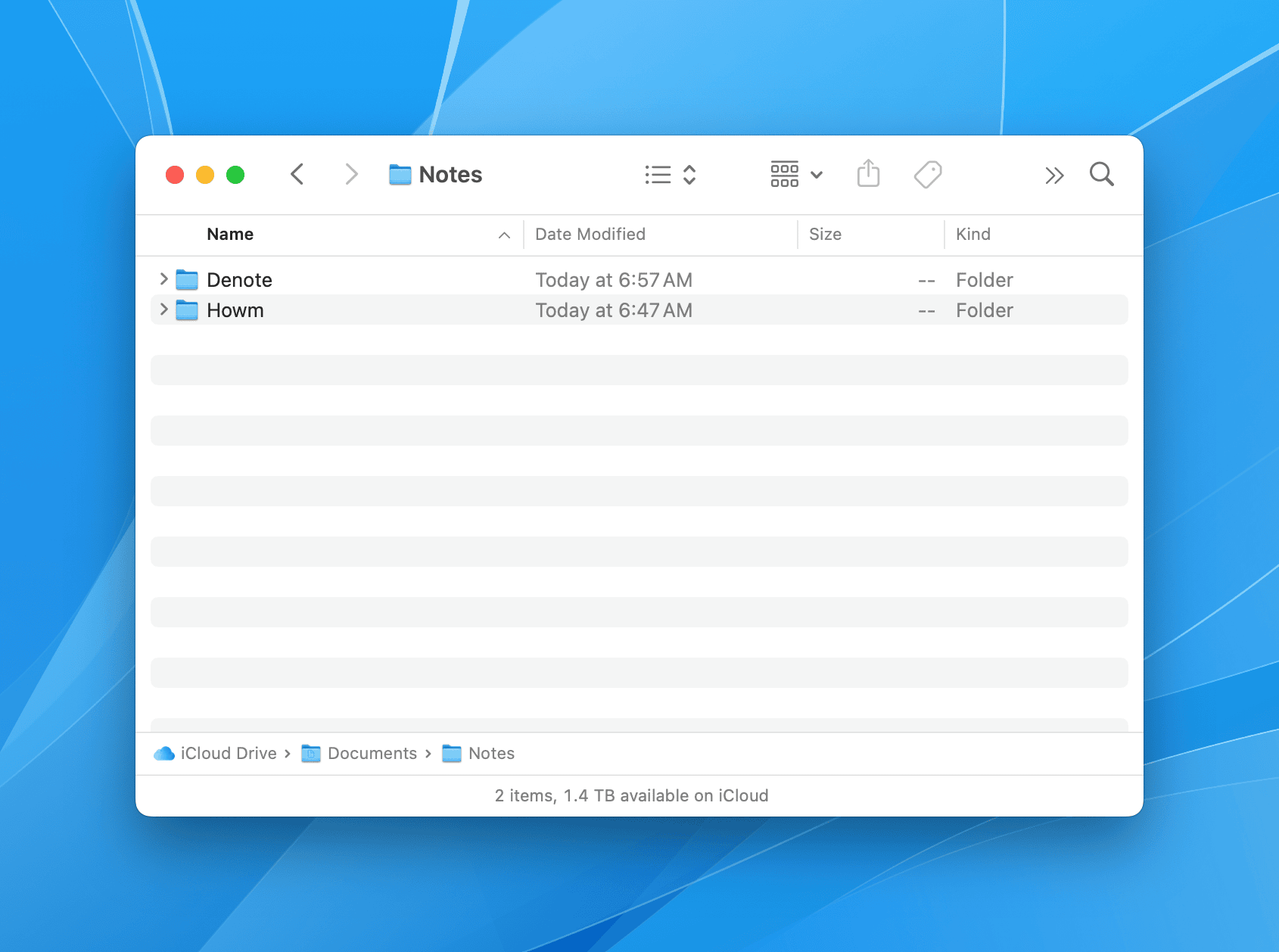
I may have solved at least some of my problems caused by taking notes too many different apps. I moved all of them into ~/Documents/Notes, with subfolders per app. So...
├── Denote
├── Howm
├── Obsidian
└── SilverBullet
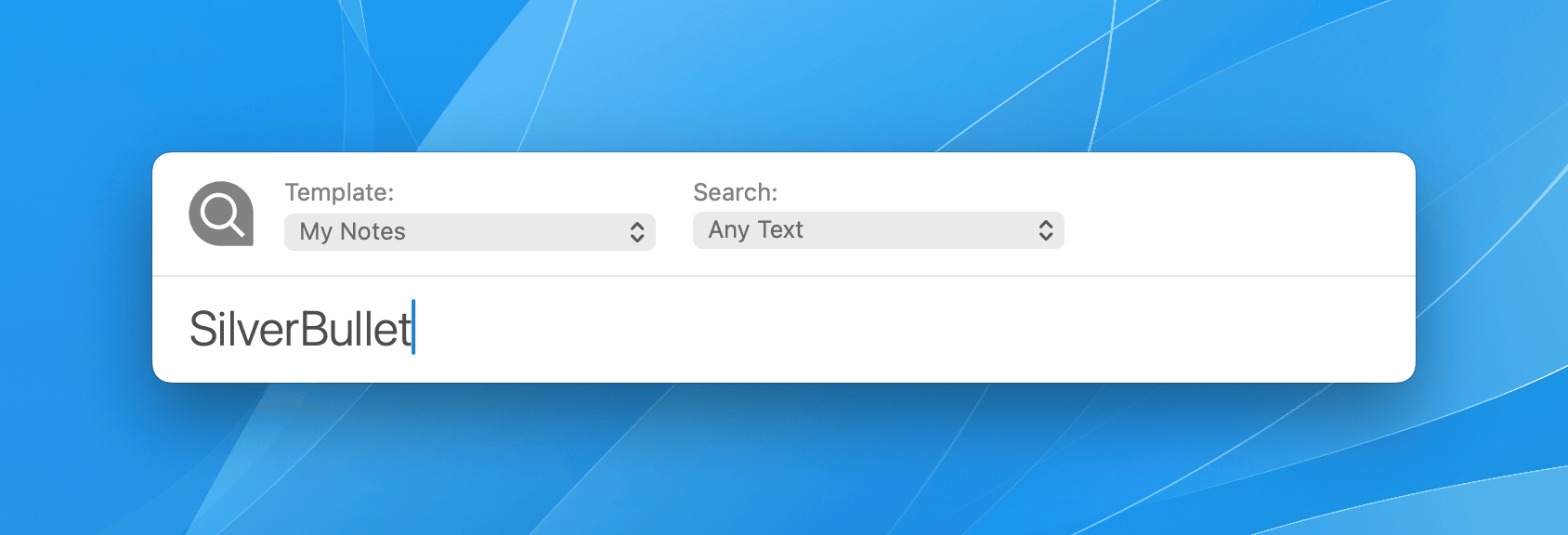
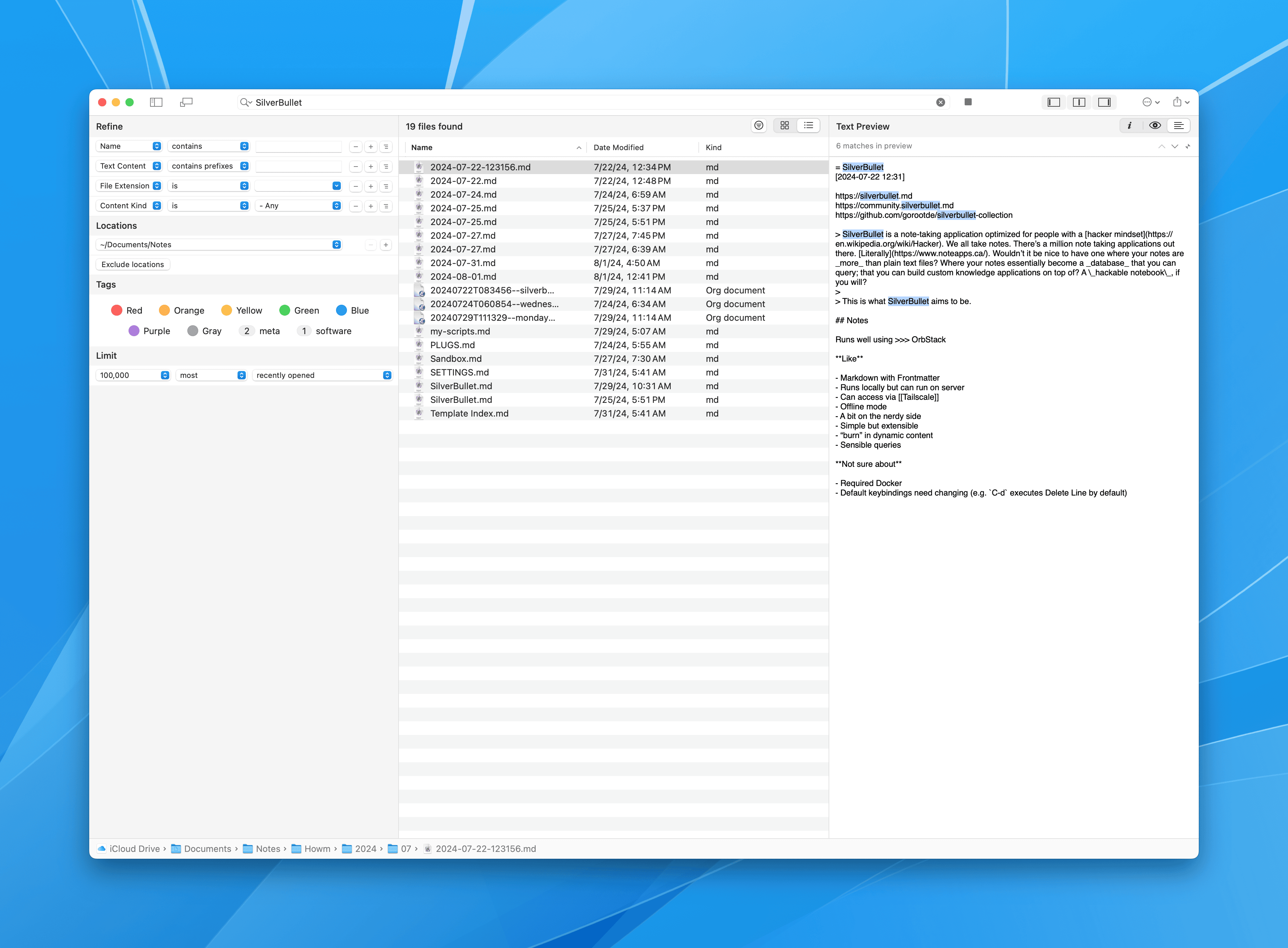
You'll notice SilverBullet in there, my newest infatuation. But here's the trick, I just point the default target for HoudahSpot searches at the enclosing Notes/ folder, and I can find most anything right away.
You'll note that this means I am restricted to apps that allow me to configure where notes are kept and that they're kept in some form of plain text. That covers most of my tools. I had been using DEVONthink for this, but it's been giving me trouble lately so I'm looking at simpler options. I'm digging it.
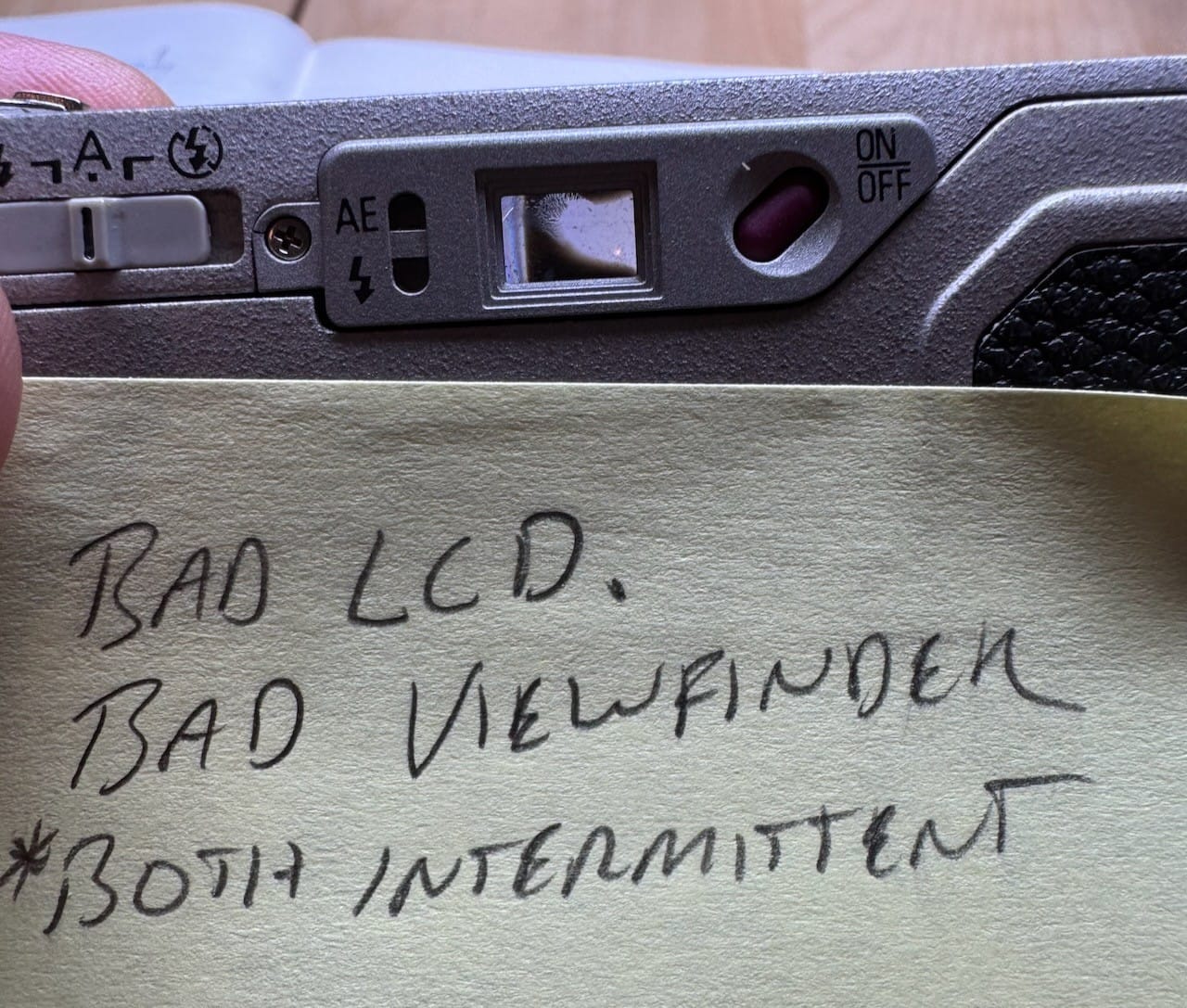
I have been thrilled to be able to use my little GR1 again, after pulling it off the shelf and finding that it does actually work. Except this morning I was reminded why I'd retired it before. The viewfinder becomes blocked by something loose in there or perhaps some sort of separation. Either way, it's not usable when this happens, so I may have to document the issue and re-retire the camera.
SilverBullet is a note-taking application optimized for people with a hacker mindset. We all take notes. There’s a million note taking applications out there. Literally. Wouldn’t it be nice to have one where your notes are _more_than plain text files? Where your notes essentially become a database that you can query; that you can build custom knowledge applications on top of? A hackable notebook, if you will?
Well now who can't resist that? Me, that's who.
I installed SilverBullet via OrbStack, which is also new to me, and is delicious.
First impressions are (it's only been a few hours) that I think he's onto something. I can't explain it, but SilverBullet immediately felt more right to me than Obsidian. I am running it locally on my Mac Mini and accessing it from everywhere else using Tailscale.
I certainly don't need another way to take notes, but I'm going to continue giving SilverBullet a spin and see if it leads anywhere.
Whenever I change blogging platforms or domain names or simply post to several places, I feel a twinge of guilt. How will my "audience" feel about the changes? Does it confuse things?
I sometimes get comments like, "I have trouble finding things you've written because they're all over the place."
I don't get a lot of traffic, but it's also not zero traffic, so I feel some responsibility. But why? I am not writing for money or influence or popularity. I write to better understand what I'm thinking about, and sometimes share the result. I write so that I have a record of those things. I write, almost entirely, for me.
In that light, I shouldn't need to worry about whether my RSS feed is consistent or if people need to follow me in too many places. I don't want to be a dick about it, but c'mon, it's an unimportant personal blog by some nobody on the internet. Let's not overthink it.
So, if you're one of the people who actually wants to read the things I write, I apologize for the scattershot way I go about publishing them. But, honestly, I'll probably always be this way.
I brought the Hasselblad to my parents house while my daughter and grandson were visiting. I underexposed the roll a bit, but the hit rate was better than expected. I love this one of my sister and Lincoln.
Jess and LincolnMy parents with LincolnCrystal and LincolnMom with photobomb
As often happens, I started to waffle on where to keep my notes. I blame Obsidian for this. But also Bear and Evernote and Logseq and DEVONthink and and and.
Obsidian is insidious. Sometimes all I want is to write something down and Obsidian makes that easy. Then it shows you a nice Daily Notes page. Then it makes back/linking easy. Then it teases me with a million simple-to-install plugins.
Before you know it, I'm tweaking templates and writing Dataview queries. I realize that "This is worse than futzing with Emacs!" so I decide to "Reduce & Simplify" and start putting everything into Bear instead.
And around it goes.
Hoping to reduce temptation, I've deleted Obsidian, Logseq, Bear, Noteplan, and a couple others I don't remember.
My notes go in Emacs. Now, does that mean Denote or Howm? Both!
Doom Emacs is pretty great, especially for former Vimmers. I lived in Doom for a long time because it makes so many little things nicer, without having to dedicate one's life to customizing Emacs.
Toward the end of last year I wrote I'm Doomed again when I moved back from my vanilla config. Then, early this year, I rolled my own config again, and spent a lot of time getting things just so. I even removed Evil mode and have been using the usual Emacs bindings. It's the closest I've felt to being comfortable in Emacs in a long time.
Last week I was editing files on a server (via Vim) and I practically started the data center on fire because I had lost years of muscle memory around Vi bindings. Honestly, I miss modal editing.
My vanilla config takes around 4 seconds to launch. That's too long, but I didn't feel like figuring out how to optimize it.
Between slow startup times and nostalgia for Vi bindings, I moved my config aside and re-installed Doom. That was so much fun! It lasted for maybe 10 minutes. I remembered how nice Doom was, but I also remembered that I dislike using Doom's built-in wrappers for things like use-package. I also don't like having to wrap my customizations in (after! ...) blocks so Doom doesn't steal them back.
I spent the time with it so that my stuff worked and Doom's stuff did its magic. Startup time just over one-half a second. Nice! But things were broken. I kept seeing little errors about Org-mode this or that. This could have been a load order thing and maybe I missed and (after! somewhere, but I didn't feel like dealing with it.
The novelty of using Doom wore off quickly and I'm now back to my custom config. I get mad at having to C-c x or C-c c all the time, but at least it all works my way again.
Now, the question is am I even going to continue using Emacs? I'm fun.
I posted the above photo to Flickr 20 years ago today. It was my first. Flickr remains the best place to upload photos. I just wish it was still the best option for sharing them.
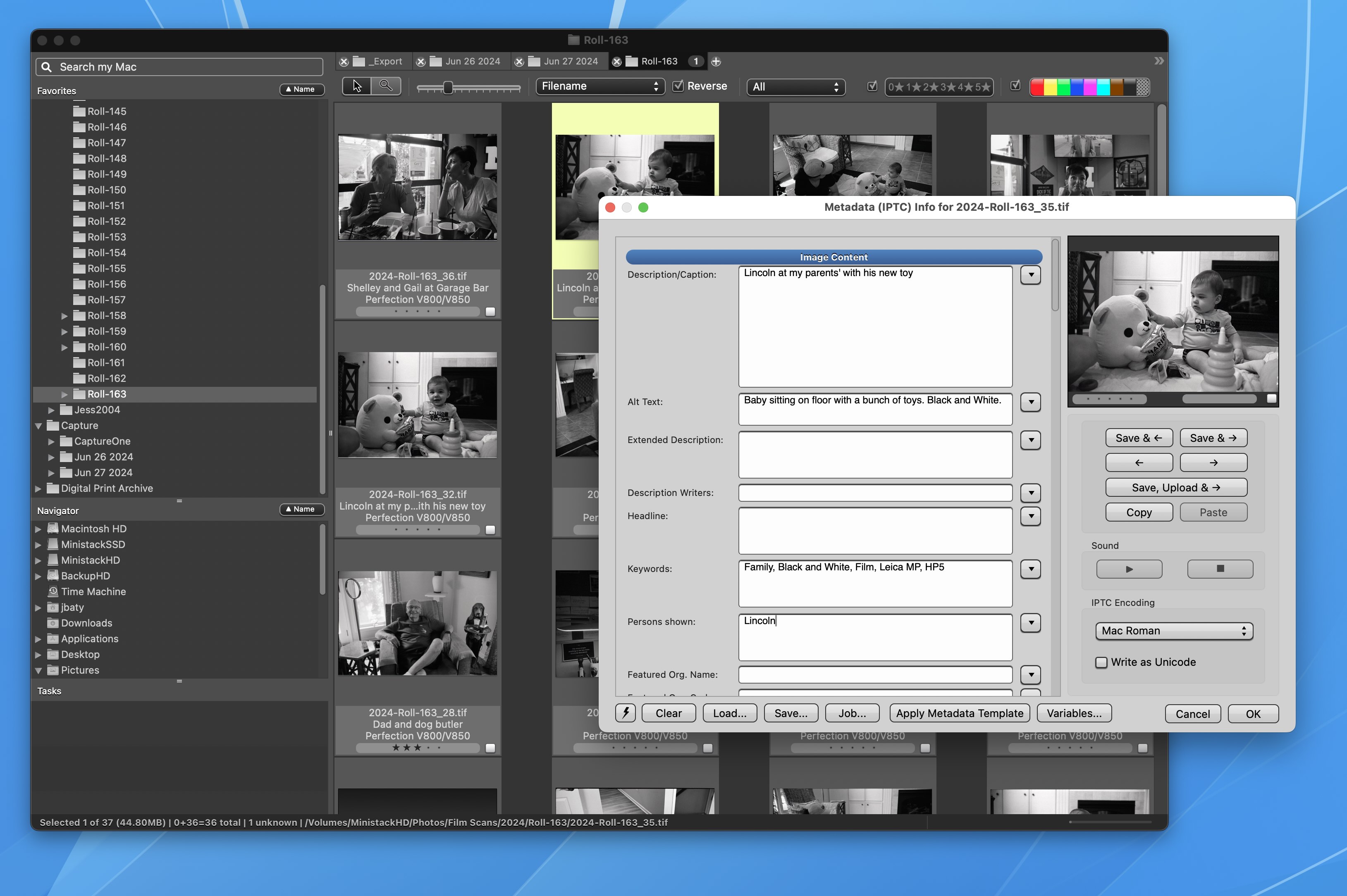
Photo Mechanic is the fastest, most powerful tool for ingesting/browsing/exporting photos. It's always been a little expensive, but I've had a license for many years.
Before 2024, I could buy a license and use it until the next version came out. I paid $90 to upgrade Photo Mechanic Plus (the fancy version with catalogs) from version 5 to version 6 in 2020. That was four years ago. It's not cost me a nickel since then.
There's "a little expensive" and then there's "expensive". This year, Photo Mechanic has introduced subscription pricing, and it's now firmly in the latter category.
Photo Mechanic Plus is now a paid subscription of $249/year. Ouch. The "perpetual" license (good for one year of updates) is $399. That prices it well out of "hobbyist" territory.
A subscription to the standard version is $149/year. Still too expensive for non-professionals.
I've been trying to get by using cheaper alternatives. First, I tried FastRawViewer. It is fast and cheap, but it's also comparatively janky and I simply didn't enjoy it. Next, I tried (link: https://www.apollooneapp.com/ text: ApolloOne). ApolloOne is a nice app. It comes close to being good enough as an image viewer. But it's not good enough to be a full-on Photo Mechanic replacement.
Thing is, I like the way Photo Mechanic works. It fits my brain. It's fast, complete, can be customized nicely, and has been solid for a couple of decades.
After failing to find a suitable replacement, I took the money returned from the Ghost theme I'd purchased, and used it for a one-year subscription to Photo Mechanic standard. It's expensive, but better, so it's worth it.
Most of the information I've written down about my cameras is either on my wiki or in random blog posts. I've decided to try and consolidate things in a new, separate wiki (using TiddlyWiki). It was trivial to drag and drop my original camera notes from the main wiki into this new wiki. I then copied the wiki file to my server, and it now lives here:
It's very much a work-in-progress. My intention is to flesh out the individual entries and catch up on the TODO list. If that goes well, I may include some of my photos or notes on process. After that, maybe I'll add information about photographers who've inspired me. Or not, who knows? TiddlyWiki makes all this easy, but it is also kind of weird. I'll try to keep it easy as I can to navigate.
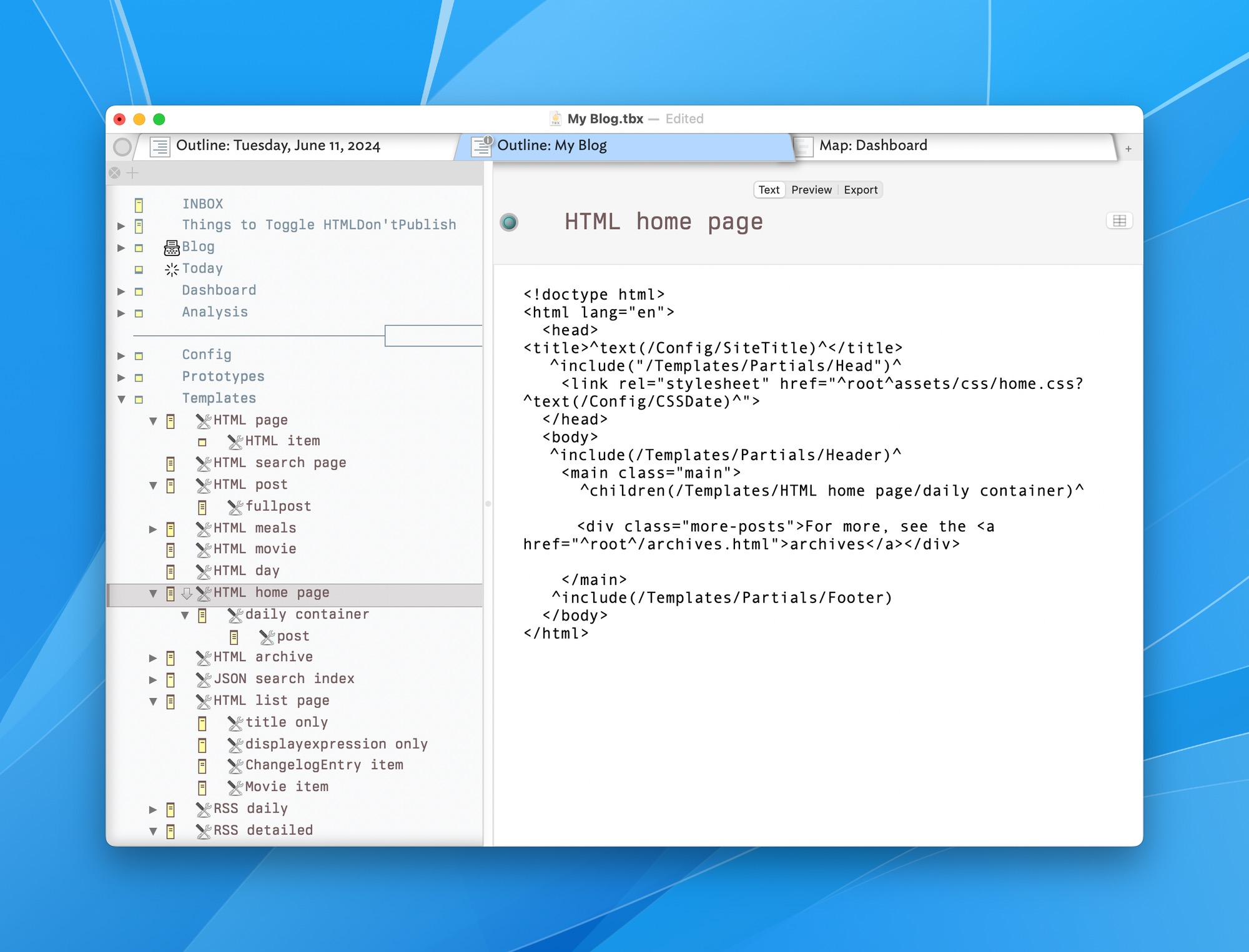
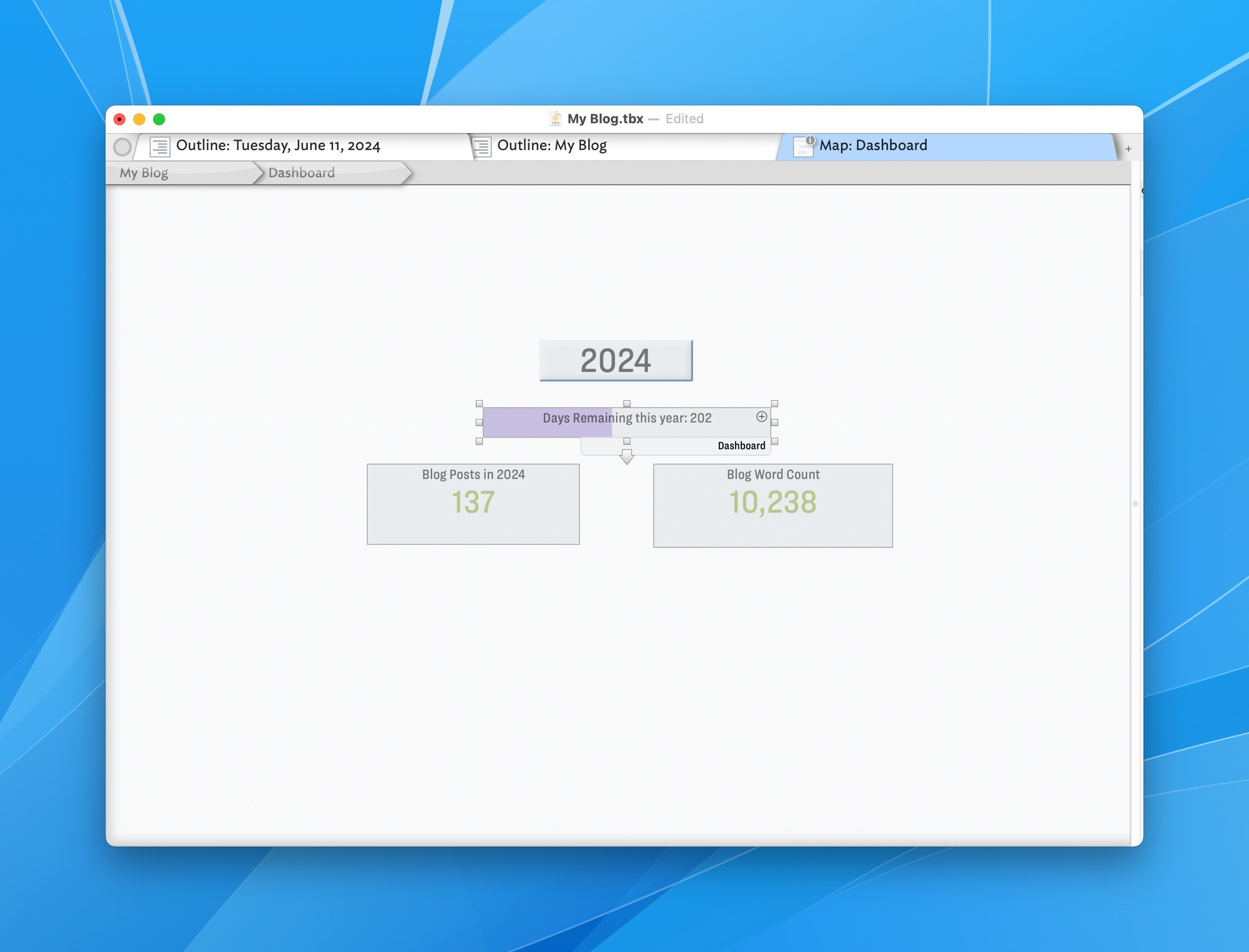
Tinderbox is an unusual, powerful, quirky, and amazing piece of software. I don't understand why more people don't use it for everything. Maybe because it costs $298 and that's expensive by today's app store race-to-the-bottom pricing situation. It's worth every penny, though.
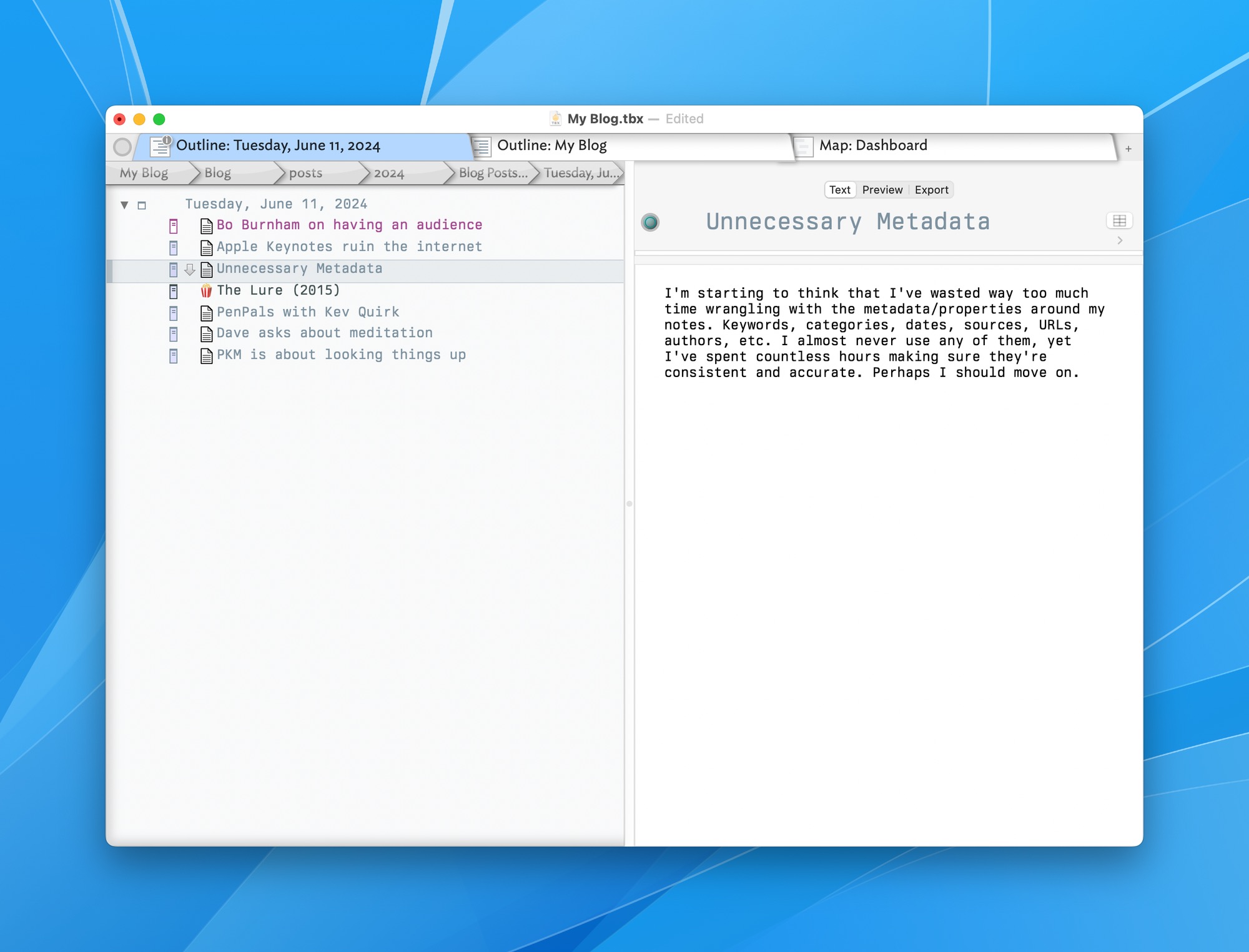
Before Emacs came along, I put everything into Tinderbox. These days, I use Tinderbox for specific projects that benefit from its unique features. I also maintain my blog at daily.baty.net with it.
The blog's Tinderbox document is an outline organized by year/month/day/note. It contains all the HTML/CSS for rendering the site. It contains scripts for grabbing the daily weather forecast and for publishing and deploying the site. It's kind of crazy when you think about it.
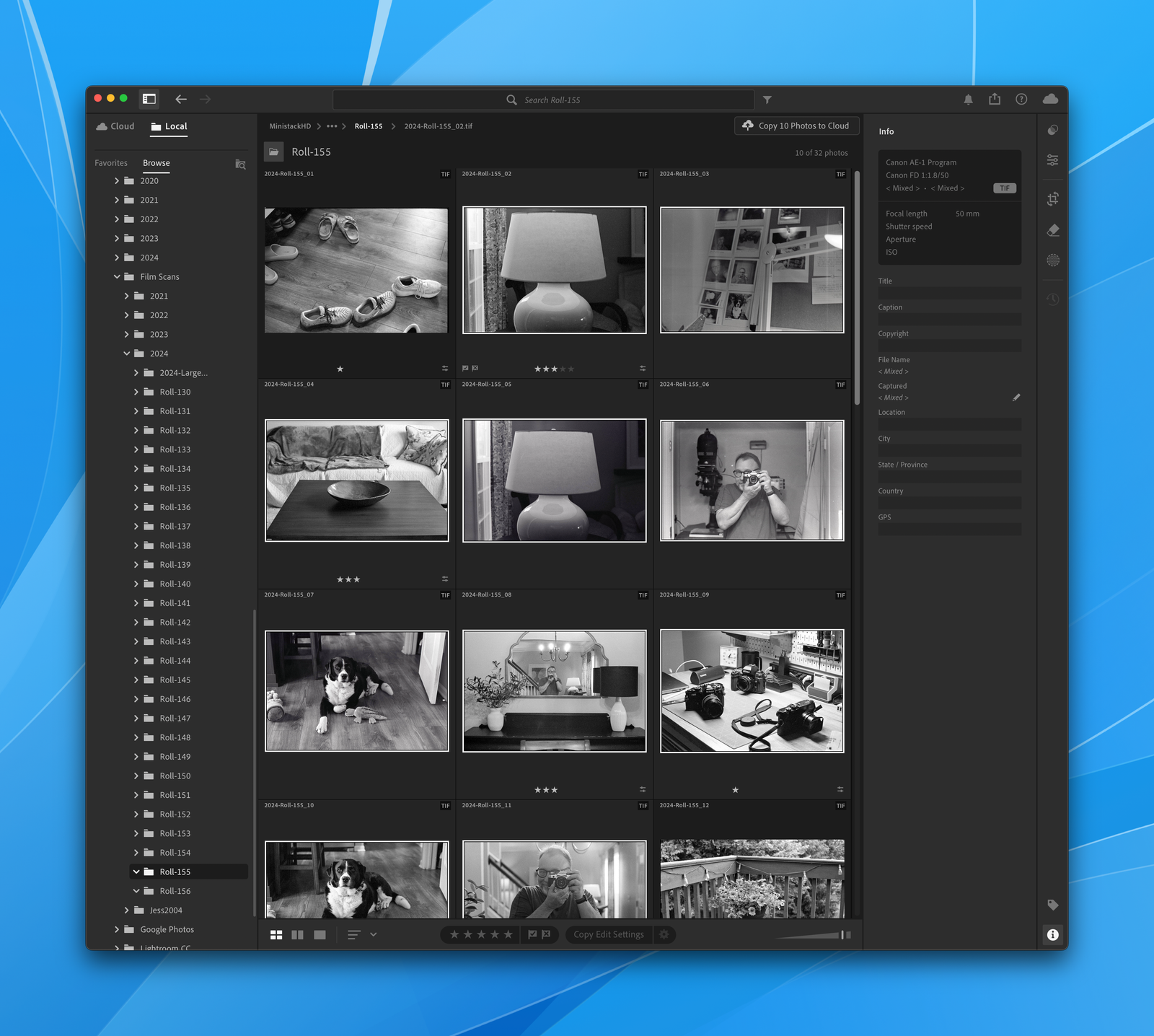
Lightroom it is. After a long period using Capture One, then a shorter period using Lightroom Classic (LrC), I'm once again trying the new Lightroom.
I left Capture One for LrC partly because Capture One's catalog features feel weak compared to LrC. LrC has everything and does it all pretty well. Its ecosystem is unmatched. Capture One is powerful and awesome, but the company is leaning hard into its Professional Photographer In a Studio market. I'm not one of those. C1 is also rather expensive. Instead, I've been using LrC with a single catalog containing every image I have. It works fine, and for $10/month I get both versions of Lightroom on the desktop, the mobile app, and Photoshop. Yes, it's a subscription, but one that is hard to beat.
So why bother switching to the new Lightroom? Fair question. It's mostly because I want to use Lightroom. It's just nicer in most ways. It looks good, it's clean, it's faster, and (regardless of claims otherwise by Adobe), it's the future.
Earlier attempts to switch failed. This is because Lightroom has always depended 100% on cloud storage. That bothers me just enough that I get turned off by it and go back to something that's local-first. Well, recent versions of Lightroom let me edit files directly from folders on disk, just the way I like it. This is even nicer than LrC because there's no need to import anything first. Just browse to the folder and start editing.
Once I'm done culling and editing, I select the "keepers" and press "Upload NN photos to cloud". This does just what it says. From that point on, I abandon the local file and continue any edits using the cloud version. It's nice being able to import photos from a card at my desk, do some basic culling, then move to the couch with an iPad or laptop and take it from there. My original files are where I left them, untouched, in nice, tidy, organized folders.
I still export any photos with significant edits to my "Digital Print Archive", just in case. This is a nice way of working.
 baty.net